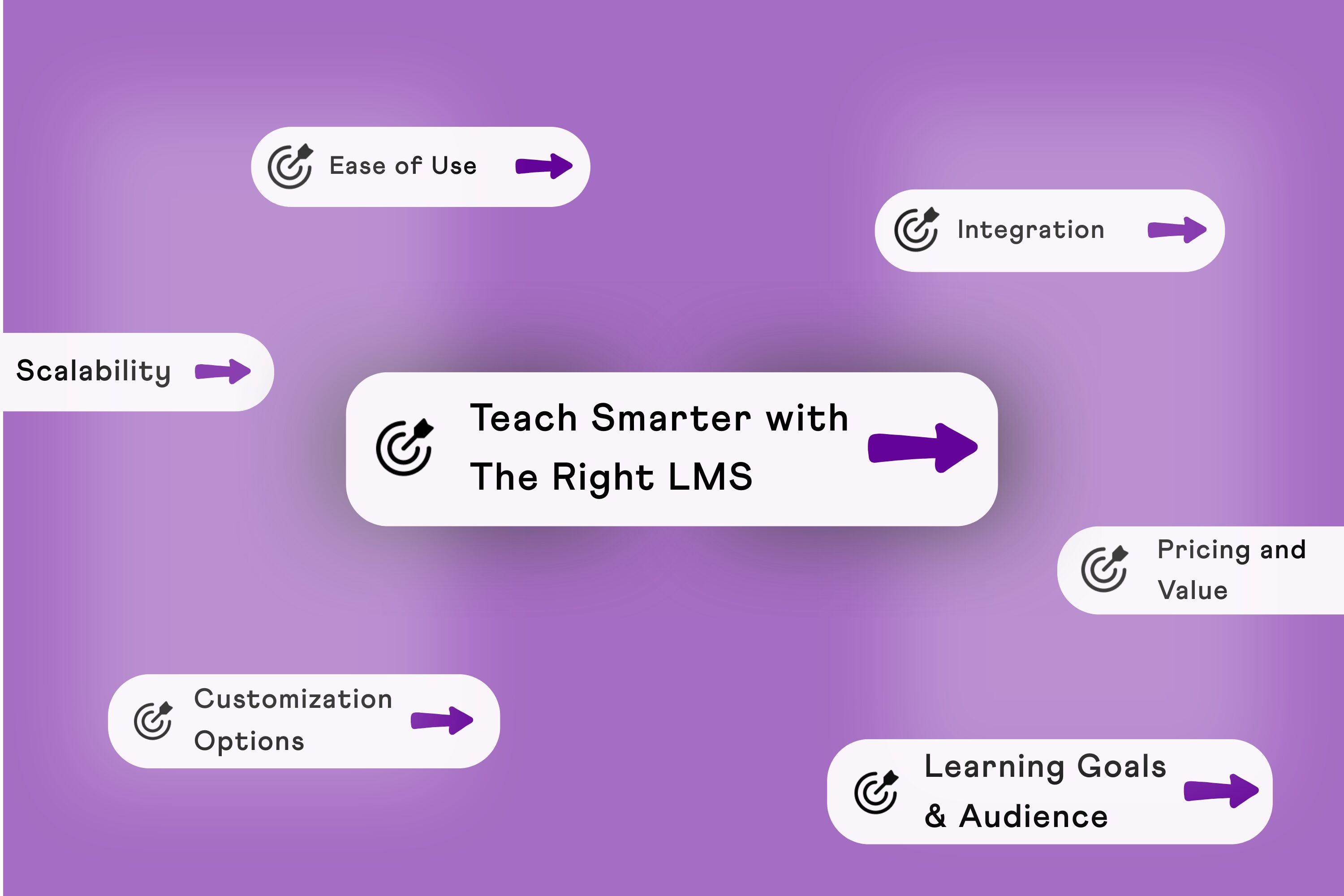
The right LMS helps you deliver structured learning, boost engagement, and monetize your expertise all while saving time and giving you full control over your brand experience.
But sometimes choosing the right Learning Management System (LMS) can feel overwhelming.
With so many options available, it’s easy to get lost in endless features, pricing plans, and technical jargon.
But the truth is, the best LMS isn’t the one with the longest list of features, it’s the one that aligns perfectly with your goals, audience, and resources.
At BuddyBoss, we’ve helped thousands of creators, educators, and organizations build thriving online learning businesses. In this guide, we’ll share the essential criteria we recommend when choosing the right LMS.
What Is an LMS and Why Does It Matter?
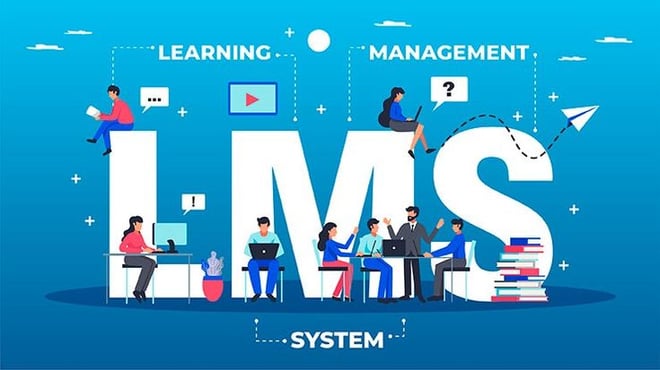
A Learning Management System (LMS) is a platform that helps you create, deliver, and manage online learning experiences. It’s where your students or employees access lessons, track their progress, and stay engaged.
Choosing the wrong LMS can lead to:- Poor learner experience, high drop-off rates, and wasting time migrating to another system later.
That’s why knowing which LMS to choose is a critical first step before launching your online learning program.
Must Have Features When Choosing an LMS Plugin
When evaluating LMS platforms, focus on these core areas:
1. Your Learning Goals and Audience
Are you training employees, selling courses, or building a membership site?
Do you need simple course delivery or advanced features like gamification and certifications?
Is your audience tech-savvy or will they need a very user-friendly interface?
Tip: Write down your top 3 priorities this will help you avoid unnecessary complexity.
2. Ease of Use and Customization
A good LMS should make it simple to set up and manage courses without requiring technical expertise.
It should also allow you to fully brand the platform with your own colors, logo, and style so it feels like an extension of your business.
Most importantly, learners should be able to navigate the platform intuitively without facing a steep learning curve. Remember, an LMS should save you time and effort, not create more work.
3. Content Delivery Options
When evaluating an LMS, consider how it delivers your content. A strong platform supports a variety of formats like videos, quizzes, PDFs, and even live sessions.
It should let you create structured learning paths or drip content gradually to keep learners engaged over time.
Mobile-friendliness is equally important since many learners access training on the go. Ultimately, the more dynamic and flexible the content delivery, the better the engagement.
4. Integration and Scalability
Your LMS shouldn’t exist in isolation. It should integrate seamlessly with your existing tools such as CRMs, email marketing software, or payment gateways.
As your learner base grows, the platform must also scale without performance issues.
Ideally, it should offer API or plugin support for future needs, ensuring you can expand your learning programs without limitations.
5. Reporting and Analytics
Good reporting and analytics are critical for improving your training. The right LMS makes it easy to track learner progress, completion rates, and performance metrics.
It should provide clear insights that help you refine your courses over time. Look for built-in dashboards that visualize this data, or check if the platform supports third-party analytics tools for deeper reporting.
6. Support and Community
Reliable support is essential, especially when technical issues arise.
Choose an LMS provider that offers responsive customer support and has an active community or knowledge base for troubleshooting.
Regular updates and improvements are also a good sign of a platform that’s committed to staying relevant and secure. Strong support can save you from unnecessary headaches later on.
7. Pricing and Value
Finally, consider the pricing carefully. Look for a plan that fits your current needs while offering flexibility for future growth.
Be aware of hidden costs like extra fees for additional users, storage, or premium features. If possible, take advantage of free trials or demos to test the platform before making a commitment.
Always weigh the cost against the actual value you’ll receive, not just the monthly subscription price.
👉 Want the full breakdown of the top WordPress LMS options?
Check out our in-depth guide and find the perfect fit for your platform.
Common Mistakes to Avoid When Choosing an LMS
Even the best-looking LMS can become a headache if you overlook these common pitfalls:
Overpaying for unnecessary features
Don’t get distracted by fancy add-ons you’ll never use. Focus on what directly supports your learning goals and your audience’s needs.
Ignoring mobile-friendliness and learner experience
Most learners access content on their phones. If your LMS isn’t mobile-friendly or feels clunky, engagement will drop fast.
Choosing a platform that doesn’t scale
An LMS that works for 50 learners may fail when you hit 500. Always think ahead and choose a platform that can grow with you.
Overlooking integration with existing tools
Your LMS shouldn’t live in isolation. Make sure it connects with your email system, CRM, payment gateways, and other essential tools.
Skipping the free trial or demo
Never commit blindly. Test the platform to see how it feels for both you and your learners what looks good on paper may feel totally different in practice.
Top LMS Plugins BuddyBoss Has Integration With
BuddyBoss is built to work seamlessly with some of the most powerful Learning Management System (LMS) plugins on WordPress—giving you complete control over how you create, deliver, and monetize your courses. Whether you’re building a coaching platform, a membership site, or a full-scale online academy, these integrations give you the flexibility and tools you need to scale.
LearnDash
One of the most popular LMS plugins, LearnDash pairs perfectly with BuddyBoss to create structured, feature-rich course experiences. Drip content, quizzes, certificates, and advanced progress tracking are all built in—and with BuddyBoss, it all integrates visually and functionally with your community.
Perfect for: Professional course creators, universities, coaching programs.
LifterLMS
If your platform includes memberships, coaching, or community-driven learning, LifterLMS offers robust tools to build an ecosystem. With BuddyBoss, you can tie learning progress directly into your member profiles, community interactions, and achievement systems.
Perfect for: Coaches, consultants, and community-focused educators.
Tutor LMS
Looking for something lightweight, modern, and user-friendly? Tutor LMS integrates beautifully with BuddyBoss to give you a streamlined course-building experience, complete with frontend editing, quizzes, and monetization options.
Perfect for: Solo creators, beginners, and small teams.
WP Courseware
This plugin keeps things simple. It allows drag-and-drop course building and quick setup for those who want a straightforward way to add learning to their site. BuddyBoss complements it with community, gamification, and social learning features.
Perfect for: Internal team training, light online courses, or add-on content.
FAQs on How to Choose an LMS Plugin/Tool
1. Should I choose a free or paid LMS?
Free LMS platforms can work for small projects or testing, but they often come with limitations. Paid LMSs typically offer better customization, support, and scalability. Always evaluate the total value — not just the price.
2. How important is integration when choosing an LMS?
Very. Your LMS should connect easily with your CRM, email system, and payment tools. This saves time, automates workflows, and helps deliver a smooth user experience.
3. What kind of support should I expect from an LMS provider?
Look for providers that offer responsive customer support, documentation, and an active user community. Reliable support can make a big difference if you run into technical issues or need help customizing your setup.
4. How does BuddyBoss help me choose the right LMS?
BuddyBoss is built to support creators, educators, and businesses with flexible course delivery, deep customization, mobile app support, and built-in community tools. We focus on helping you launch an LMS that fits your brand and scales with your growth.
5. Do I need technical skills to set up an LMS?
Not necessarily. Many modern LMS platforms are built with non-technical users in mind. Look for drag-and-drop course builders, templates, and clear documentation. If you’re using WordPress, platforms like BuddyBoss simplify setup without coding.
6. Can I migrate to a different LMS later if needed?
Yes, but it’s not always simple. Migrating courses, users, and data can be time-consuming and may require developer support. That’s why it’s best to choose an LMS that’s built for long-term growth from the start.
7. How long does it take to launch an LMS?
This depends on the platform and how much content you’re starting with. Some LMSs can be up and running in a few hours, while others may take weeks to fully configure. Having a clear plan and pre-prepared content will speed things up.
8. Is mobile access really that important in an LMS?
Yes. A large percentage of users access courses from their phones or tablets. Choosing an LMS with mobile responsiveness or a dedicated app ensures your learners can engage from anywhere which boosts completion rates.
9. Can I use an LMS to sell courses?
Absolutely. Many LMS platforms offer eCommerce integrations or built-in tools to help you sell courses, offer memberships, and manage payments. Look for options that connect with Stripe, PayPal, or WooCommerce if monetization is part of your plan.
10. How can I evaluate the learner experience before committing to an LMS?
Use the free trial or demo to view the platform from the learner’s perspective. Try enrolling in a test course, completing lessons, and using the navigation. You’ll quickly see how intuitive (or not) the experience feels.
11. What’s the difference between a self-hosted LMS and a hosted LMS?
A self-hosted LMS (like WordPress-based platforms) gives you full control over customization, data, and integrations but you manage hosting and updates. A hosted LMS handles all the backend work for you but offers less flexibility.
In a Nutshell
When it comes to how to choose an LMS, it’s not about picking the most popular option, it’s about selecting one that aligns with your learning goals, fits your audience, and grows with your needs.
At BuddyBoss, we believe a great LMS should empower your business not complicate it.
That’s why our platform is built for creators and educators who want professional course delivery, seamless community engagement, and native mobile access all with the full control and flexibility of WordPress.
👉 Explore BuddyBoss now — and launch a learning experience that grows with you.

-
 Article
 Article
- Building Your Online Course