
Introduction
Sidebar widgets in BuddyBoss ReadyLaunch add contextual navigation and engagement features to your platform. By learning how to configure sidebar widgets, you can create a cohesive user experience across activity feeds, member profiles, and groups. This guide walks you through customizing widget settings step by step.
Configure Sidebar Widgets
- In your Dashboard, navigate to ReadyLaunch > Pages & Sidebars > Sidebar Widgets.

- Configure the following widgets:
Activity Feed Widgets
These widgets appear alongside the activity feed and provide discovery and engagement opportunities.
Toggle widgets you want visible on the activity feed:
- Complete Profile
- Latest Updates
- Recent Blog Posts
- Active Members
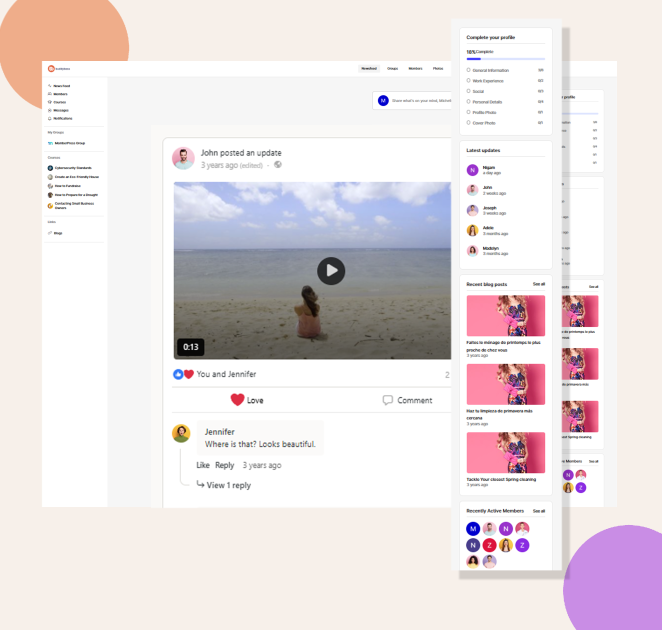
Activity Feed Widgets
Member Profile Widgets
These widgets appear on individual profile pages and offer users personalized options.
Toggle widgets for the member profile page:
- Complete Profile
- Connections
- My Network (Follow/Followers)
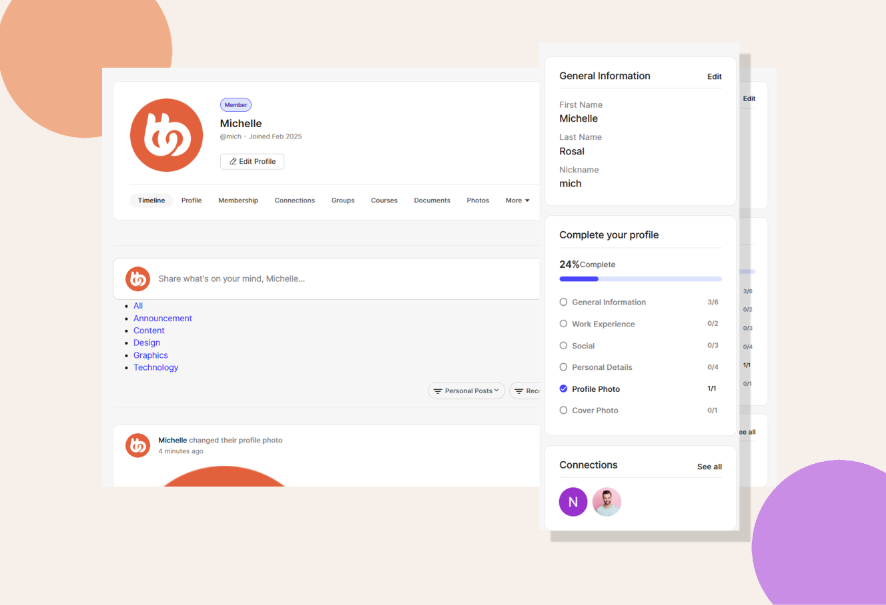
Member Profile Widgets
Group Widgets
Widgets in this area provide information about the group and help users discover members.
Toggle widgets on the group single page:
- About Group
- Group Members
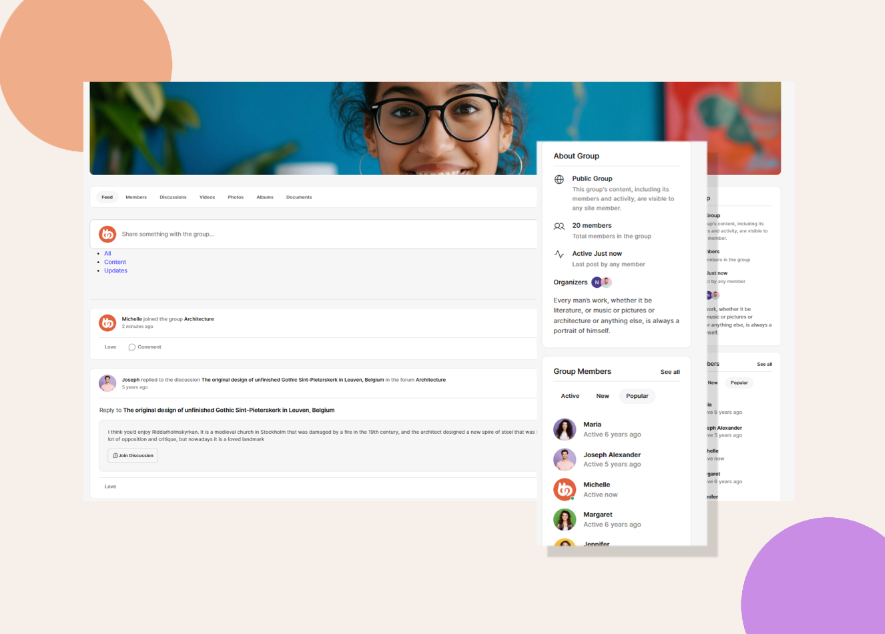
Group Widgets
Troubleshooting and FAQs
Q: Widgets aren’t appearing on the front end.
A: Clear any caching plugins and refresh your browser. Ensure you’ve toggled the correct widgets.
Q: How do I remove a widget I no longer need?
A: Return to ReadyLaunch > Pages & Sidebars > Sidebar Widgets, toggle the widget off..


