The SEOPress plugin is a powerful WordPress SEO plugin to optimize your SEO, build custom HTML and XML Sitemaps, boost your traffic, improve social sharing, create optimized breadcrumbs, add schemas / Google Structured data types, manage redirections 301 and much more.
The plugin features include:
- Import posts and terms metadata from Yoast SEO, All In One SEO, SEO Framework, Rank Math, SEO Ultimate, WP Meta SEO, and Squirrly
- Titles (with dynamic variables: custom fields, terms taxonomie…)
- Meta descriptions (with dynamic variables too)
- Google Analytics and Matomo with downloads tracking, custom dimensions, ip anonymization, remarketing, demographics and interest reporting, cross-domain tracking…(GDPR compatibility)
- Canonical URL
- Meta robots (noindex, nofollow, noodp, noimageindex, noarchive, nosnippet)
- Build your custom XML Sitemap to improve search indexing.
- Image XML Sitemaps to improve search indexing for Google Images.
- Customizable HTML Sitemap to enhance navigation for visitors and improve search indexing
- Link your social media accounts to your site.
- Redirections in post, pages, custom post types
- Remove /category/ in URLs
- Remove ?replytocom to avoid duplicate content
- Redirect attachment pages to post parent
- Redirect attachment pages to their file URL
- Automatically set the image title / alt / caption / description
- Import / Export settings from site to site
- Content analysis
- Mobile / Desktop Google Preview
- and much more…
The BuddyBoss Theme adapts the SEO settings seamlessly to optimize your website.
Installing the plugin
To install the plugin:
- Download the FREE SEOPress plugin from the link below
https://wordpress.org/plugins/wp-seopress/ OR
Buy and download SEOPress PRO plugin from the link below
https://www.seopress.org/seopress-pro - Extract the downloaded wp-seopress.zip file to the WordPress plugins folder yourhostname/wordpress/wp-content/plugins OR
Go to your WordPress Dashboard > Plugins > Add New. Click the Upload Plugin button. Browse to the download file location, select the wp-seopress.zip & install the plugin. - Click the Activate Plugin button to activate the SEOPress plugin on your website. OR
To activate the plugin on your website site go to WordPress Dashboard > Plugins and then click the Activate button for SEOPress.
Setting up the plugin
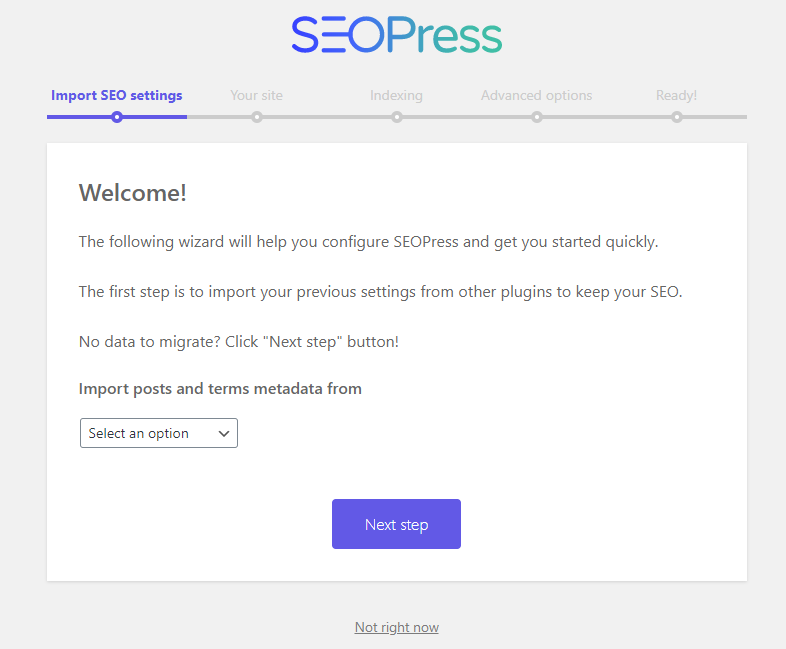
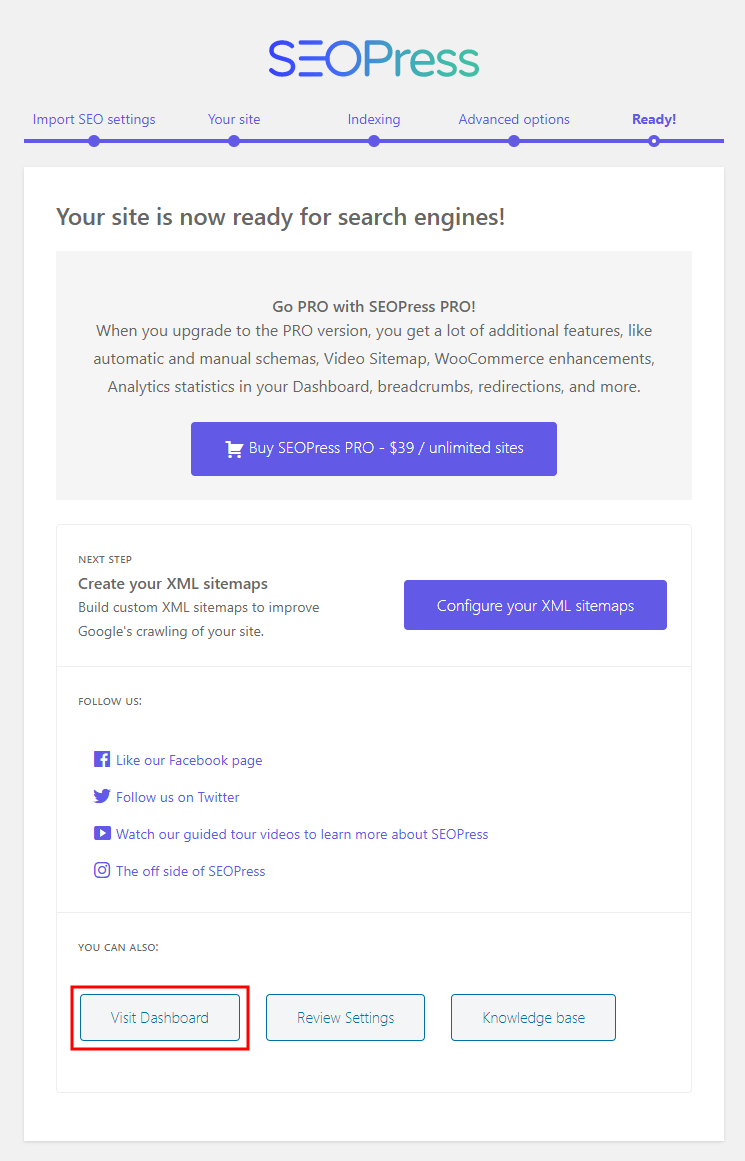
To set up the plugin, follow the instructions in the setup wizard.