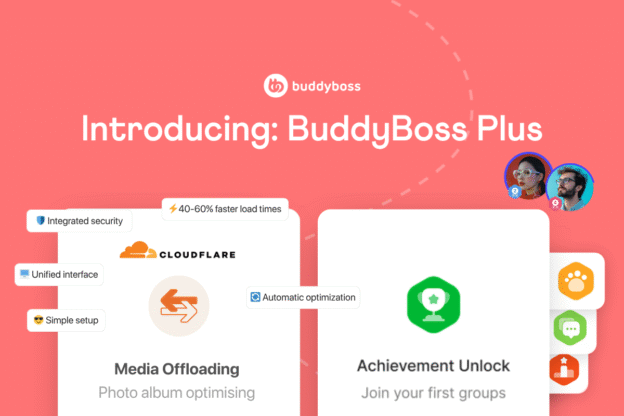
Online communities thrive on rich media—images, videos, and documents are essential for engaging members and delivering compelling content. However, managing this media efficiently often presents challenges, including the potential for slower load times, increased hosting resource usage, and complex optimization processes. Improvements in media delivery directly enhance the user experience, boost site performance, and ultimately contribute to the success of your platform. Today, we’re excited to introduce BuddyBoss Offload Media, a powerful new feature designed to help you build a high-performance community that captivates and connects.
Build a High-Performance Community That Captivates and Connects
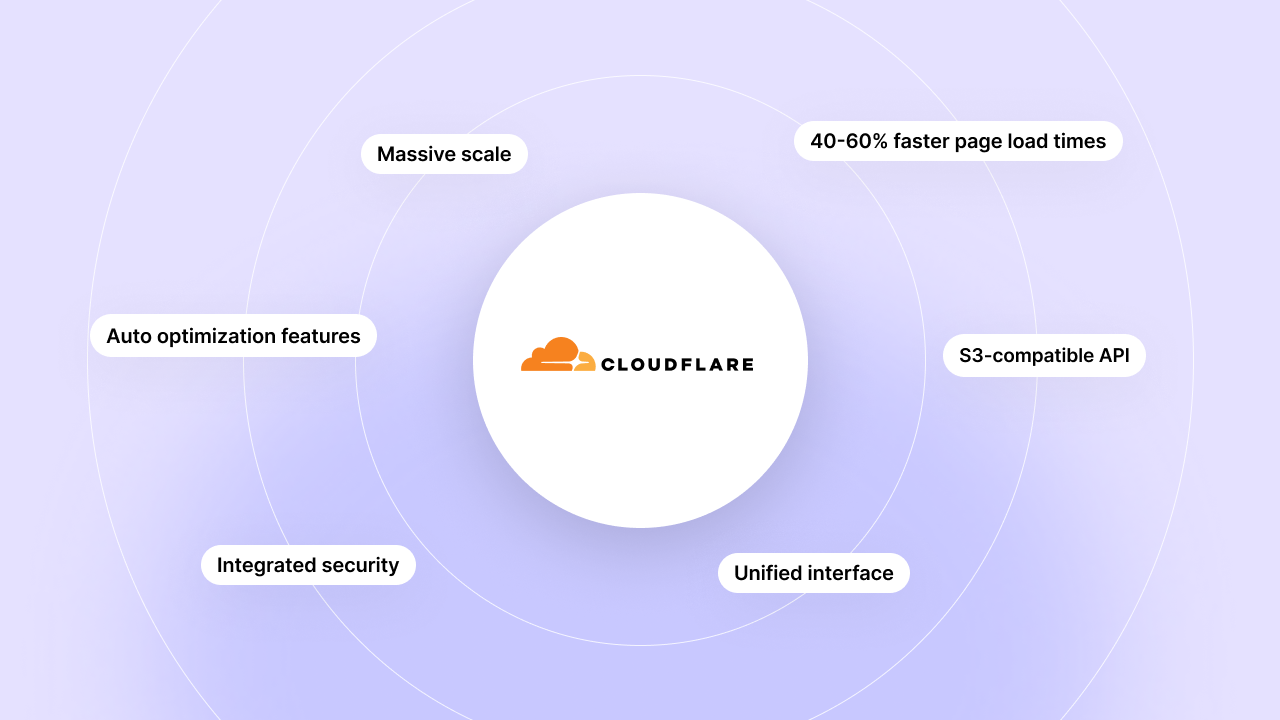
BuddyBoss Offload Media automatically moves your images, videos, and documents to Cloudflare, ensuring blazing-fast performance, efficient hosting cost management, and a seamless experience for your members. This transforms your media-heavy community with a deeply integrated solution that optimizes content delivery, drastically improves site speed, and simplifies management with significant operational benefits. This intelligent media delivery is here to enhance how your content reaches your audience, helping you build a high-performance community that captivates and connects.
Say Goodbye to Performance Bottlenecks and Embrace Agile Media Delivery
Before Offload Media, managing a growing community’s rich media could sometimes lead to increased server load, potentially impacting site responsiveness and overall user experience. This could mean members facing longer waits for content to load, or administrators dedicating more time and resources to media management plugins. With Offload Media, you can effortlessly deliver lightning-fast media, achieve significant operational savings, and watch your members thrive in a responsive, high-performance environment. Your entire platform becomes agile and responsive, serving content seamlessly from Cloudflare and turning potential performance challenges into fluid engagement.
Who Is Offload Media Indispensable For
Offload Media is an indispensable tool for online community administrators, educators, and content creators who manage media-rich platforms and are seeking to enhance performance, reduce operational costs, and streamline their media management workflows. If your community features extensive photo galleries, video tutorials, or downloadable resources, and you’re looking for ways to improve loading speeds and optimize storage, this feature is for you. It simplifies a complex aspect of site management, allowing you to focus on creating engaging content and fostering community growth without technical headaches. This feature is valuable for all BuddyBoss users looking to optimize their site performance and reduce hosting overhead.
Key Benefits in Action
Blazing-Fast Delivery
Automatically offloads and optimizes all your images, videos, and documents to Cloudflare’s global network, ensuring lightning-fast delivery and a superior user experience that keeps your members engaged. This means your members enjoy instant access to all content, leading to higher satisfaction and longer session times.
Optimized Cost Savings
Eliminate the need for additional third-party offload and image optimization plugins and reduce hosting bandwidth consumption, centralizing your media strategy into one powerful, integrated solution that can significantly lower your operational costs. You can reclaim budget previously spent on separate services and reallocate it to enhance your community further.
Effortless Management
With a simple, one-time configuration, activate intelligent media offloading and optimization, allowing you to focus on growing your community and content creation, not technical complexities. The “set it and forget it” approach frees up your valuable time, simplifying what used to be a tedious and technical task.
How To Get Started With Offload Media
Effortless setup, profound impact: Offload Media integrates seamlessly in just a few clicks, freeing you from complex media management. To begin leveraging the power of Offload Media, ensure your BuddyBoss installation is updated to the latest version. Navigate to your administrative dashboard and activate the Offload Media feature. Follow the intuitive setup wizard to configure your Cloudflare integration and select the media types you wish to offload. “Set it and forget it” media optimization means more time for your community, less time troubleshooting performance issues. It is important to note that you will need to have a Cloudflare account for this integration. Comprehensive help guides and tutorials are available to assist you every step of the way.
What’s Included & Availability
Offload Media is available on the Plus Plan and above, ensuring that every community can benefit from enhanced performance and reduced resource strain. If you are a BuddyBoss Pro license holder upgrade to Plus from your account dashboard to start offloading your media today. This feature supports both web and app, providing robust media offloading capabilities for your desktop and mobile browser users. All media types—images, videos, and documents—are supported, leveraging Cloudflare’s global network for optimal delivery. This feature is compatible with both BuddyBoss Web & App users.
FAQ’s About Offload Media
Q1. What is Offload Media and how does it work?
A1. Offload Media automatically moves all your BuddyBoss site’s images, videos, and documents to Cloudflare’s global network (R2 storage). When a user requests media, it’s served directly from Cloudflare, bypassing your server, leading to faster load times and reduced server load.
Q2. Is Offload Media available on all BuddyBoss plans?
A2. Offload Media is included in BuddyBoss Plus and above, making its powerful optimization and cost-saving benefits affordable as an upgrade from Pro.
Q3. Does Offload Media support the BuddyBoss App?
A3. Yes, Offload Media is designed to optimize media delivery for your web and app. Wherever your media is loaded from optimised versions are served from Cloudflare directly to your website or mobile app.
Q4. Can I choose which media types are offloaded?
A4. Yes, during the setup process, you have the option to select which media types (images, videos, documents) you wish to offload to Cloudflare storage, giving you full control over your media strategy.
Q5. Will Offload Media reduce my hosting costs?
A5. Yes, Offload Media is designed to significantly reduce your hosting costs. By offloading media to Cloudflare, you drastically reduce bandwidth consumption and storage usage on your primary hosting server, which can lead to substantial savings, especially for media-heavy sites.
Q6. How does Offload Media improve site speed?
A6. Serving media directly from Cloudflare’s globally distributed network (CDN) means content is delivered from the closest server to your users. This significantly reduces latency and server load, resulting in blazing-fast page load times and a smoother user experience.
Q7. Is it complicated to set up Offload Media?
A7. Not at all. Offload Media is designed for effortless setup. A simple, intuitive wizard guides you through the one-time configuration process for integrating with Cloudflare, allowing you to “set it and forget it.” Please note you will need a Cloudflare account.
Q8. Do I still need other optimization plugins if I use Offload Media?
A8. Offload Media centralizes media offloading and intelligent optimization. While it significantly reduces the need for many third-party media optimization plugins, you may still choose to use others for functions not directly related to offloading, such as object caching.
Q9. Is Cloudflare storage free to use with Offload Media?
A9. Cloudflare R2 offers generous free tiers, including 10GB of storage and 10 million read operations per month, with very competitive pricing beyond that. While Offload Media facilitates the integration, any Cloudflare R2 storage costs are managed directly with Cloudflare.
Q10. How does Offload Media handle GDPR and data privacy?
A10. Offload Media utilizes Cloudflare’s services, which are designed with strong privacy and security features. Cloudflare is GDPR compliant, helping you ensure that critical legal and regulatory requirements for data protection are met for your media assets.
Related Resources
- Help Guides – How to Set Up Offload Media



 Article