

BuddyBoss App

The most innovative WordPress powered Mobile Learning solution.
  • May: Full Capacity
  • June: Closing Soon
  • Next Delivery Period: July/Aug-2022
FROM THE SHOWCASE
See how others have used the BuddyBoss App to launch their OWN state of the art branded mobile app
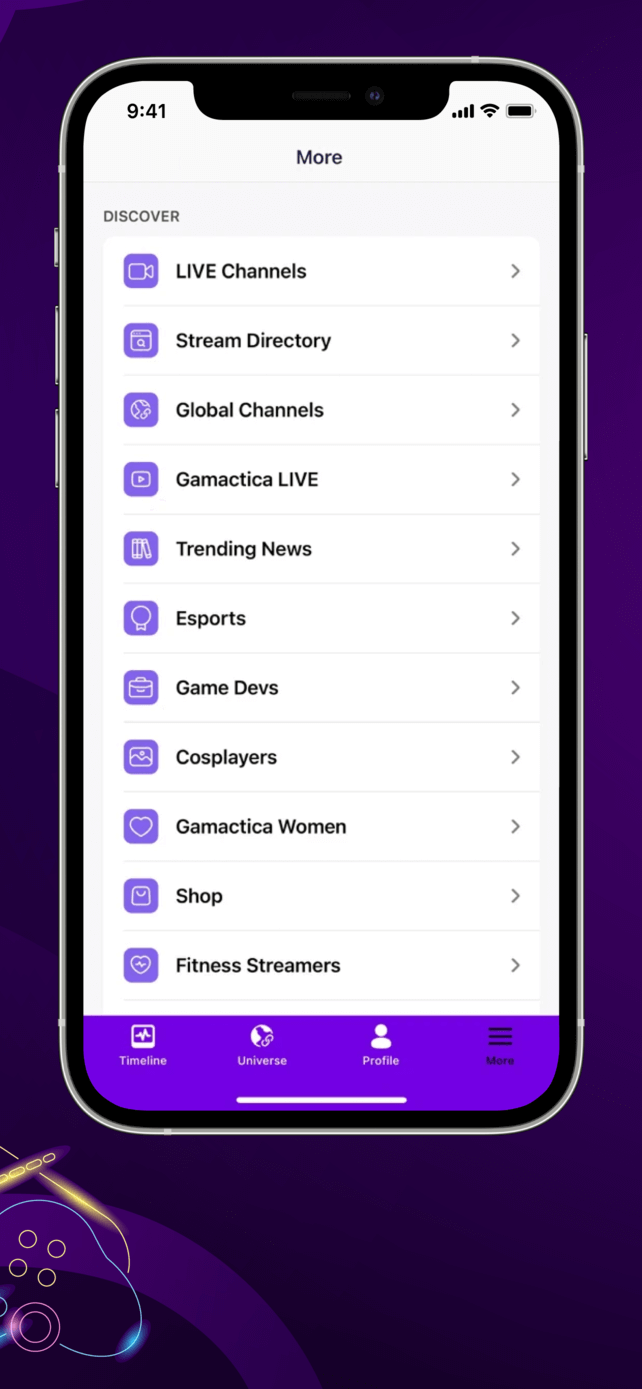
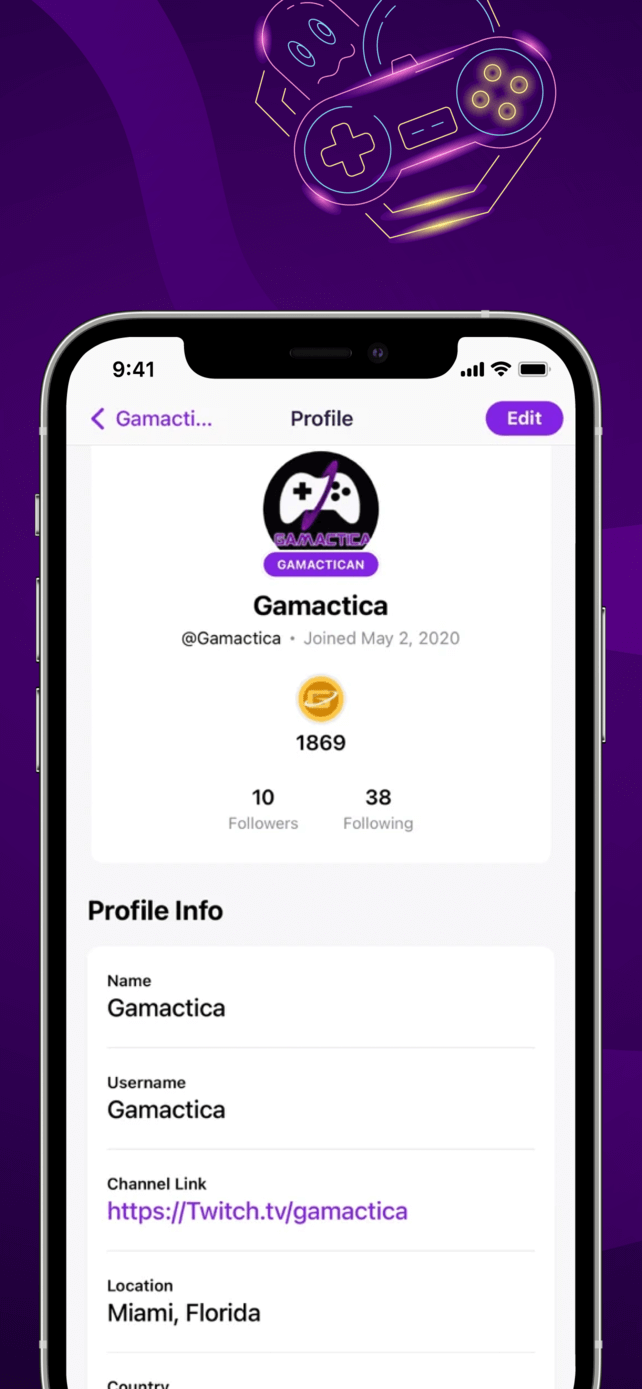
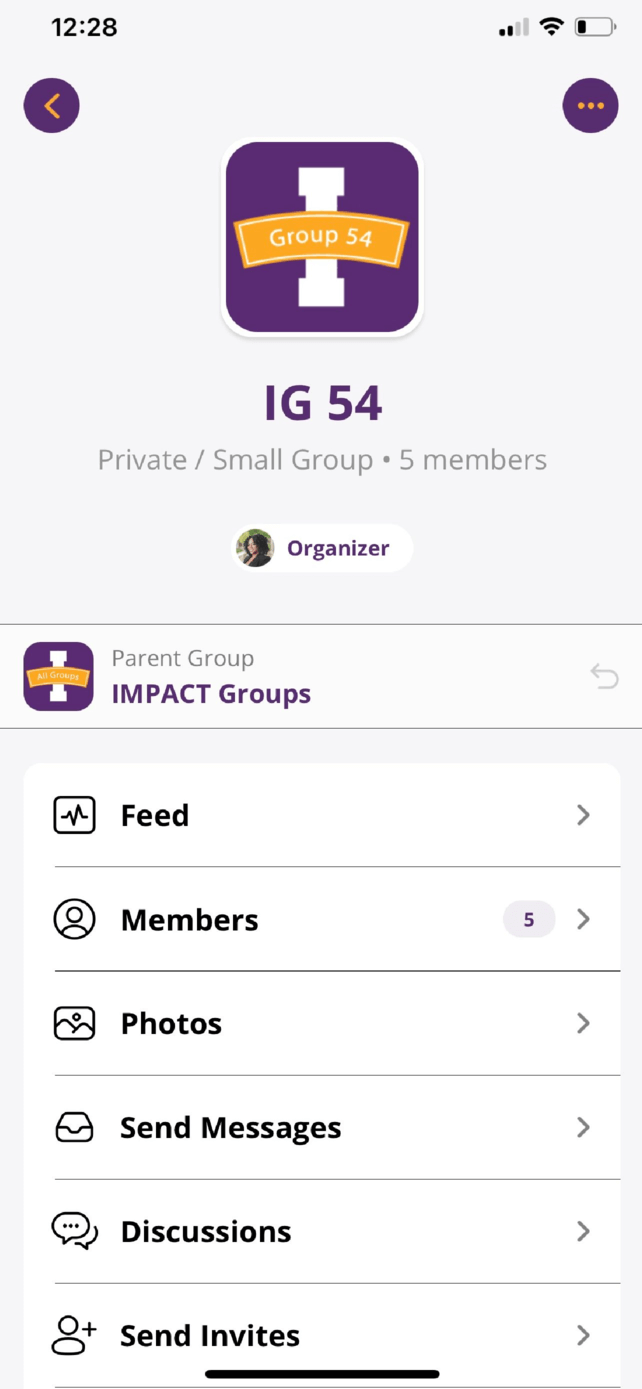
Gamactica
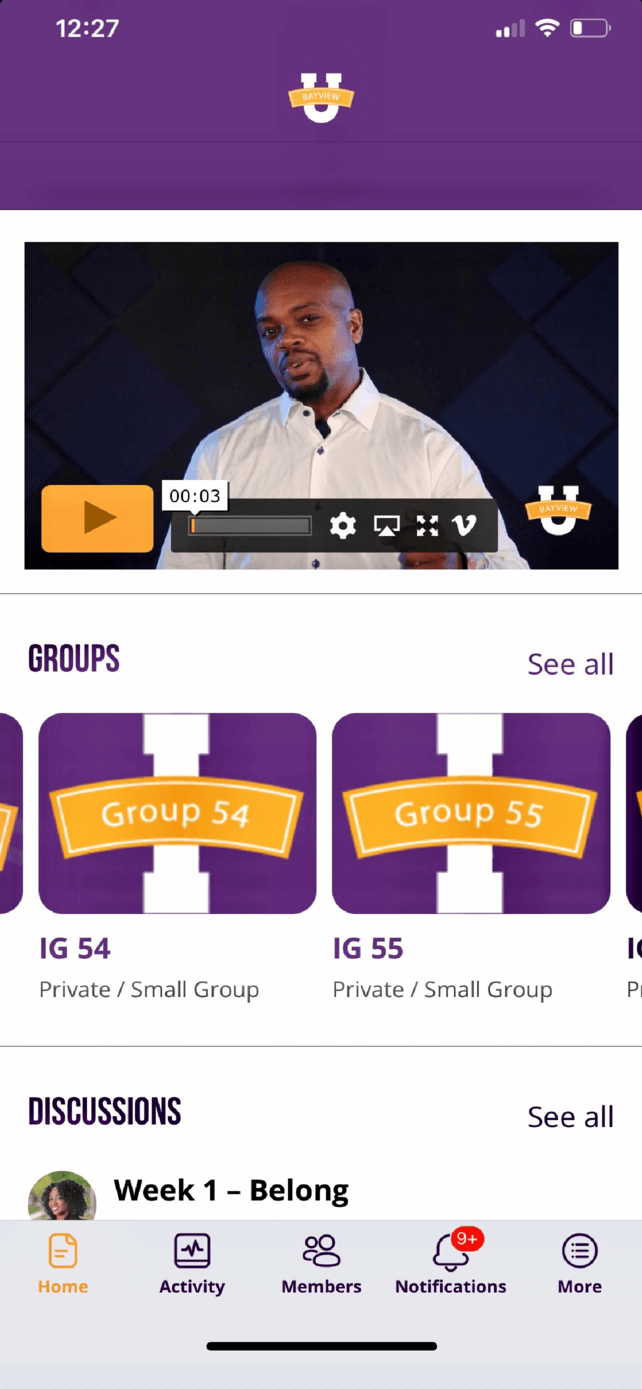
Bayview U
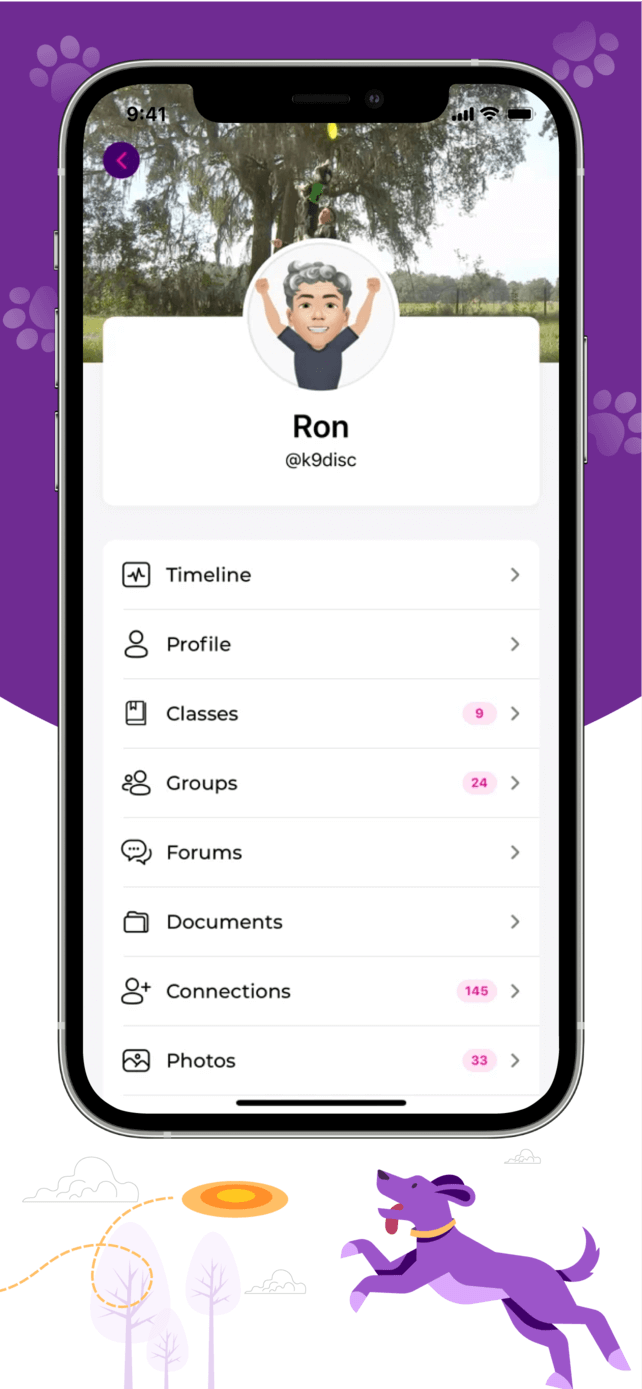
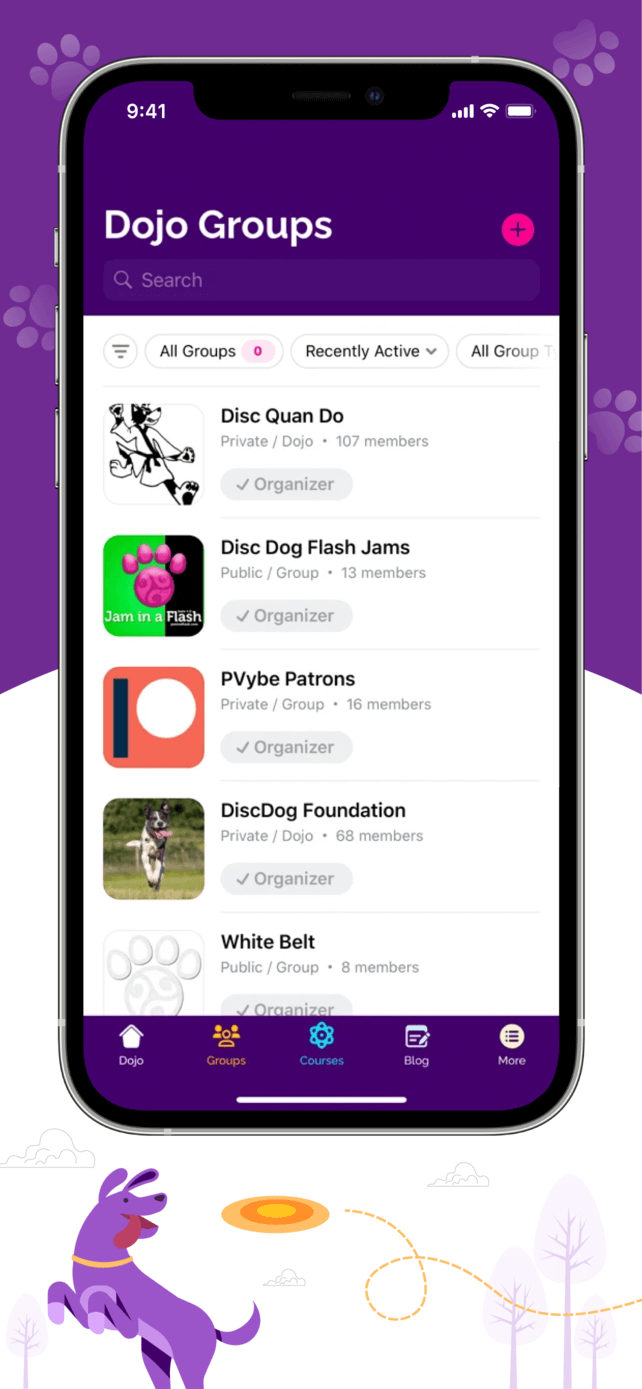
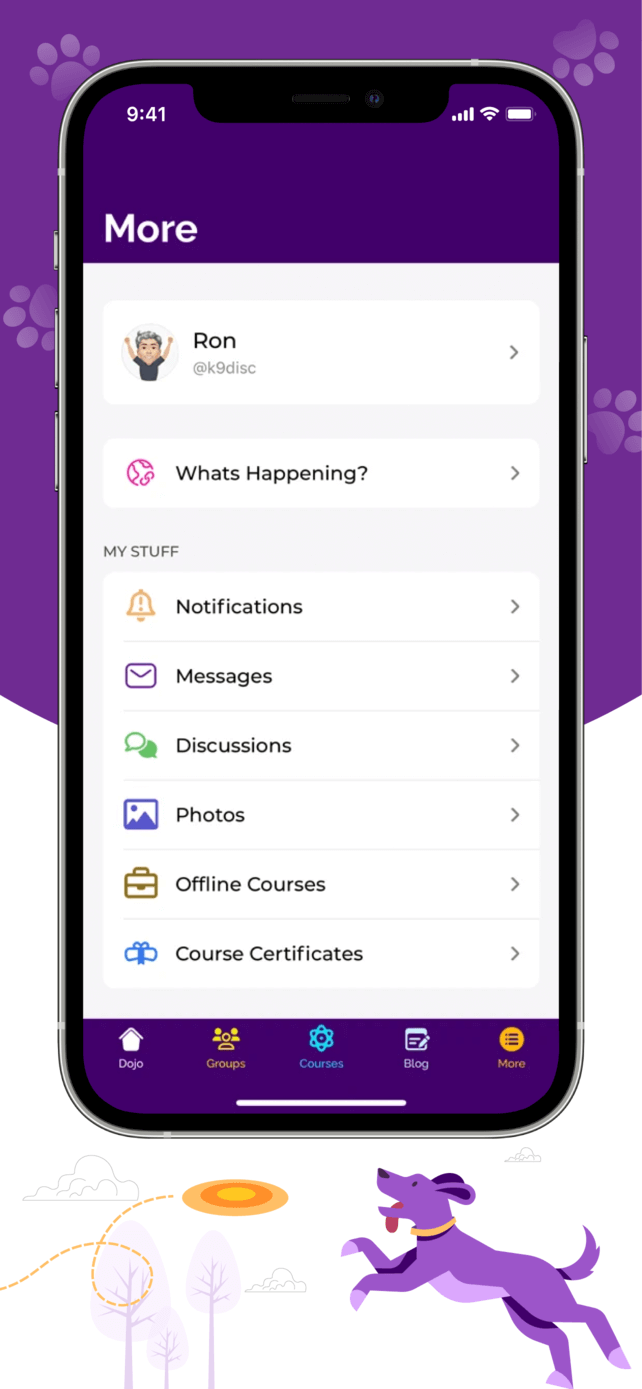
Pawsitive Vybe
Motocloud
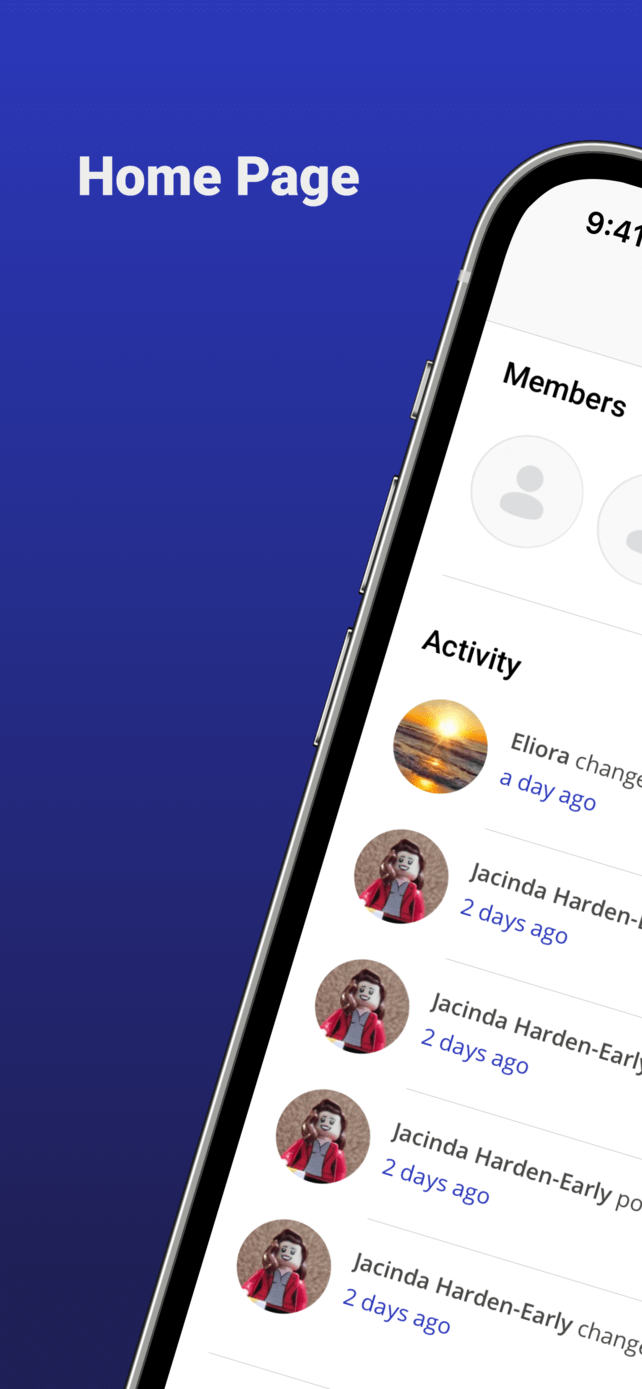
MyBFD
Clan Dog

NATIVE MOBILE APP

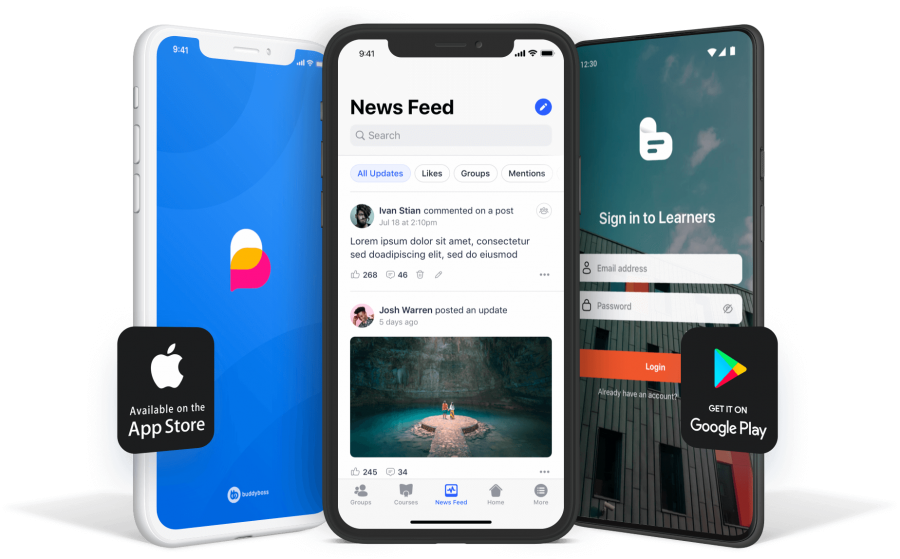
Your own native app, in your own Apple App store and Google Play Store accounts, with your own branding
Three smartphones display different app screens a colorful logo a news feed and a sign in page App Store and Google Play badges indicate the apps are available for download on both platforms

Stand out from the crowd and use the BuddyBoss App to launch your very own native mobile app for iOS and Android!

We provide you with all the options you need to customize the look and feel of your app to match with your branding.


Our Customers Love the BuddyBoss App

play-icon
HeyCollege
Anna Sharp
Founder & CEO
play-icon
Clan Dog
Cat Topham
Co-Founder
play-icon
Korean Hoon
Ryan Lee
Founder & CEO
play-icon
Medical School Companion
Jack Tisdall
Founder & CEO

COMMUNITY

Connect your people, anywhere. Grow your
community
and take your member engagement to
the next level
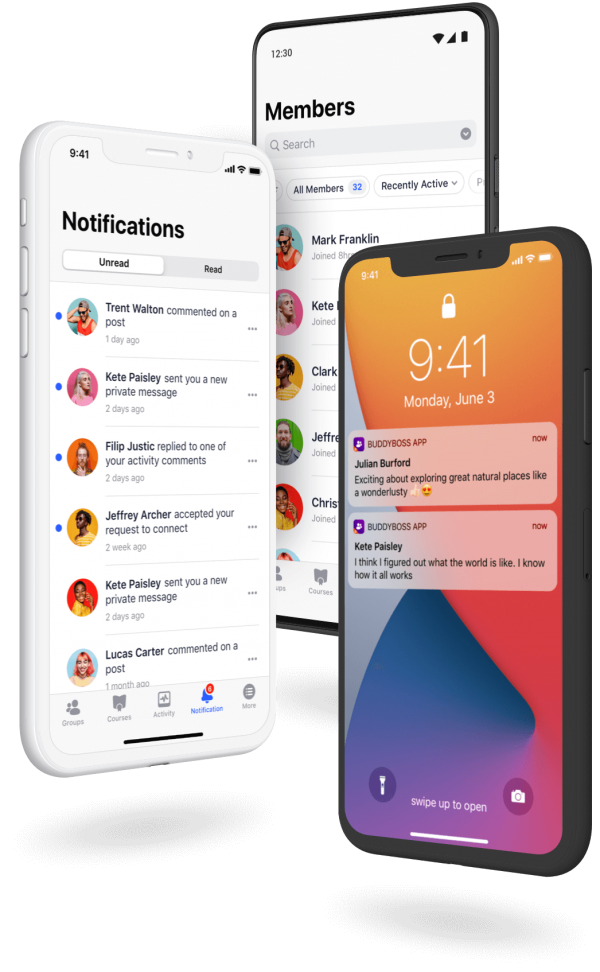
Three smartphones display different app screens one shows notifications another shows a members list and the third shows a lock screen with message notifications The devices are angled and overlap each other

Enable your followers or customers to connect under your brand from anywhere they are. Increase engagement and retention, and gather valuable feedback.

Allow your people to learn from each other, increase your brand’s value, and reduce your workload.

Your mobile app comes with community features such as user profiles, groups, activity feeds, forum discussions and more.

An orange circular icon with a white silhouette of a person in the center symbolizing a user profile or account
Member Profiles
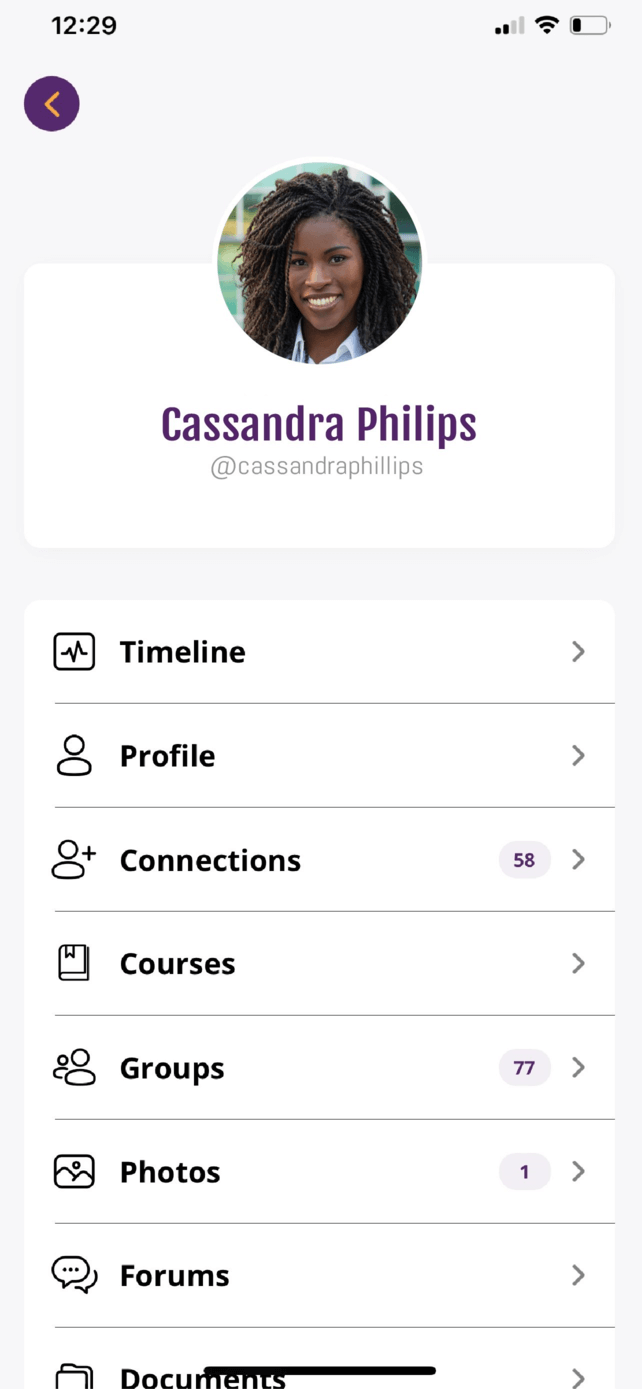
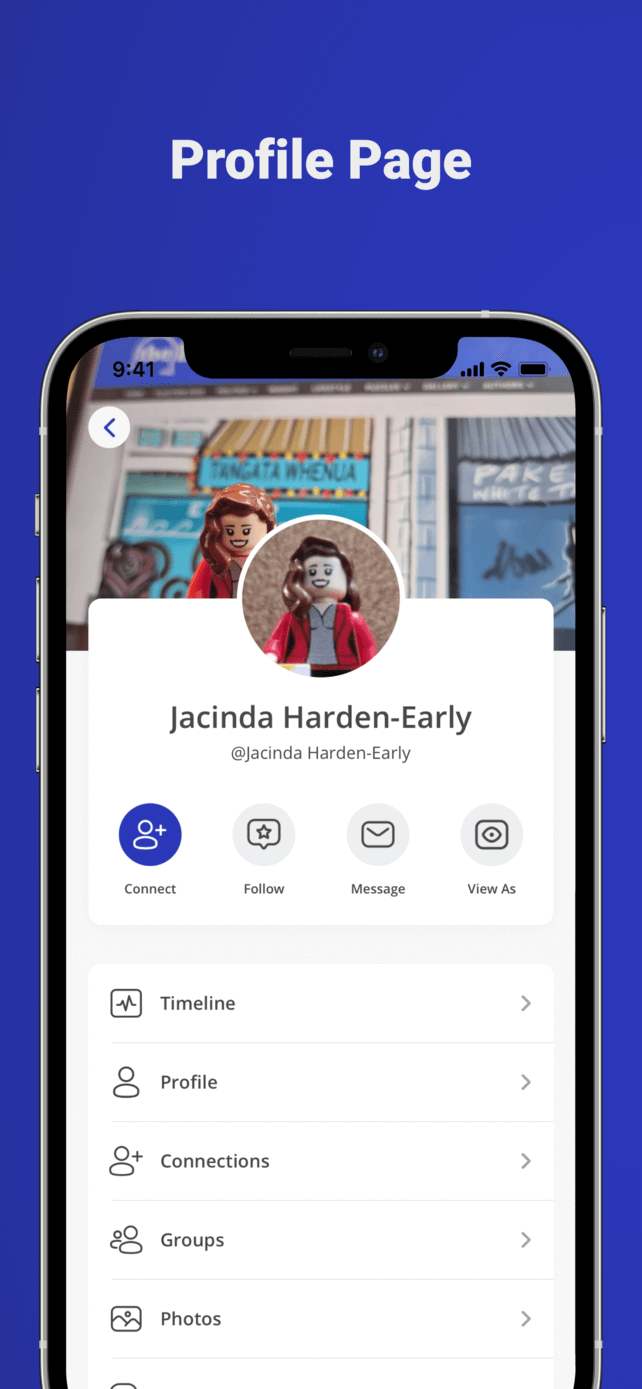
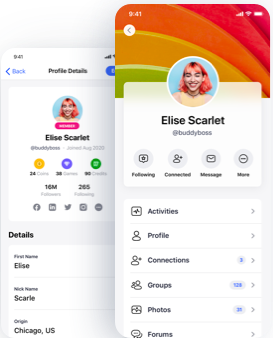
Two mobile screens display a user profile for Elise Scarlet showing her photo username stats and menu options like Activities Profile Connections Groups and Photos on a bright colorful interface

Member Profiles

Your app displays the profile fields as configured from your WordPress dashboard. Members can upload an avatar, edit profile information, view their profile or other members’ profiles, all from the mobile app.

An orange icon of a person with a plus sign next to it commonly used to represent add user or create new account
User Invites
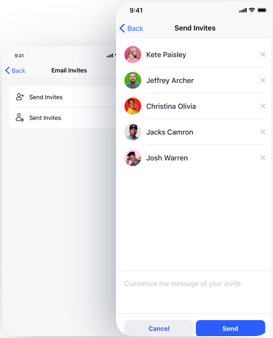
A mobile app screen shows an invitation feature with a list of five contacts each with a profile photo and name and options to select and send invites The background shows a menu with Send Invites highlighted

User Invites

Allow members to send invites to their contacts as new users to your mobile app.

Two simplified orange user icons one larger in front and one smaller behind to the right representing multiple users or a group
Social Groups
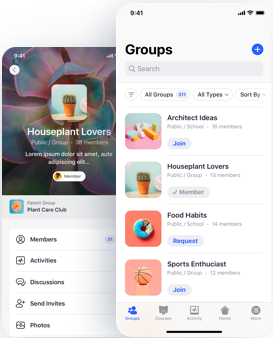
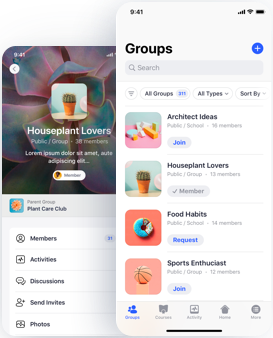
A mobile app interface displays a group called Houseplant Lovers and a list of groups including Architect Ideas Food Habits and Sports Enthusiast with options to join or request to join each group

Social Groups

Your members can join groups, post in the group activity, participate in group forums, and view other group members.

Solid orange bell icon with a small oval shape beneath it representing a notification symbol
Notifications
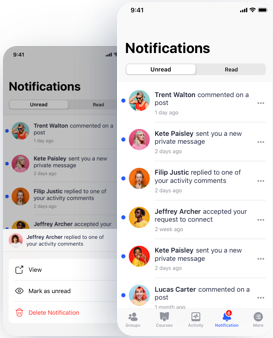
Mobile screen showing a notifications page with profile pictures message previews and tabs for unread and read notifications Some example notifications include comments messages and friend acceptances

Notifications

Your members receive notifications for various events, such as when someone mentions them in the activity feed, another member sends them a friendship request, and more.

Two overlapping orange speech bubbles one darker and one lighter with three white dots in the center of the front bubble indicating a conversation or messaging icon
Forum Discussions
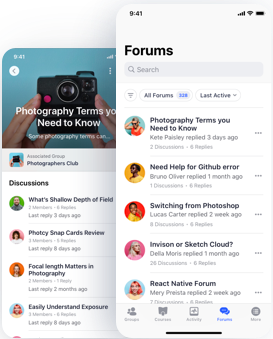
A mobile app screen displays a photography forum The left side shows a featured discussion about photography terms while the right screen lists forum threads user avatars replies and a search bar at the top

Forum Discussions

Members can participate in forum discussions on the go, engage in social learning, resulting in more user generated content and higher member engagement.

An orange icon of a globe showing the Americas with a magnifying glass over the lower right part of the globe suggesting global search or exploration
Network Search
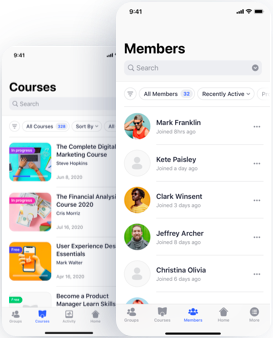
A mobile app screen shows a Courses page with several course listings and a Members page displaying a searchable list of user profiles each with a profile icon and join date

Network Search

Search through members, groups, and other types of content, right from your mobile app.

Two orange user icons facing each other with two curved arrows forming a circle above and below them indicating interaction or communication
Member Connections
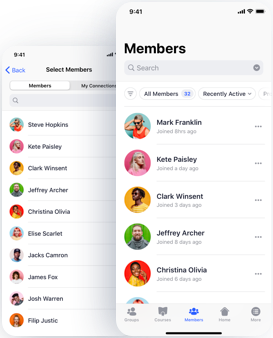
Two smartphone screens display a members list in an app Each member has a profile photo name and join date Options to search and filter members are shown at the top of the screens

Member Connections

Your members can view and request to add other members as friends.

An orange square icon with a white stylized heart rate or ECG line and the letters EKO in the top left corner
Activity Feeds
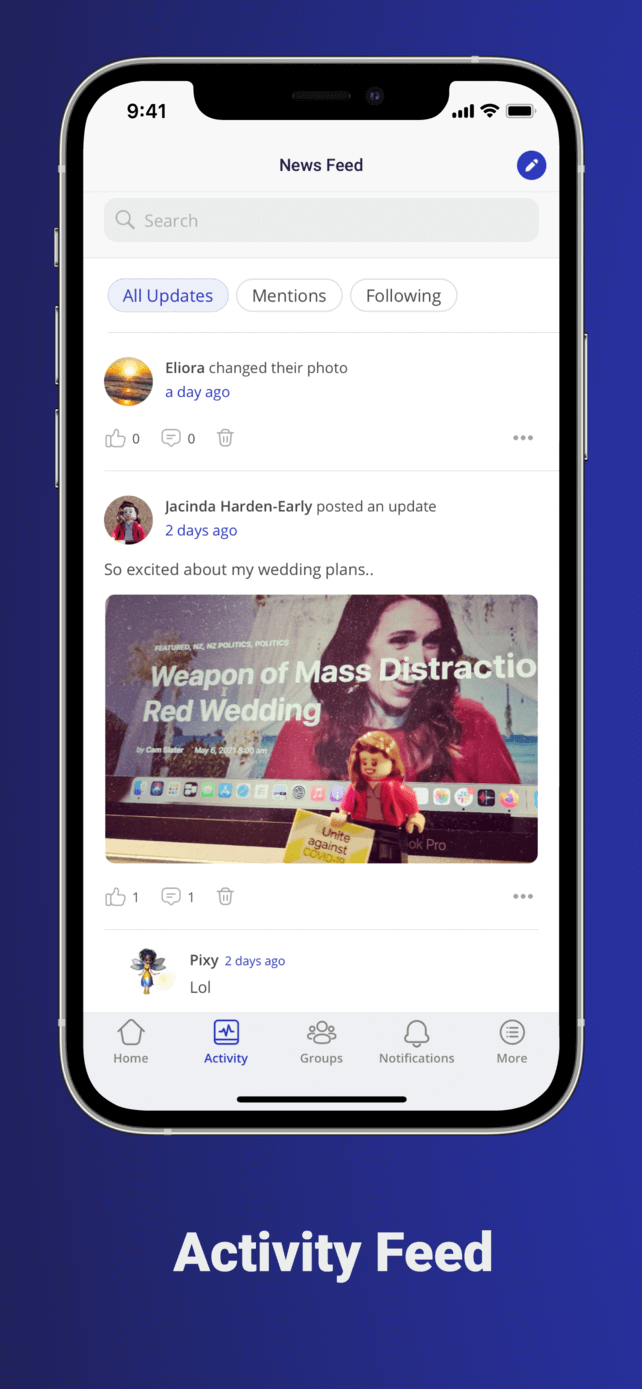
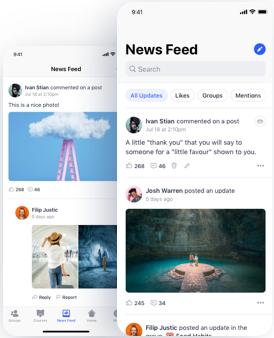
A smartphone displays a social media news feed with user posts comments and reactions One post shows a pink ladder reaching into the sky and another shows a person standing on a platform surrounded by water in a cave

Activity Feeds

Global, personal, and group activity feeds with threaded commenting, direct posting, @mentions, and push notifications support.

An orange speech bubble with two white horizontal lines inside next to an orange padlock icon suggesting a secure or private message
Private Messaging
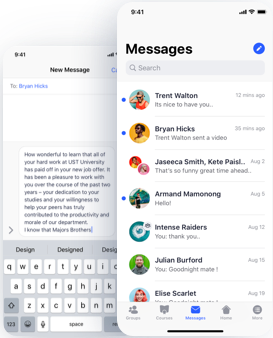
A smartphone screen displays a messaging app The inbox shows various contacts with profile pictures and recent messages Behind it a new message is being composed with a keyboard visible at the bottom

Private Messaging

Allow members to send private messages. Messages can be sent to one member or a group of members.

A small orange icon with a white background showing a stylized image of mountains and a sun in the top left corner representing a generic image placeholder
Albums & Media
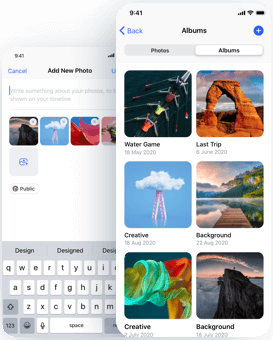
A phone screen shows a gallery app with photo albums displaying various album covers like a boat race a natural arch and clouds A keyboard is visible at the bottom suggesting text input or photo sharing

Albums & Media

Allow members to upload media on the activity feed and forums. Members can share media from their phone, on the go.

Two overlapping orange speech bubble icons with one bubble slightly behind and lighter in color each containing white horizontal lines to represent text
Group Messaging
Two smartphone screens show a social app One screen displays the Houseplant Lovers group page the other shows a list of groups with join buttons search and filter options at the top Each group has an icon and member count

Group Messaging

Allow members to start a group messaging thread or have a 1-on-1 with members who belong in the same group.

Two orange user icons one in front and one behind with a small orange padlock symbol overlaid on the front user indicating a secure or protected user account
Private Community
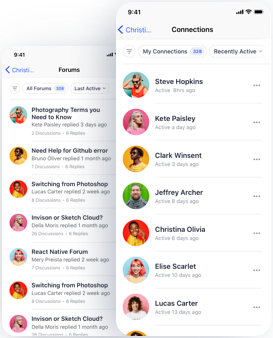
Two smartphone screens display a community app showing a list of forum topics on one screen and a list of user connections with profile photos on the other

Private Community

Your members stay engaged and up to date with your community anywhere.

MOBILE LEARNING

Your courses in your student’s pocket,
everywhere
they go
The word BOOST in bold black letters with a yellow lightning bolt forming the letter O suggesting energy or power
A yellow lightning bolt icon next to the text Course Completion Rates in black font on a light gray backgroundA yellow circle with a white lightning bolt icon next to the text Community Engagement in bold dark letters on a light backgroundAn orange circle with a white lightning bolt beside the words Student Satisfaction in bold black text on a light background
An orange circle with a white lightning bolt beside the words Student Satisfaction in bold black text on a light backgroundYellow lightning bolt icon next to the words Customer Retention on a light gray backgroundAn orange lightning bolt icon inside a circle is followed by the text Life Time Value in bold black letters on a light gray backgroundLogo with an orange circle featuring a white lightning bolt next to the text Brand Power in bold black letters on a light background
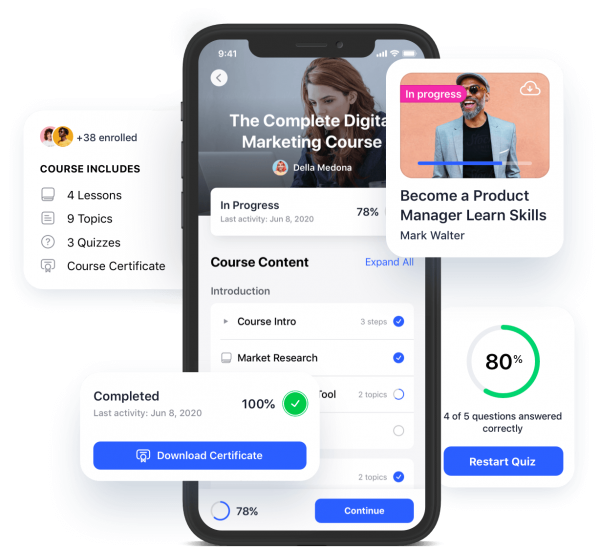
A mobile app screen shows a digital marketing course in progress with course details progress bars quiz scores completion status and a button to download a certificate Other course cards and quiz stats are shown in the background
An orange icon of an open book with a computer mouse in front suggesting online learning or digital reading
Multi-Tier Courses
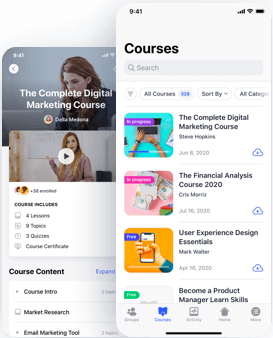
A smartphone screen displays an online learning app with a list of courses including digital marketing financial analysis user experience design and product management each with colorful icons and progress indicators

Multi-Tier Courses

Customize your courses with as many lessons, topics quizzes, and assignments as you want. There’s no limit to the flexibility of your learning environment.

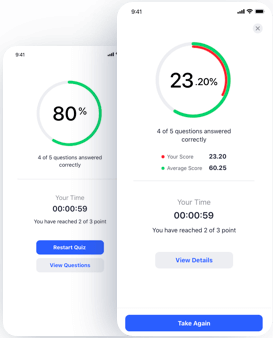
Lesson Timers
Two mobile app screens show quiz results The left screen displays 80 with a green progress circle the right shows 2320 with a red and green progress circle Both show time taken scores and options to review or retake the quiz

Lesson Timers

Don’t want your students skipping ahead? You can prevent them from moving through your courses too quickly by simply setting a Lesson Timer. When the clock reaches zero, students are then permitted to move on to the next lesson.

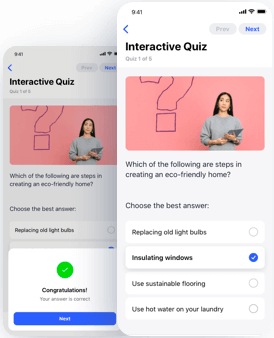
An orange chat bubble with a white question mark in the center indicating a query or uncertainty
Advanced Quizzing
A phone screen shows an interactive quiz about eco friendly homes A woman stands in front of a pink background with a question mark The selected answer is Insulating windows and a message reads Congratulations

Advanced Quizzing

We support all eight LearnDash quiz question types including Single Answer, Multiple Choice, Sorting, Matching, Fill-in-the-Blank, Free Text, Survey, Essay Questions, and more.

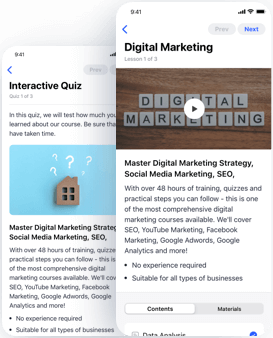
An orange document icon with three white horizontal lines and a folded corner at the top right
Drip Feed Content
Two smartphone screens display an interactive quiz and a digital marketing course The right screen shows a video thumbnail labeled DIGITAL MARKETING and course details the left shows quiz instructions and a small house icon

Drip Feed Content

Deliver all your lessons at once, or choose to drip feed (schedule) them over a specified amount of time resulting in a guided learning experience.

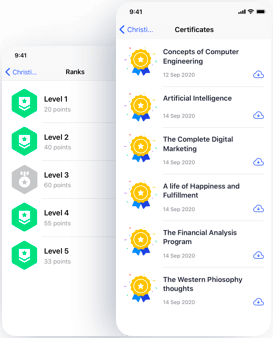
Orange icon of a certificate or diploma with a ribbon or seal at the bottom center and two horizontal white lines at the top representing text
Certificates and Badges
A mobile app screen displays user ranks from Level 1 to Level 5 on the left and a list of earned certificates with icons and dates including topics like AI digital marketing and financial analysis on the right

Certificates and Badges

Award official certificates based on quiz performance, completing a course, or both! Certificates can be 100% customized and support dynamic data generation including student’s names, completion and expiration dates, grades, and more.

An orange circle with two white horizontal lines and two dots resembling a simplified list or menu icon
Course Points
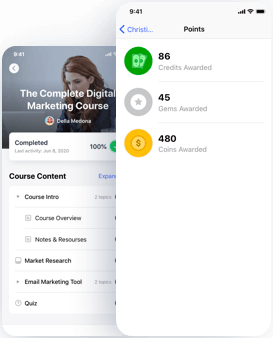
A mobile app screen shows a digital marketing course marked 100 complete with a checklist of content An overlay displays points 86 credits 45 gems and 480 coins awarded

Course Points

Students can earn points as they complete courses. They can also use the points earned for unlocking new courses.

Orange icon of a persons profile with lines representing text and an orange circle with a white checkmark in the lower right corner indicating verified or approved identification
User Reports
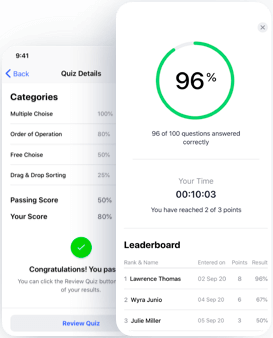
Two overlapping app screens one shows quiz details and categories with a message saying Congratulations You passed and the other displays a 96 score quiz stats and a leaderboard with three names and their scores

User Reports

See reports as students are going through your course content. View and download your student’s course progress and quiz results.

An orange circle with a white exclamation mark in the center and a smaller orange circle with a white check mark overlapping the bottom right
Flexible Prerequisites
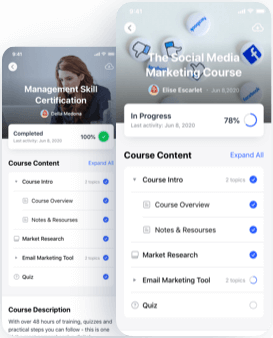
Two mobile screens show online course progress One is for Management Skill Certification 100 completed the other for The Social Media Marketing Course 78 completed Both list course content and status

Flexible Prerequisites

Determine which courses are taken in a specified order to create a guided learning path for students.

An orange icon of a notepad with three white horizontal lines and a pencil in the bottom right corner suggesting writing or note taking
Assignment Management
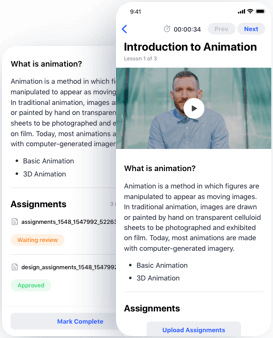
Two mobile screens display an online course The left screen shows a list of assignments and task statuses The right screen shows a video lesson titled Introduction to Animation with a man as the instructor

Assignment Management

Your learners can submit assignments in lessons or topics. You can auto-approve assignments or manually approve and award points for the assignments. You can also leave private feedback on each assignment for the student to see.

An orange envelope icon with a large orange notification badge in the upper right corner indicating a new or unread message
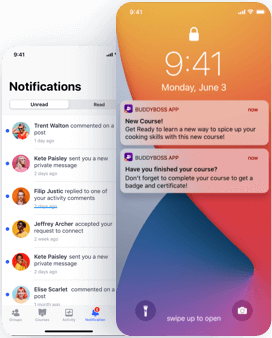
Push Notifications
A smartphone screen shows app notifications about a new course and course completion Behind it another screen displays a list of user notifications comments and replies within a social app interface

Push Notifications

Send personalized and segmented push notifications to your users to promote new products, events, or remind them to upgrade. Keep your students up to date and alert them about new course materials, discussions, special events, and much more.

A blurry orange gear icon with a white circle in the center and an orange square inside the circle
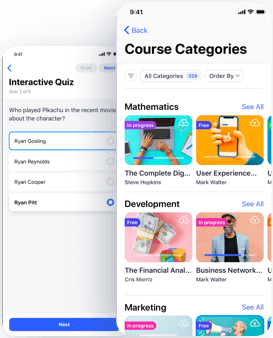
Intelligent Course Builder
A mobile app interface shows an interactive quiz about a movie character and a list of course categories including Mathematics Development and Marketing each with colorful images and progress status

Intelligent Course Builder

Easily create courses using a drag & drop course builder to create course categories, lessons, topics, assignments, and quizzes.

An orange warning triangle with an exclamation mark beside an orange padlock indicating a security alert or restricted access warning
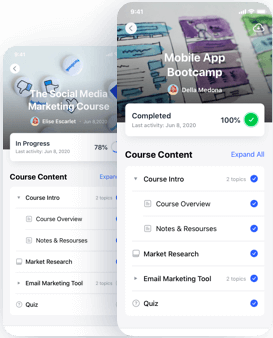
Expire Access
Two overlapping mobile screens show progress in online courses One displays a social media marketing course at 78 completion the other a mobile app bootcamp marked 100 complete each with expandable course content lists

Expire Access

Allow students to have lifetime access to your courses, or expire access after a certain amount of time. This is a perfect way to encourage re-certifications and renewals from your students.
MONETIZE

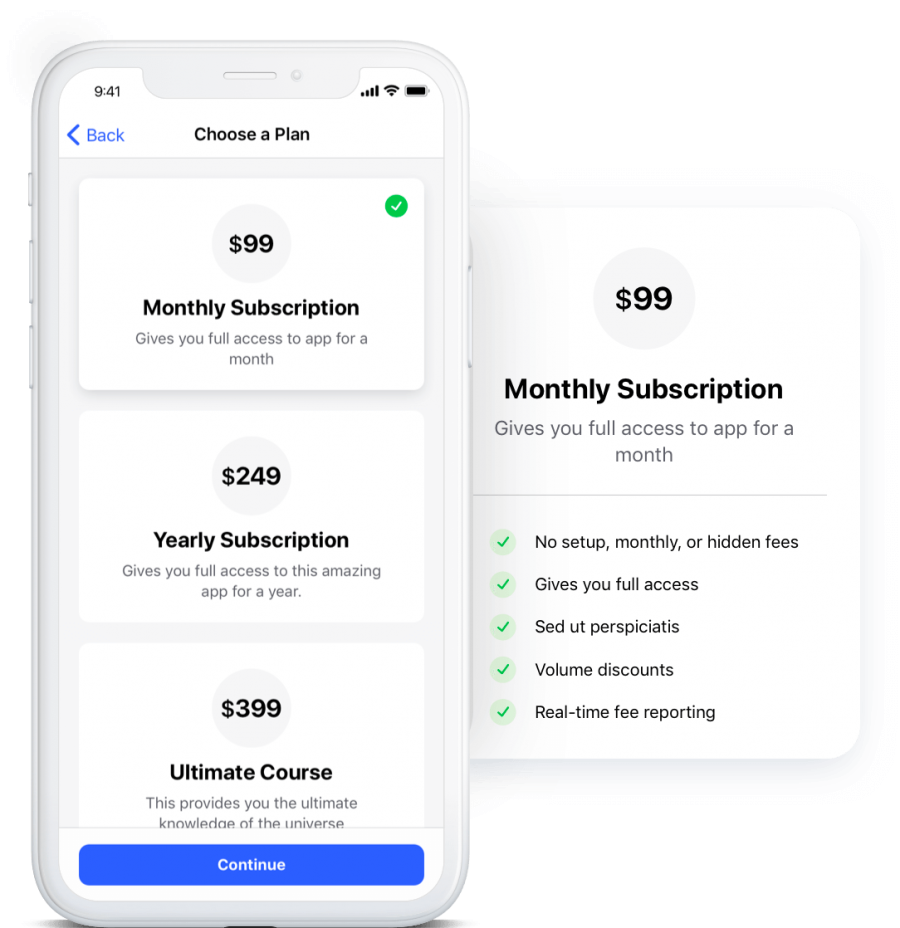
Grow your revenue by selling and upselling directly on your mobile app with in-app purchases and push notification marketing
A smartphone screen displays subscription options $99 monthly $249 yearly and $399 ultimate Next to it a box highlights the $99 monthly subscription with features like no hidden fees full access and volume discounts

Charge subscriptions or one time payments to access to your community, courses, digital downloads, groups, and more.

Use our in-app purchases feature to integrate with Apple Pay for iOS and Google Pay for Android and make the buying process seamless for your members.

Make it super easy for your members to subscribe, upgrade, and buy more from you.

Send personalized and segmented push notifications to your users to promote new products, sale events or remind them to upgrade.
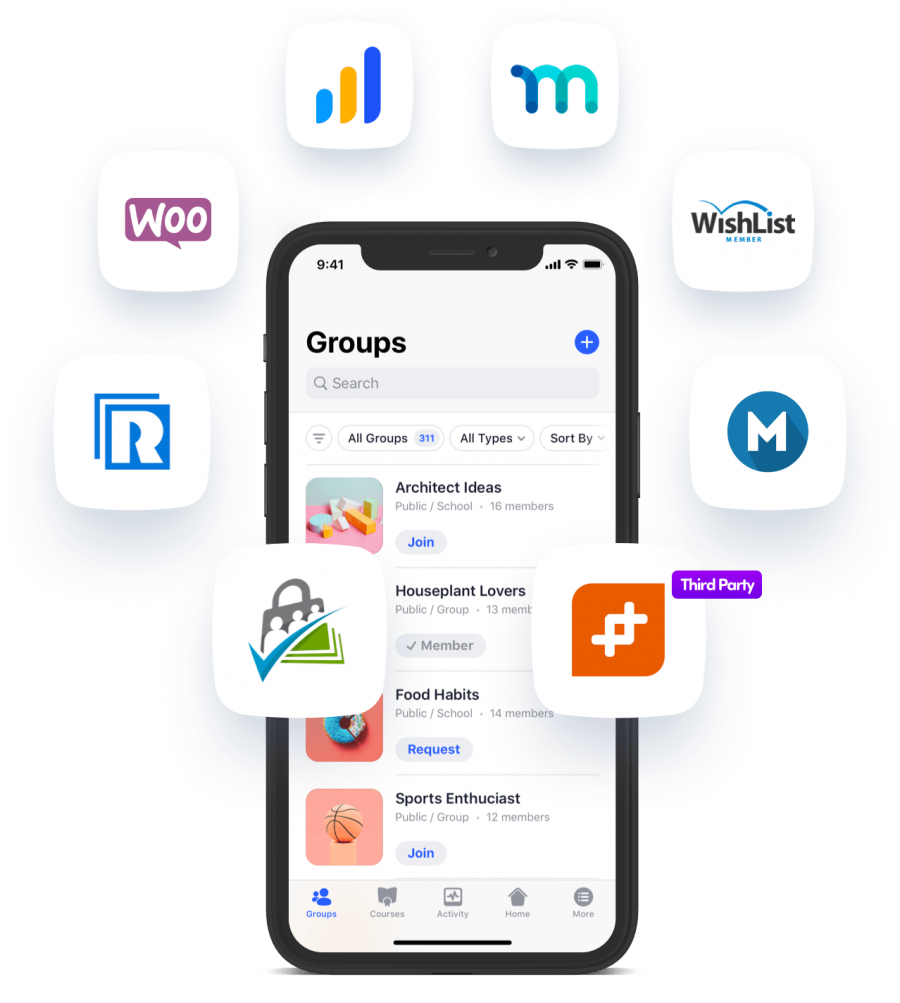
Works with your favourite membership plugin

The BuddyBoss App supports a number of membership plugins allowing for direct synchronization of purchases and access levels between your mobile app, the App Stores and your WordPress backend.

The BuddyBoss App currently supports the following membership plugins, and we’ll continue to add support for more membership plugins as we get more requests from the community.
  • MemberPress
  • PaidMembershipsPro
  • RestrictContentPro
  • Memberium
  • WooCommerce Memberships
  • Wishlist Member
  • LearnDash Groups & Memberships

GAMIFY

Make it fun and engaging
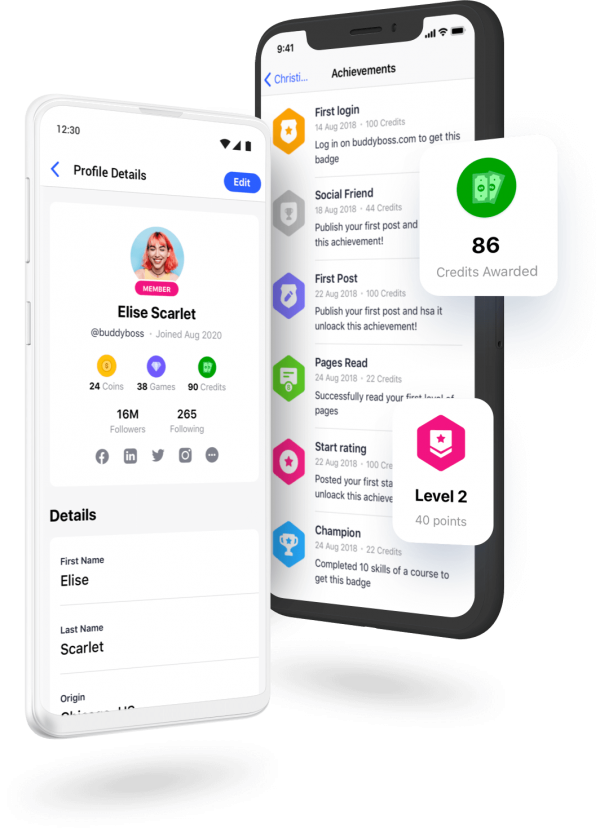
Two mobile screens show a user profile for Elise Scarlet with stats and an achievements page with badges for credits awarded and reaching Level 2 on a social app Popup icons display 86 credits and Level 2 status

Empower your people to work towards common goals and earn points, badges, rewards, ranks, certificates and achievements.

Give your people a sense of autonomy, mastery, purpose and progress. Increase member retention with gamification that rewards users with points.

An orange crown like shape with four points resembling a stylized maple leaf against a light background
GamiPress Integration
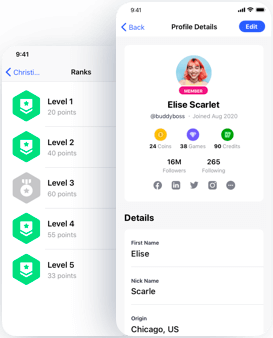
A mobile app screen shows user ranks with green shield icons and points on the left and a profile details page for Elise Scarlet on the right displaying her avatar stats social links and basic personal info

GamiPress Integration

The BuddyBoss App integrates with GamiPress, allowing you to display earned points, achievements and ranks on member profiles.

An orange medal with a white star in the center hanging from a ribbon with orange and white stripes
Rewards
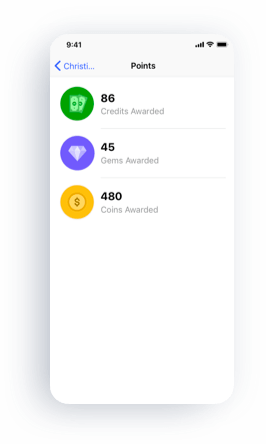
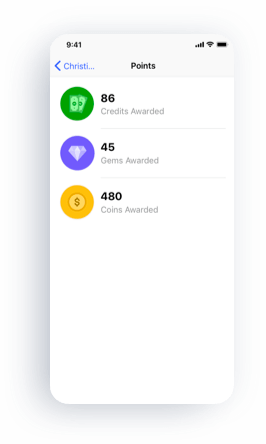
A mobile app screen showing three types of points 86 Credits awarded green icon 45 Gems awarded purple icon and 480 Coins awarded yellow icon The screen title is Points

Rewards

Encourage your members to keep returning to your app by providing rewards such as unlocking additional content or additional discounts as they interact on your app.

An orange and red geometric diamond shape icon with a faceted design resembling a gemstone
Points
A smartphone screen shows a points summary with three categories 86 Credits Awarded green icon 45 Gems Awarded purple icon and 480 Coins Awarded yellow icon The users name is partially visible

Points

Award and deduct points to users as they achieve specific steps such as when consuming content or engaging with the community.

An orange trophy icon with a white star in the center representing achievement or winning
Achievements
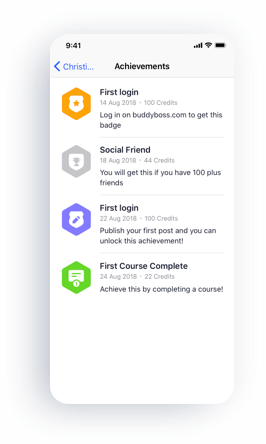
A smartphone screen shows an Achievements page with four badges for milestones First login Social Friend another First login and First Course Complete each with dates credit values and brief descriptions

Achievements

Achievements provide a fun and interactive environment that rewards members for completing certain tasks and steps.

A small orange badge icon featuring a white star in the center and an orange ribbon at the bottom
Badges
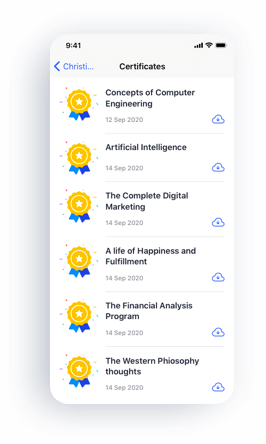
A smartphone screen displaying a list of certificates with icons titles such as Concepts of Computer Engineering and Artificial Intelligence and dates earned in September 2020

Badges

Members can earn or unlock badges for completing specific steps and display badges on their profiles.
ADVANCED NATIVE MOBILE APP TECHNOLOGY

Built with state of the art technology and user experience design so you can impress your customers and users and look like a billion-dollar company
A smartphone displays a profile for Elise Scarlet with colorful graphics in the background Blue lines form an atomic orbit around the phone featuring icons for Apple Android settings and chat

The BuddyBoss App uses React Native to build native mobile apps. This is the same technology used by apps such as Instagram, Facebook, Airbnb, SoundCloud, and other popular apps we use every day.

Your mobile apps come packed with advanced features that enhance the experience for your users.

Two overlapping orange circles the left circle contains the Android robot logo and the right circle contains the Apple logo
Native iOS and Android Apps
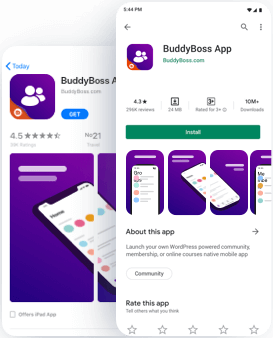
Screenshot showing the BuddyBoss App listing on Google Play and Apple App Store featuring the app icon ratings install button and preview images with a purple themed interface and mobile screens

Native iOS and Android Apps

We create and launch a native iOS and Android App that we submit into your Google Play Store account and your Apple App Store account.

An orange atom like symbol with three elliptical orbits around a central dot resembling the logo for the React JavaScript library
React Native
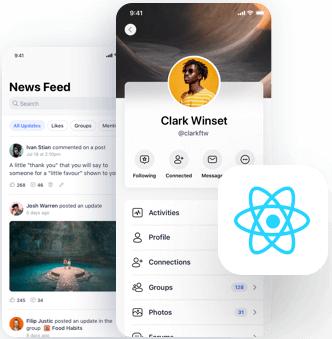
A mobile profile screen for user Clark Winset overlays a news feed page The React logo appears in the bottom right corner indicating a connection to React development

React Native

The BuddyBoss App uses React Native to build its native mobile apps. This is the same technology used by apps such as Instagram, Facebook, Airbnb, SoundCloud and many other popular apps we use every day.

An orange gear shaped icon with a lighter orange center resembling a badge or award symbol
REST API Data Synchronization
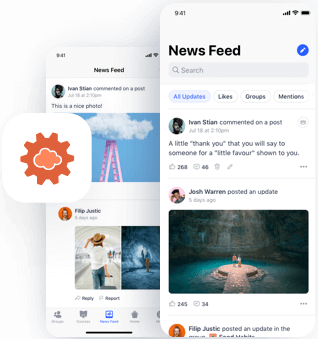
Two smartphone screens display a social media news feed with user posts images and comments One post shows the Golden Gate Bridge another shows people by a cave pool An orange cloud icon is in the foreground

REST API Data Synchronization

Our apps are fully native and use WordPress as their backend. The data is synchronized in real-time between your mobile app and your WordPress site.

A simple orange icon of a smartphone with four squares on the screen representing apps and a small horizontal bar beneath them
Custom Mobile App Pages
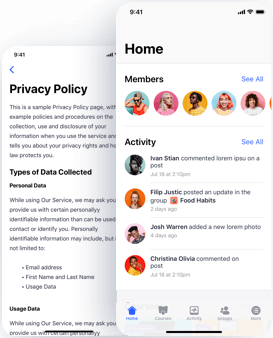
A smartphone screen displays a privacy policy page in the background and a social app home screen in the foreground showing user avatars names and recent activity updates

Custom Mobile App Pages

Use the WordPress Gutenberg editor to create pages to be displayed in your mobile app. Control the content from the WordPress dashboard and see it instantly appear and update on your mobile app.

An orange icon of a computer monitor with a cloud and a downward facing arrow inside symbolizing cloud downloading or cloud computing
Advanced User based API Caching System for speed and scalability
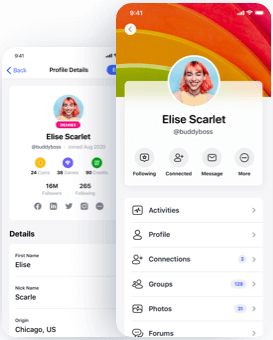
Two smartphone screens display a user profile for Elise Scarlet showing her profile photo social media stats and options like Activities Profile Connections Groups and Photos against a colorful background

Advanced User based API Caching System for speed and scalability

The BuddyBoss App uses React Native to build its native mobile apps. This is the same technology used by apps such as Instagram, Facebook, Airbnb, SoundCloud and many other popular apps we use every day.
CONTROL & FLEXIBILITY

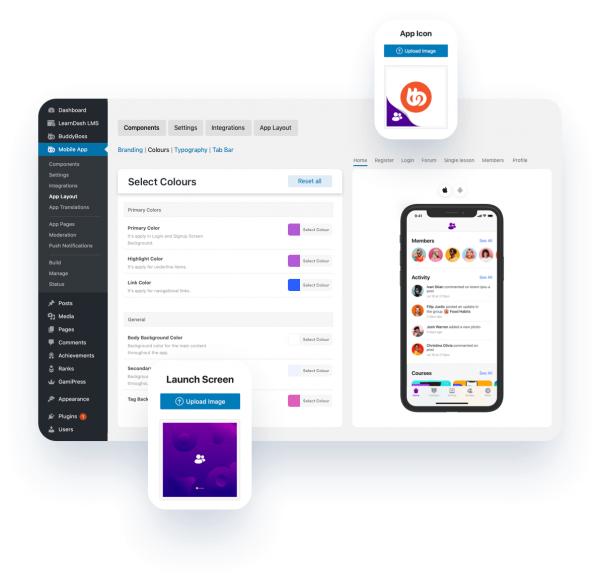
Your BuddyBoss App gives you complete control and flexibility over the structure, look & feel and functionality of your native mobile app
A dashboard displays options to customize a mobile apps colors and layout Overlapping popups show an app icon a launch screen and a smartphone displaying the apps user interface
Two orange icons overlap one shows a white star with a line through it and the other shows a white letter A with a curved arrow above symbolizing language translation
Translation Ready
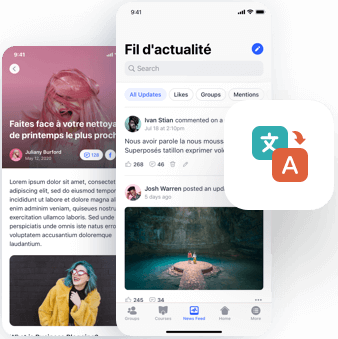
Two smartphone screens show a social media app in French displaying news updates and posts An icon with translation symbols overlaps the screens suggesting language translation features

Translation Ready

The BuddyBoss App is translation ready, and can be translated into any language. You can also easily change specific text across the whole mobile app, via the WordPress admin.

An orange icon of a web browser window with a pair of code brackets < > in the center representing coding or web development
Developer Friendly
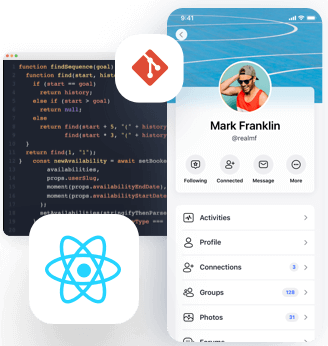
A smartphone screen displays a social media profile for Mark Franklin Behind it is code on a computer screen React and Git icons are also shown representing web or app development technologies

Developer Friendly

If you are a developer or work with a team of developers, you can modify and extend the BuddyBoss App with your own custom features.

An orange icon showing three horizontal bars with a small wrench in the lower right corner suggesting settings or customization options
Custom Menus
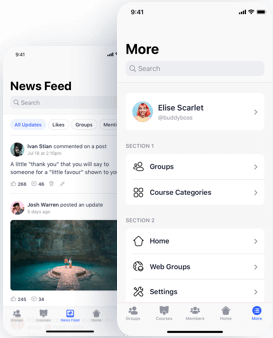
A mobile app interface shows a news feed with posts and images on the left and a profile and navigation menu with sections for Groups Course Categories Home Web Groups and Settings on the right

Custom Menus

Add new pages, re-organize the menu or even set new icons for the menu items.

An orange paragraph symbol followed by a left pointing triangular arrow both on a light background
RTL Support
Two smartphone screens display a user profile for Elise Scarlet showing her profile photo social media stats and options like Activities Profile Connections Groups and Photos against a colorful background

RTL Support

The BuddyBoss App supports Right to Left Languages.

A circular abstract design made of orange and red concentric curved lines and segments on a white background
Your Branding
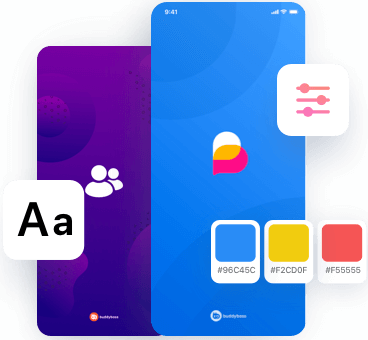
Two colorful mobile app screens one purple with group icon one blue with a heart logo surrounded by design elements a font icon a slider icon and three color swatches in yellow blue and red with hex codes

Your Branding

Reach a wider audience and increase brand recall by keeping your app design consistent with your overall branding. The BuddyBoss App allows you to customize colors, fonts, icons, backgrounds, splash screens, and more.

Two vertical bars one short and light orange on the left and one tall and darker orange on the right resembling a simple bar chart icon
Google Analytics
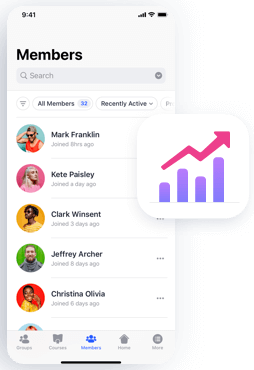
A smartphone screen shows a member list with profile photos names and join dates An icon of an upward trending pink and purple graph overlays the lower right of the image

Google Analytics

The BuddyBoss App integrates with Google Analytics, allowing you to track data about how your mobile app is being used.

An orange icon featuring a white padlock and horizontal lines with a gold key in the bottom right corner symbolizing security or access control
Open Access
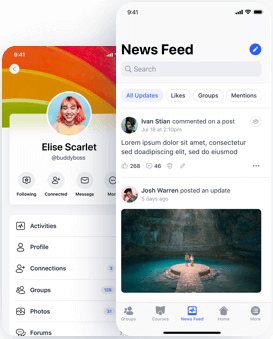
Two smartphone screens displaying a social media app one shows a user profile with a colorful header and profile photo the other shows a news feed with posts comments likes and a landscape image

Open Access

Allow members to access your app or parts of your app without having to login or force users to login to access any content.

An orange icon of a web browser window displaying a simple mountain shaped graph in the center
Homepage
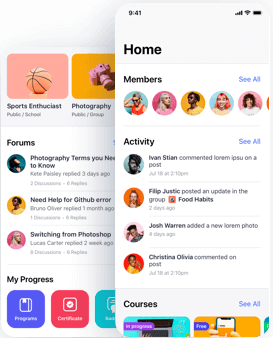
A mobile app interface showing a Home screen with forum categories member avatars recent activity and progress icons for courses certificates and skills Activity includes user comments and forum posts

Homepage

Create your mobile app’s homepage with a number of Gutenberg powered widgets that come with the BuddyBoss App. You also have the option not to have a homepage at all.

A blurry orange icon of a picture frame with a mountain and sun set above two horizontal lines representing generic image content on a rounded square background
Native Blog
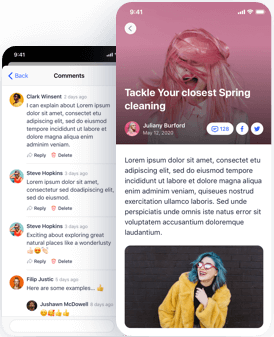
A smartphone screen shows a blog post titled Tackle Your closest Spring cleaning with a photo of a woman with pink hair and sunglasses and a comments section with user profiles text and emoji reactions

Native Blog

The BuddyBoss App allows you to display your blog and allow members to comment on posts from their mobile devices.

An orange magnifying glass icon with a white center symbolizing search or zoom functionality
Built In Search Functionality
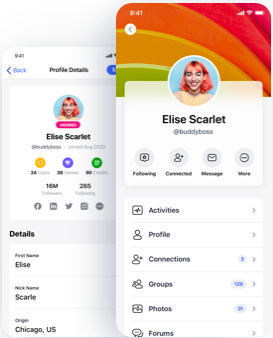
Two mobile screens display a colorful social media profile for a user with pink hair The profile shows stats buttons for activities connections messages and details like name username and location

Built In Search Functionality

Allow your members to search for each other based on their profile field data.

An orange icon showing a browser window with a mountain and sun image inside representing a generic image or photo gallery
Multisite Support
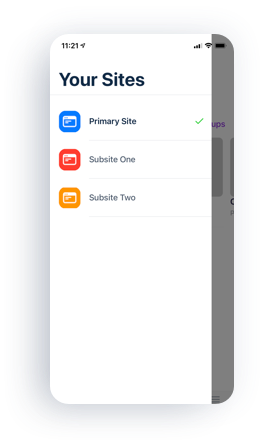
Mobile screen showing a Your Sites list with three options Primary Site blue icon checked Subsite One orange icon and Subsite Two red icon The top bar displays the time as 1121

Multisite Support

If you have a network of websites under one WordPress installation, you can also have that same experience in your mobile app. Users will be able to switch between sites that they have access to from within your mobile app.

YOUR WEBSITE IS OPTIONAL!

You don't even need a website! The BuddyBoss App can run without or alongside your website.
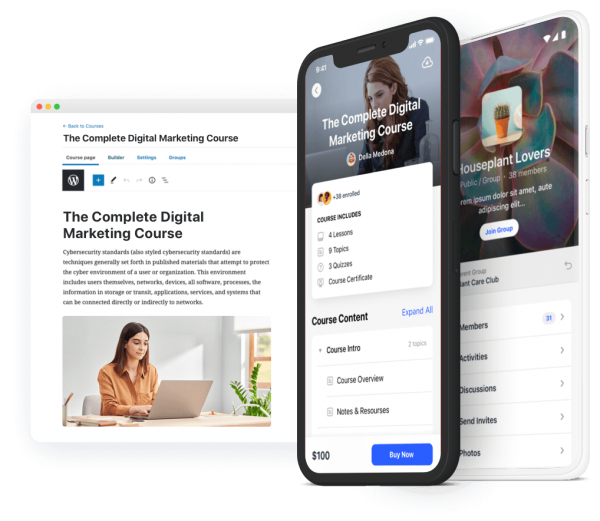
A computer screen and two smartphones display an online course titled The Complete Digital Marketing Course showing the course description content pricing and a user participating in the course

The BuddyBoss App connects directly to the WordPress backend. It pulls and sends data, to and from the WordPress database. All you need is a WordPress installation so you can use the WordPress CMS, BuddyBoss Platform plugin and/or LearnDash to power your mobile app.

You do not need to have a website front end, in order to launch your mobile app. In fact, you can launch your program, mobile only and then decide if you really want to add a web interface for your audience or not.

THEME AGNOSTIC

The BuddyBoss App works with your
favourite theme!
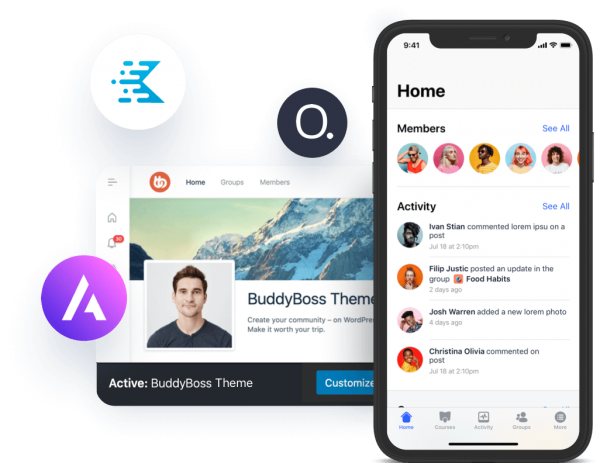
A smartphone displays a social app with a members list and activity feed Behind it is a web page for the BuddyBoss Theme featuring a profile photo and mountain background Various tech logos float around both screens

The BuddyBoss App can work with any WordPress theme! As long as you have the BuddyBoss Platform, LearnDash or both plugins installed, your BuddyBoss App will work perfectly no matter what theme you are running.

TRANSLATION READY

The BuddyBoss App can be translated
to any language
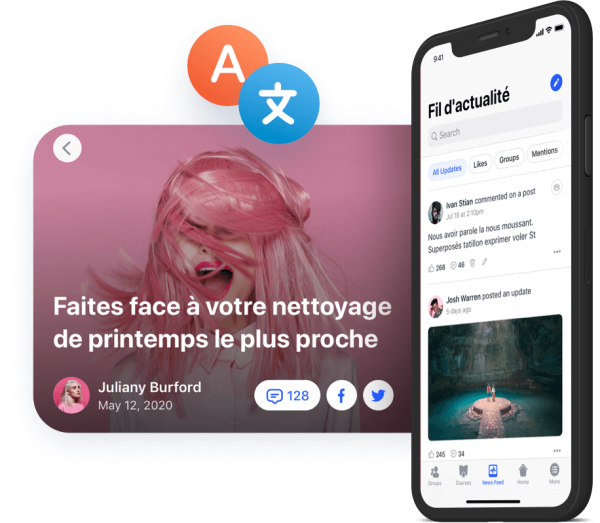
A phone displays a social media feed next to a pink themed post featuring a woman with pink hair and text in French about spring cleaning Two floating language icons appear above the images

The BuddyBoss App can be translated into any language and supports Right to Left (RTL) languages. Just like your website, the BuddyBoss App uses language files that can be uploaded to translate your mobile app into a different language.

Localize your mobile app content and easily configure push notifications and many more options in any language for maximum flexibility and control.

LAUNCH YOUR MOBILE APP IN 5 EASY STEPS

Create, Customize and Publish your own native iOS and Android mobile app with ease!
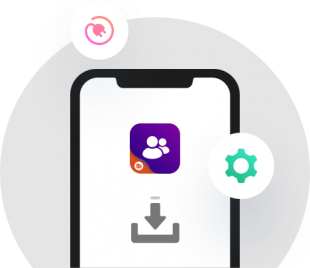
A smartphone screen displays a purple app icon with two user figures and a download symbol below it Surrounding the phone are icons of a plug and a green gear

Install BuddyBoss App Plugin

Start your mobile app building journey with the BuddyBoss App!
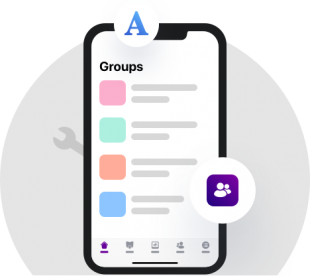
A smartphone screen displays a Groups page with colorful tiles and icons The background includes a faint wrench graphic and floating app icons including a large blue A and a purple people icon

Customize Look and Feel

Configure your mobile app's navigation, app icon, splash screen, change colors, fonts, icons, and more.
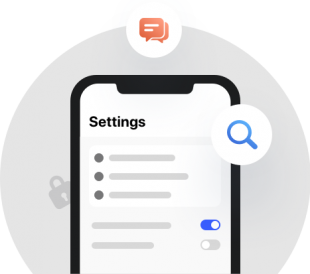
A smartphone screen displays a settings menu with switches and options Above the phone are chat and search icons and a faint padlock icon appears in the background

Configure App Features

Configure your app’s functionality and enable the features you need.
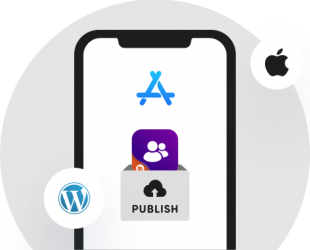
A smartphone displays the Apple App Store logo with a Publish button and an app icon Apple and WordPress logos appear on either side of the phone

Publish your iOS App

Prepare your app for publishing, generate an app build from your WordPress Dashboard, and publish your app into the Apple App Store using your own Developer Account.
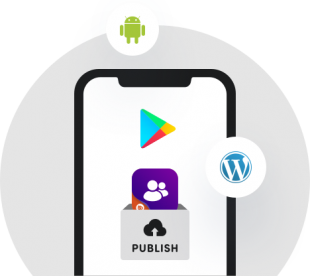
A smartphone screen displays the Google Play logo with Android and WordPress icons above and beside it and an app icon going into a publish drawer at the bottom

Publish your Android App

Prepare your app for publishing, generate an app build from your WordPress Dashboard, and publish your app into the Google Play Store using your own Developer Account.

DONE FOR YOU PUBLISHING

We review and publish your mobile app for you
Included
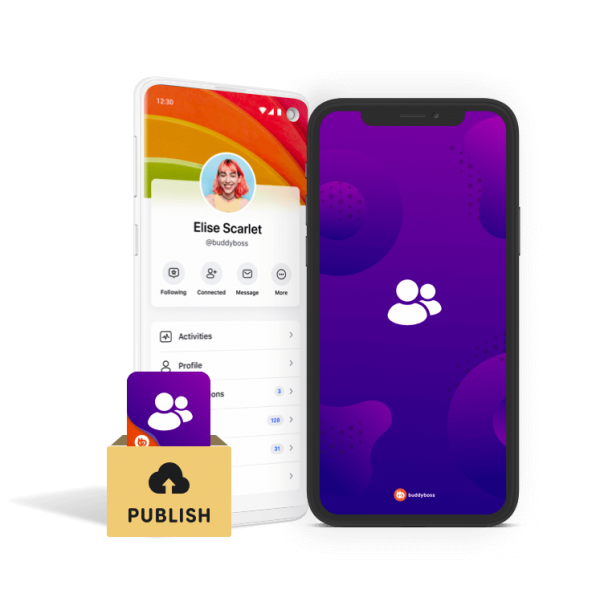
Two smartphones display a social media profile and a login screen with user icons In front a box labeled PUBLISH holds a card featuring a cloud upload symbol

Our team will handle the process of reviewing and ensuring that your mobile app is compliant with Apple App Store guidelines and Google Play Store guidelines. When your app is ready, our team will get your app live in the Apple App Store and Google Play Store using your developer account.

1

iOS App Publishing on Your Own Account

We submit your iOS app for publishing onto the Apple App Store using your account, with the final mobile app build and assets.

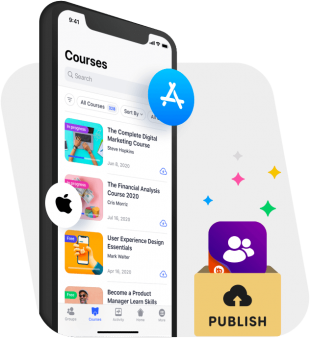
A smartphone displaying an online courses app with course listings Apple and App Store icons and a box labeled Publish with sparkles and an app icon emerging
2

Android App Publishing on Your Own Account

We submit the Android app for publishing onto the Google Play Store using your own account, with the final mobile app build and assets.

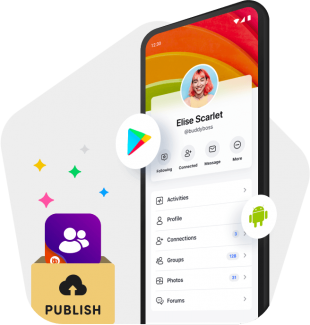
A smartphone displays a social media profile with app icons including the Google Play logo and an Android symbol suggesting publishing or sharing an app A box labeled PUBLISH contains group and app icons

DONE FOR YOU SERVICE

We create, customize and prepare your mobile
app for you
Add-On Service
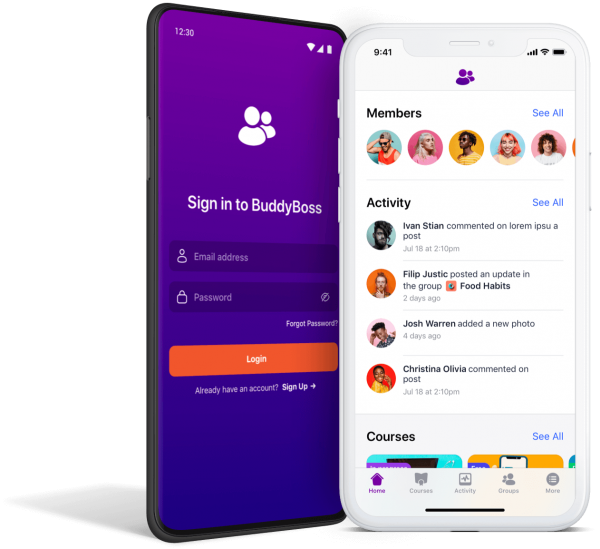
Two smartphones display the BuddyBoss app one shows the login screen with purple and orange accents and the other shows a member activity feed with profile images comments and updates

Our team handles the process of creating, customizing, building and preparing your mobile app for publishing, saving you from the time involved in learning and doing everything yourself.

1

Initial App Setup

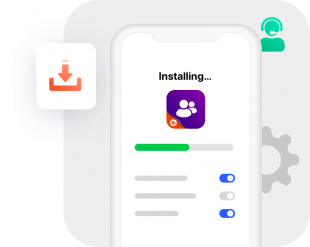
The BuddyBoss App team takes care of the whole process of installing the BuddyBoss plugin, configuring features and creating your mobile app.

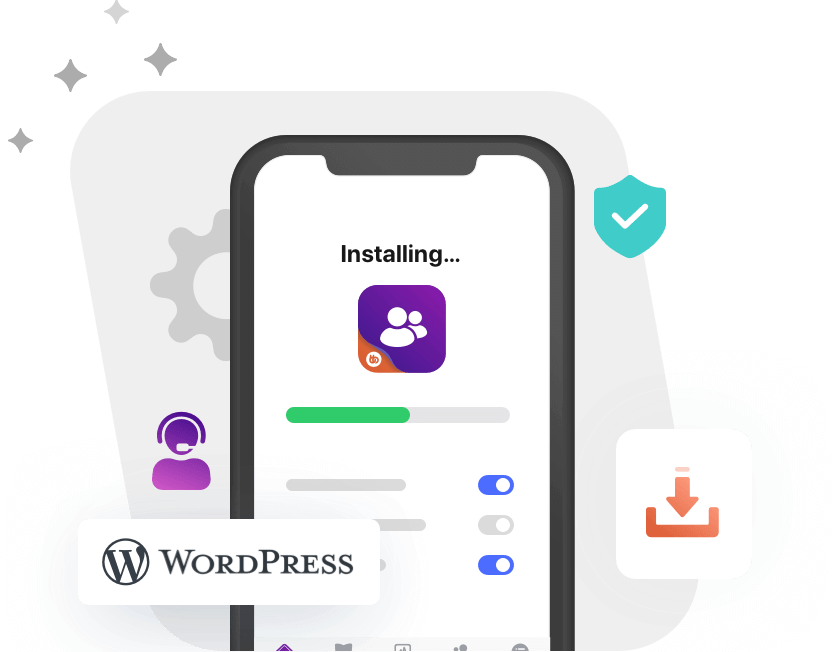
A smartphone screen displays an app installing with a progress bar Nearby are icons of a download arrow a headset and a gear indicating setup or support features
2

App Branding & Customization

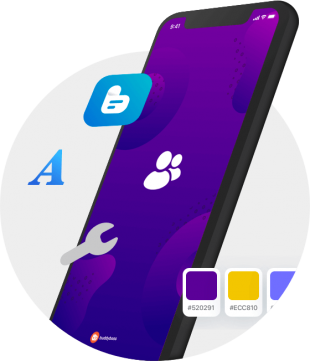
Our design team learns about your business and branding, and then works to customize and match the look and feel of your mobile app to your brand.

The team adjusts fonts, colors, backgrounds and icons. The team also creates a custom app icon, login screen and splash screen backgrounds, giving your app a premium branded look.

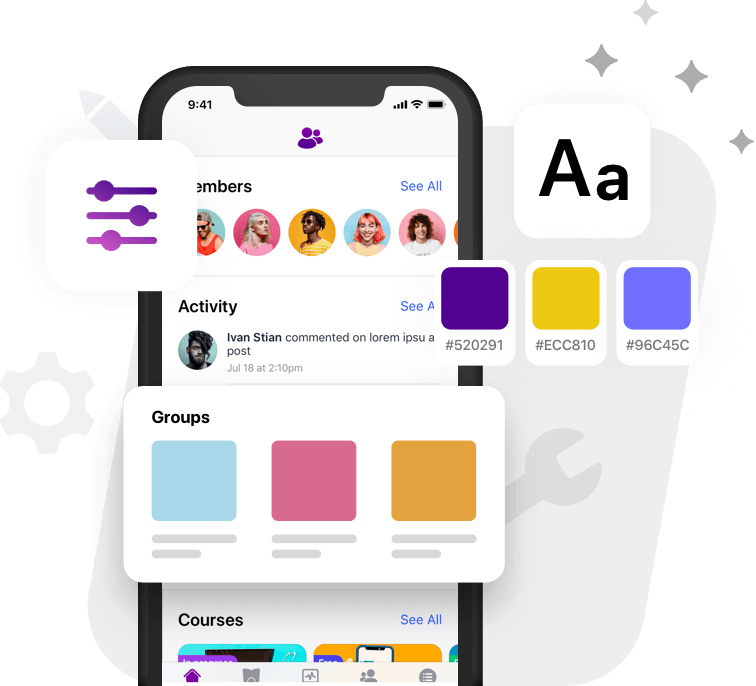
A smartphone with a purple themed screen displays an icon of two people Surrounding the phone are symbols a blue blog icon a large blue letter A a gray wrench and color swatches labeled 520291 ECC810 and white
3

Apple App Store Product Screenshots

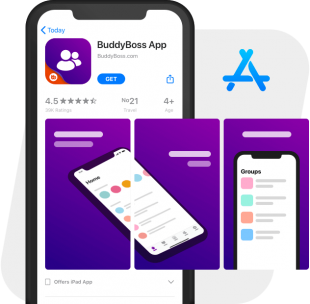
We prepare the screenshots required for publishing your app on the Apple App Store. You can choose from existing layout templates and mobile app screens. You can also provide suggested content changes.

A smartphone displays the BuddyBoss App on the App Store showing its logo 45 star rating and preview images of the apps purple interface with home and groups screens The App Store logo appears in the background
4

Google Play Store Product Screenshots

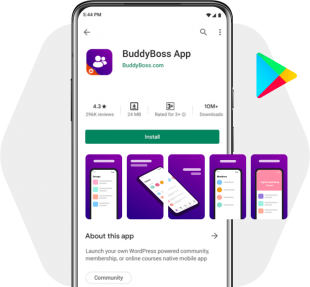
We prepare the screenshots and other graphics required for publishing your app on the Google Play Store. You can choose from existing layout templates and mobile app screens. You can also provide suggested content changes.

Screenshot of the BuddyBoss App on the Google Play Store with the install button app rating and user reviews visible alongside preview images showing the app interface and the Google Play logo on the right

DEVELOPER FRIENDLY

If you are a developer or work with a team of developers, you can modify and extend the BuddyBoss App with your own custom features
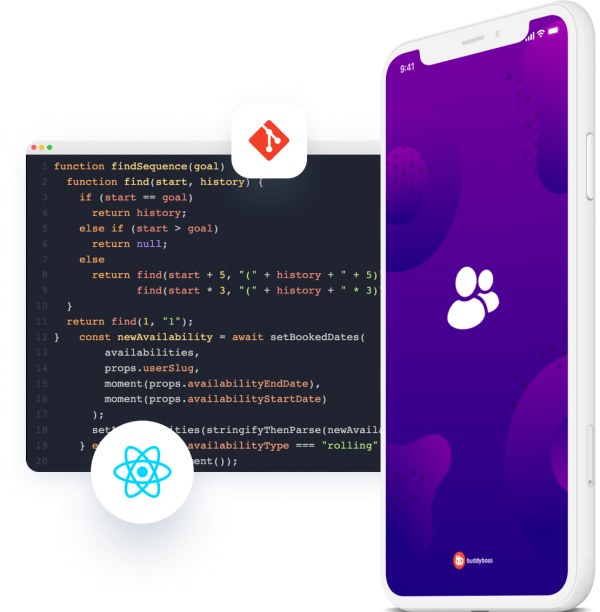
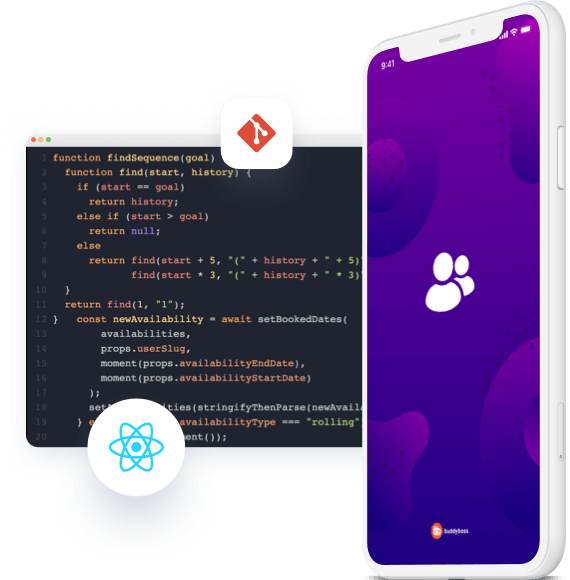
A smartphone with a purple BuddyBoss app screen is displayed in front of floating icons for Git and React Behind them is a dark code editor showing JavaScript code for a findSequence function

The BuddyBoss App is built in React Native, one of the most popular cross-platform development frameworks that allows the creation of native mobile apps for both Android and iOS with just one codebase.

This is the same technology used by apps such as Instagram, Facebook, Airbnb, SoundCloud and many other popular apps we use every day.
You will use your own Git repository where you can make changes to the appearance and features of your mobile app. Your Git repository will be combined with the app’s core Git repository during the build process.

Customizations done in your Git repository are automatically included in the next iOS and Android builds of your mobile app.

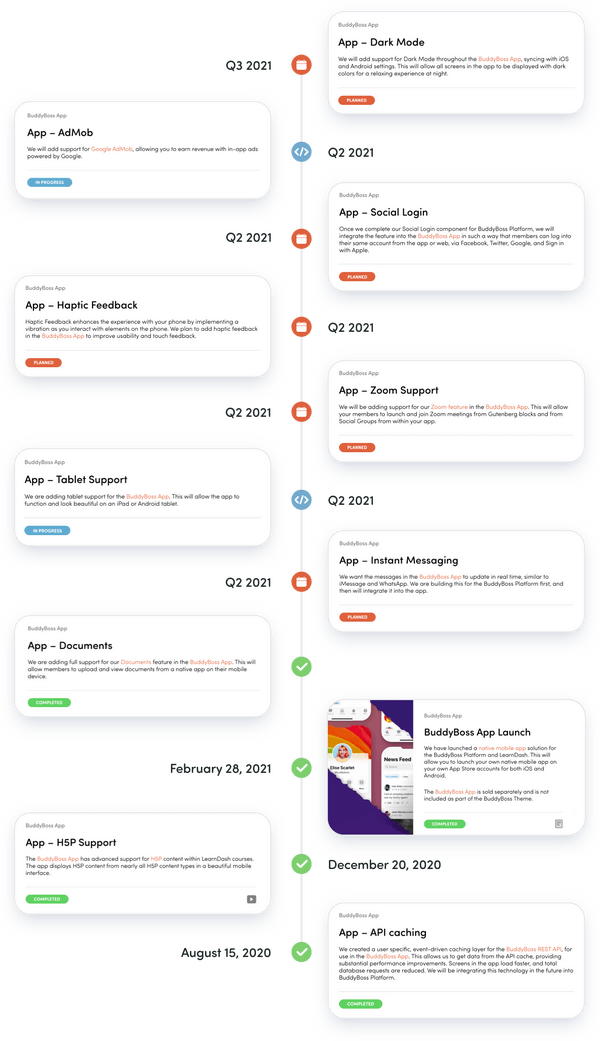
Roadmap

We are constantly working on adding new features and integrations based on the BuddyBoss App roadmap and feedback we get from our community.

Some of the key features we’re adding in the coming months include:

  • Zoom Support
  • Social Login
  • Haptic & Taptic feedbacks
  • Instant Messaging

Tablet Support

Our team is working on adding full tablet support to give you and your users a great tablet user experience. You will be able to run your mobile app in a stunning landscape interface with media such as photos and videos beautifully spread over the entire display. Soon, the BuddyBoss App will enhance your learning and community experiences by providing support for a wider range of iOS and Android tablets.

Support

An orange book icon with a bookmark tab and a white arrow pointing right on the cover set against a light gray circular background
Guides to get
Started
Guides available to help you get started quickly with setting up your online courses, community or membership site.
An orange icon of two overlapping web browser windows with a play button symbol in the center on a light gray circular background
Narrated Video Tutorials
We have created dozens of short and to the point video tutorials to guide through every step. We’re constantly adding new video tutorials to our library.
An icon with two overlapping orange rectangles each containing three white horizontal lines resembling a stack of documents or menu items set against a light gray circular background
Step by Step Documentation
You can follow step by step documentation available both online and in your WordPress dashboard. And if you’re a developer, our developer documentation will come very handy!
An orange icon of a person wearing a headset with a microphone set against a light gray circular background
24/7 Customer Support
We take support seriously, and employ a dedicated support team and ticketing system. With our knowledgeable staff, We’ve always got you covered.
Abstract background with various purple gradients rounded shapes and dotted patterns creating a modern and dynamic visual effect

Your ideas come to life with the BuddyBoss App!

Get access to the BuddyBoss App in June 2022!
Delivery dates for future orders will likely be updated soon as we receive more
orders, so get yours now to secure access in June.
  • May: Full Capacity
  • June: Closing Soon
  • Next Delivery Period: July/Aug-2022
Yearly
Monthly
1 App
Normally $179
$179
Per month, Paid yearly
Normally $219
$219
Per month
Launch your own native
mobile app
  • Native App for iOS & Android We create and launch a native iOS App and Android App that we submit onto your Apple App Store account and Google Play Store account, with the final mobile app build and assets.
  • License for 1 App An active BuddyBoss App license allows you to use the BuddyBoss App plugin for 1 mobile app.
  • Priority 9-5 Eastern support Your experience with BuddyBoss doesn’t stop at checkout. We are committed to providing you with the support you need to take full advantage of our products. We take support seriously and employ a dedicated 9-5 Eastern support team and ticketing system.
  • Access to Product Updates You will get access to all BuddyBoss App updates including performance improvements, product enhancements, and other great new features.
REQUIRED
On-boarding & Publishing Service
FREE
$349one-time
5 Apps
Normally $399
$399
Per month, Paid yearly
Normally $479
$479
Per month
Perfect for growing your agency business
  • Native App for iOS & Android We create and launch a native iOS App and Android App that we submit onto your Apple App Store account and Google Play Store account, with the final mobile app build and assets.
  • License for 5 Apps An active BuddyBoss App license allows you to use the BuddyBoss App plugin for 5 mobile apps.
  • Priority 9-5 Eastern support Your experience with BuddyBoss doesn’t stop at checkout. We are committed to providing you with the support you need to take full advantage of our products. We take support seriously and employ a dedicated 9-5 Eastern support team and ticketing system.
  • Access to Product Updates You will get access to all BuddyBoss App updates including performance improvements, product enhancements, and other great new features.
  • Developer Access & Support If you are a developer or work with a team of developers, you can modify and extend the BuddyBoss App with your own custom features.
REQUIRED
On-boarding & Publishing Service
FREE
$749one-time
or 2 payments of $399
10 Apps
Normally $679
$679
Per month, Paid yearly
Normally $799
$799
Per month
Perfect for growing your agency business
  • Native App for iOS & Android We create and launch a native iOS App and Android App that we submit onto your Apple App Store account and Google Play Store account, with the final mobile app build and assets.
  • License for 10 Apps An active BuddyBoss App license allows you to use the BuddyBoss App plugin for 10 mobile apps.
  • Priority 9-5 Eastern support Your experience with BuddyBoss doesn’t stop at checkout. We are committed to providing you with the support you need to take full advantage of our products. We take support seriously and employ a dedicated 9-5 Eastern support team and ticketing system.
  • Access to Product Updates You will get access to all BuddyBoss App updates including performance improvements, product enhancements, and other great new features.
  • Developer Access & Support If you are a developer or work with a team of developers, you can modify and extend the BuddyBoss App with your own custom features.
REQUIRED
On-boarding & Publishing Service
FREE
$999one-time
or 3 payments of $349
100% Risk-Free Money Back Guarantee!
If you realize you no longer want the product between now and when the product is delivered to you and up to 21 days after it is delivered to you, we'll be happy to give you a full refund. No questions asked!
INCLUDED
On-boarding & Publishing Service

We will provide you with onboarding training on how to create and prepare your mobile app for publishing.

Our team does a thorough manual review of your mobile app before submitting it to the Apple App Store and Google Play Store.

Your mobile app is built and submitted to the Apple App Store and Google Play store under your own Apple and Google Developer Accounts.

Our team assists you with submitting your app into the Apple App Store and Google Play Store as well as responding to requests, questions or rejections from the App Stores.

A smartphone with a purple screen displaying a user icon surrounded by icons of a star rating App Store Google Play and a hand pressing a button The BuddyBoss logo is at the bottom of the phone screen
OPTIONAL
Done For You Service
We create, customize and prepare your mobile app for publishing

Our team of experienced designers, implementers, and app publishers will handle the process of creating, customizing, and preparing your mobile app for you so you can save time and focus on your business.

$1,999One time Investment
For one app
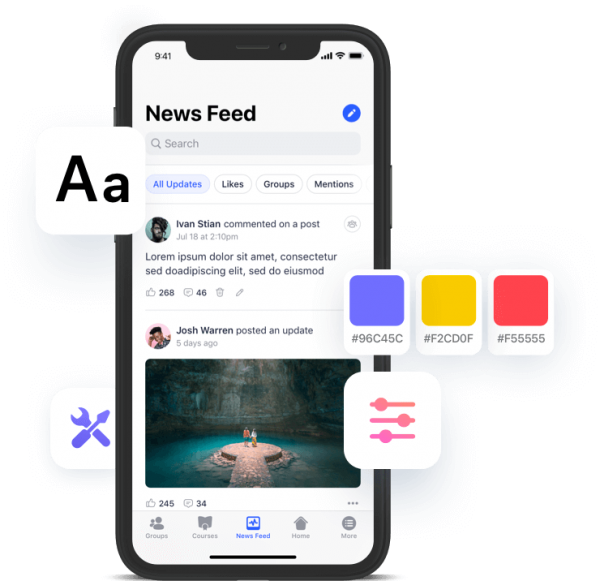
A smartphone displays a social media news feed with posts comments and images Overlay icons depict customization tools text size and color palettes emphasizing personalization options for the app interface
INCLUDED IN 2 APPS PLAN & HIGHER
Developer Access & Support
If you are a developer or work with a team of developers, you can modify and extend the BuddyBoss App with your own custom features.

The BuddyBoss App is built in React Native, one of the most popular cross-platform development frameworks that allows the creation of native mobile apps for both Android and iOS with just one codebase. This is the same technology used by apps such as Instagram, Facebook, Airbnb, SoundCloud and many other popular apps we use every day.

You will use your own Git repository where you can make changes to the appearance and features of your mobile app. Your Git repository will be combined with the app’s core Git repository during the build process.

Customizations done in your Git repository are automatically included in the next iOS and Android builds of your mobile app.
$299one time setup
and $79/month
A smartphone with a white frame displays an app splash screen featuring a white group icon on a purple background Behind it a code editor window shows JavaScript code with icons for Git and React
Trusted by Over 50,000 Small & Large Organizations
Logo
Logo
Logo
Logo
Logo
Logo
Logo
Logo
Logo
Logo

More from our customers

Frequently Asked Questions

How often will my app need to be updated, and who pushes the updates?

The beauty of the BuddyBoss App is that all of the content inside your App is completely dynamic, and updates in real time as soon as you make changes inside your plugin on your website.

That means for almost all updates you will want to do; like changing menus, adding content or pages, you actually won’t need to push an update at all and your own users will see changes reflected in their hands immediately as soon as you hit save! (Cool right!)

Do you publish the app for me?

Yes. Your purchase comes with an on-boarding and publishing package, which includes Done For You publishing.

Our team does a thorough manual review of your mobile app before submitting it to the Apple App Store and Google Play Store.

Your mobile app is built and submitted to the Apple App Store and Google Play store under your own Apple and Google Developer Accounts.

Our team assists you with submitting your app into the Apple App Store and Google Play Store as well as responding to requests, questions or rejections from the App Stores.
What happens if I stop paying the subscription?

If for some reason your payment fails, or we are unable to process your subscription, we will make several attempts to contact you and try to process your payment again to make sure there is no disruption to your service.

If after several attempts we are still unable to contact you, and a reasonable grace period has passed, your license will be deactivated, you will lose access to support and updates, and your App will be disabled.

If that happens, you will be able to re-enable your app at any time by paying off any unpaid balance owed and reactivating your subscription.

When will you bill me next?

Your BuddyBoss App subscription is billed once every month, every year or every 3 years from the date of your purchase date depending on which plan you purchased.

Your on-boarding & publishing package is a one time fee, which is paid upfront or split over 2 to 3 months depending on which plan you choose.

When you choose a yearly or multi-year subscription, your on-boarding & publishing package is included as part of your purchase.

How long does it take for you to submit my app for publishing once ready?

Once your mobile is ready and passes through internal review, then it will normally take us up to 72 hours to get your app submitted for publishing.

Is there a limit on the number of push notifications we send?

The BuddyBoss App uses Google Firebase to send out push notifications. Your free Google Firebase account provides unlimited free push notifications.

Can I cancel my subscription?

Yes, your subscription can be cancelled at any time from your BuddyBoss account area. Your mobile app will continue to work for the remainder of the billing period that was last paid for, after which your mobile app will no longer function.

What is included in your priority support?

With your active license, you have access to responsive and helpful ticket based support. Our support team is available to you 24/7.

Do I need an Apple Developer account and Google Developer account?

Yes. We will use your own Apple Developer account and Google Developer account to publish your mobile app.

The Apple Developer account costs $99/year. You can find more information here.

The Google Developer account costs a one time fee of $25. You can find more information here.

What is your refund policy?

If you realize that you don’t like the product over the next 21 days following your purchase, we’ll be happy to give you a full refund. No questions asked!

Do you guarantee my app will be approved?

Since the approval of your app is dependent on a third party company, we cannot guarantee an approval. If your mobile app violates the Apple App store guidelines or Google Play store guidelines, there’s a big chance your mobile app will be rejected.

Our team does a thorough manual review of your mobile app before submitting it to the Apple App Store and Google Play Store.

Our team assists you with submitting your app into the Apple App Store and Google Play Store as well as responding to requests, questions or rejections from the App Stores.

If you are selling courses or a membership, you’ll want to pay particular attention to the Apple in-app purchases, as those would normally be required, and involve a commission to the app store.

We have a history of getting 100% of apps we submit for publishing approved, so unless your content or business model violate the app store guidelines, it’s unlikely that your app will not be approved into the app stores. However since we have no control over the third party company, app store or marketplace, we cannot provide you with a guarantee that your mobile app will be approved.

Do I need to use the BuddyBoss Theme for the App to work?

No, your mobile app connects directly to your WordPress database and uses its own native layout. The theme you use on your site has no impact on the look and feel of your mobile app. So feel free to keep your current theme or to change it up and it will not affect how your mobile app looks. However, you may want to optionally display web pages in your mobile app, and add them to the navigation. When you do, the web pages will show the responsive version of your website, which will be based on the theme you have installed. This only applies to the web pages you link to from the app. The BuddyBoss App native screens will not be impacted by the theme you are running.

Are there any specific server requirements I need to have to run the BuddyBoss App?

The BuddyBoss App is built with performance and scalability in mind. Generally, if your BuddyBoss Platform powered site is running properly on your current hosting setup, then you should have no problem adding the BuddyBoss App to the setup.

You will definitely not want to run your website or app on shared hosting. So we recommend starting with cloud hosting such as Cloudways (Vultr High Frequency, or Digital Ocean) VPS. For more in-depth recommendations, please check out our article about hosting options for your BuddyBos App.

How long does it take for the Done For You service to be completed?

The Done For You process can be completed within 1 week if we have all the information we need. However generally projects can take 2-4 weeks, if we are receiving prompt feedback throughout the project.

Does the demo show all the app features?

No. Some of the features are disabled on the demo. For example, in-app purchases are not enabled in the demo. Documents and the Zoom integration are being actively developed and will soon be available in the demos. Tablet support is also being actively developed and will also soon be available in the demos. The app content can optionally be viewed by logged-out users, and this is not currently enabled in our demo.

You will also soon be able to access the WordPress dashboard of the demo apps, so you can play with the BuddyBoss App plugin and see how you can control the mobile app from the WordPress dashboard.

Can I upgrade to a higher plan after I make my purchase?

Yes, at any moment you can upgrade to a higher plan. You will pay a prorated amount for the current billing period and your payment amount will be adjusted for the next billing period. For the on-boarding and publishing package, you will simply pay the difference in price between the plan you are currently on and the plan you are upgrading to.

Does the BuddyBoss App require WordPress to work?

Yes. The BuddyBoss App comes with a plugin (The BuddyBoss App plugin) that you install on your WordPress site, as well as a native mobile app that is generated by our build servers and is uploaded to the Apple App Store and Google Play Store. You will need a WordPress installation, so you can install the BuddyBoss App plugin, manage and synchronize data with your mobile app.

View Demo
Try it on your phone
Skip to
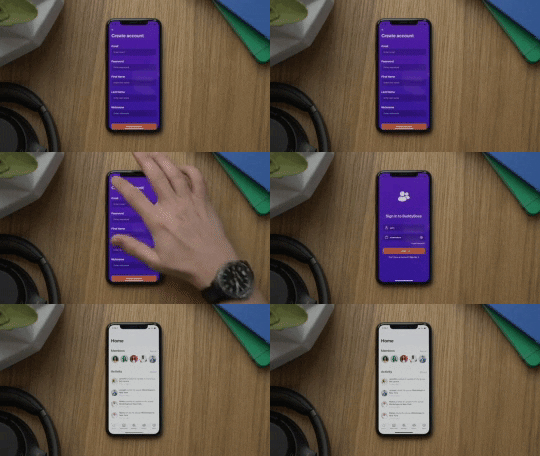
Login and User Registration
00:00:31 - 00:00:57
App Home Screen and Content Overview
00:01:05 - 00:01:38
Customizing Options
00:01:39 - 00:02:14
Member Profiles
00:02:20 - 00:03:36
News Feed
00:03:58 - 00:05:19
Members Directory
00:05:20 - 00:06:20
Advanced Profile Search
00:06:22 - 00:06:49
Social Groups
00:06:50 - 00:08:58
Forum Discussions in Groups
00:08:59 - 00:09:20
Invite Members to Join Groups
00:09:21 - 00:10:03
Send Messages to Group Members
00:10:05 - 00:10:37
Manage Group Settings
00:10:38 - 00:11:16
Create A New Group
00:11:17 - 00:12:28
Profile Repeater Fields
00:13:06 - 00:14:08
App Settings
00:14:10 - 00:15:06
App Feedback
00:15:08 - 00:15:25
Biometrics (Face and Touch Unlock)
00:15:26 - 00:16:07
Export Data (GDPR)
00:16:08 - 00:16:23
Notifications
00:16:36 - 00:17:20
Push Notifications
00:17:21 - 00:17:42
Messages
00:17:46 - 00:19:02
View As Profile Feature
00:19:04 - 00:19:28
Forums
00:19:33 - 00:19:56
Forum Discussions
00:19:58 - 00:20:35
Photos
00:20:38 - 00:20:58
Blog
00:21:00 - 00:21:58
LearnDash Courses
00:22:00 - 00:23:25
Selling Access to LearnDash Courses and Memberships
00:23:26 - 00:23:56
Offline Support for LearnDash Courses
00:24:00 - 00:24:58
App Pages for Text Content
00:25:49 - 00:26:16
App Pages for Web Links
00:26:17 - 00:26:33
Future Features
00:27:01 - 00:27:40
iOS
Android
Watch the video for a guided iOS tutorial.
Watch the video for a guided Android tutorial.
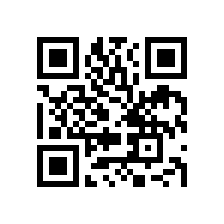
Scan QR Code
Open your phone’s camera app and point it towards this QR Code to download the app.

Done For You App Service

We understand that the process of customizing an app, configuring it, branding it and preparing it for publishing into the app stores can be a bit of a learning curve for the non-techie.

This is why we created the Done For You service and built a team around it so we can go through the process of creating, customizing, configuring, branding and preparing your mobile app for publishing for you, so you can save time and focus on your business.
Following is what’s included in the Done For You App service:

  • App Initial Setup and BuddyBoss App Plugin Installation
  • Rebranding Concept and Implementation
  • App Configuration
  • Preparing your App for Publishing
App Initial Setup and BuddyBoss App Plugin Installation

We will install the BuddyBoss App on the WordPress site of your choice. We will create your mobile app and connect it to your WordPress site.
Rebranding Concept and Implementation

The purpose of the rebranding is to make the App’s styling match with your brand.

To do this, we gather information about your existing brand identity and use that to modify the styling of the App.

After we gather the info needed, our design team will use the BuddyBoss customizer to make your new mobile app to match with your brand. We use professional designers to do this so we can get the best result in terms of esthetics, as this will be the first impression you give to your users. An esthetically pleasing design is important to the end user.

Our design will also design your app icon, launch screen and login screen background.

The BuddyBoss App customizer allows for changes to:

  • Fonts
  • Colors
  • Backgrounds
  • And Icons

The designer will work with the available options to create an esthetically pleasing rebranding for your mobile app. Any requests that fall outside of the options that the product provides will be considered out of scope. These can still be achieved through custom development, after the completion of your Done For You project.
App Configuration

Our team will configure your app for you. This includes setting up the push notifications service, configuring your iOS App and your Android App.

We’ll also enable and configure the features you need and disable the features you don’t need.
Preparing your App for Publishing

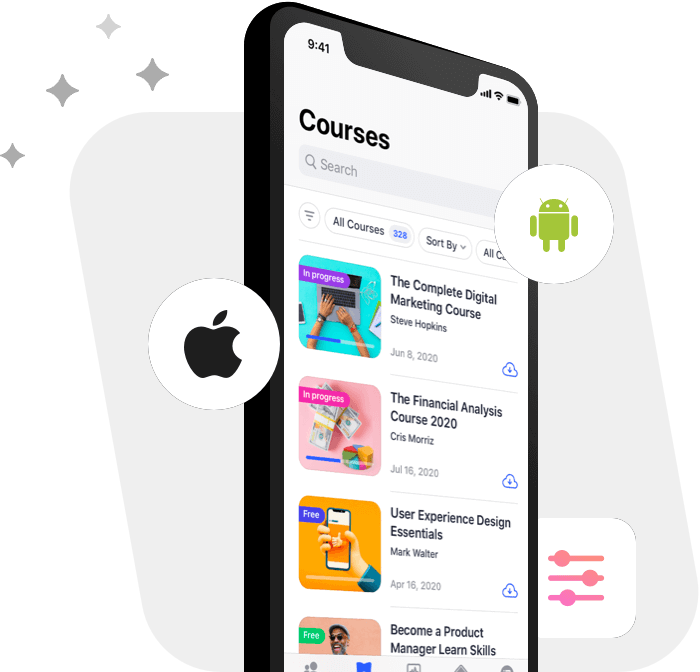
When preparing your app for publishing we will gather the information we need from you, create the screenshots and graphics needed and generate your mobile app build.

Our design team will take the screenshots and copy you provide us with and turn them into beautiful graphics so you can impress your app store visitors with a nicely presented and compelling product page on the Apple App Store and Google Play Store.

Our team will also create other necessary graphics for publishing into the App stores.

Your app will then be ready for our publishing team to submit to the app stores.

The Done For You App service does not include customizations, custom development outside of what is described in the above scope of work.
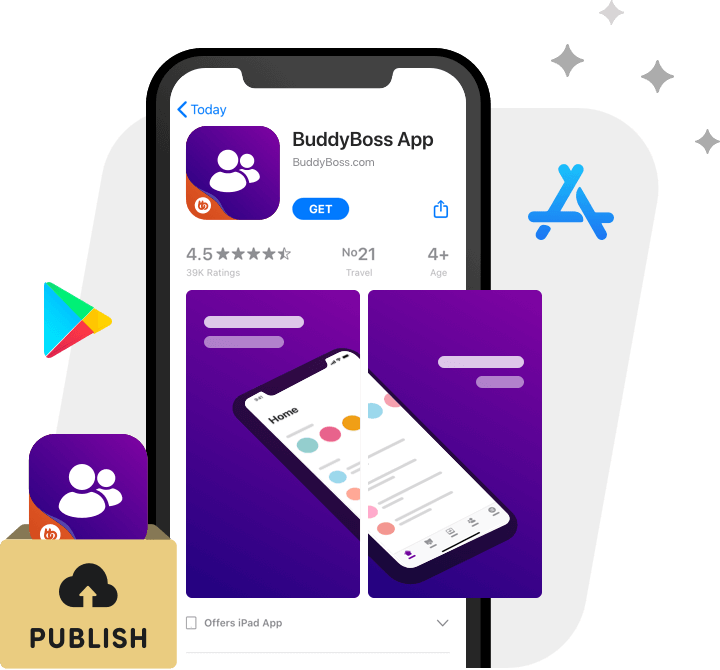
We will provide more details on our process, prior to the start of the Done For You service.

To speak to our Agency consultant, fill in the form found at our Contact Page.

Get Started