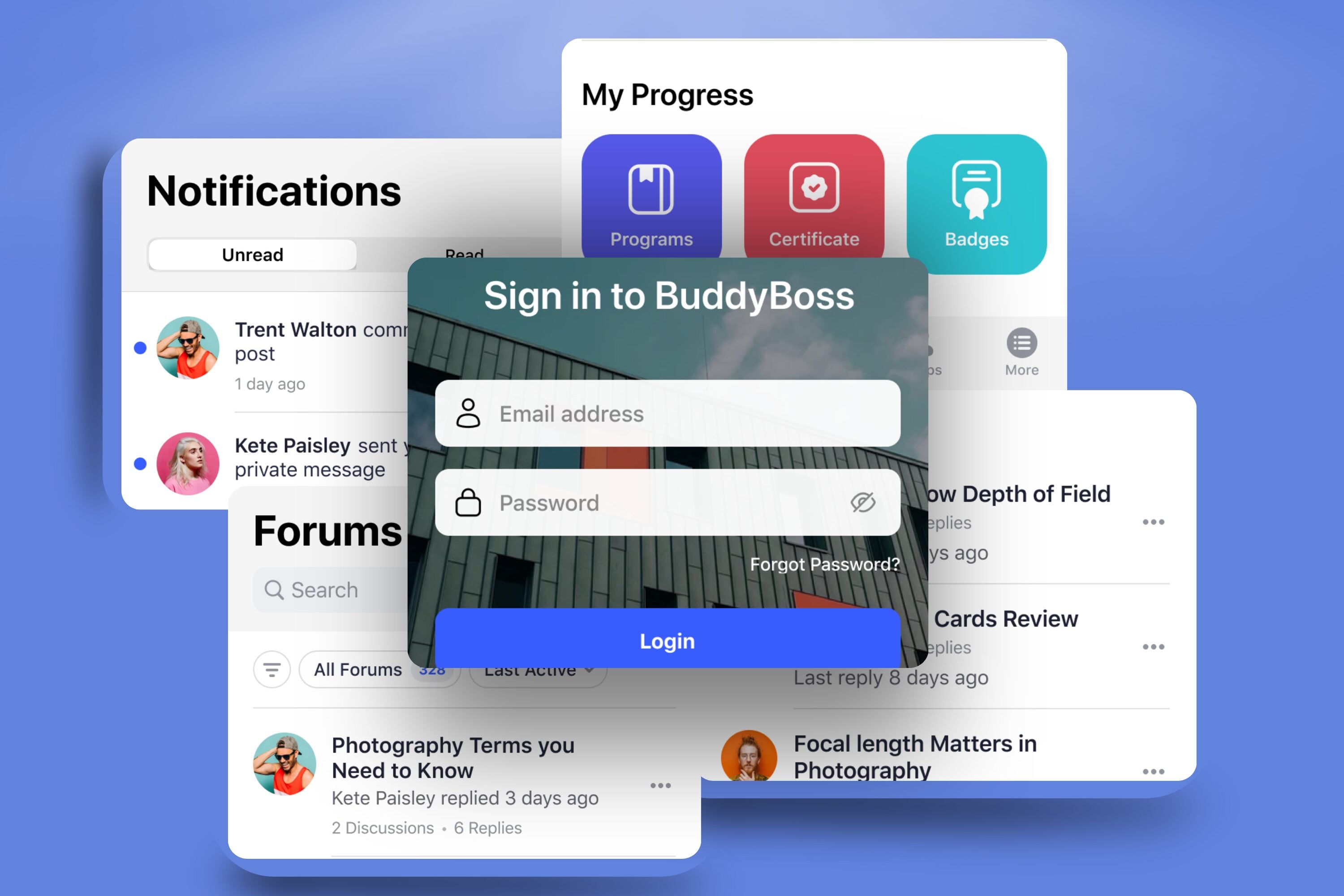
You’ve built your community, created content, and launched your own app using BuddyBoss– a powerful platform for building social networks, online courses, and memberships.
Now imagine if more of your members were actively using the app every day.
They’ve signed up on your site, joined a course or group, and now it’s time to bring that same energy to your app.
Because here’s the thing: an app isn’t just a feature it’s a powerful tool for deeper connection. The key? Making it part of their daily experience.
In this post, we’ll break down 10 simple, proven tactics that actually work to get more members to download, use, and love your BuddyBoss app based on real features, real tools, and real strategies that BuddyBoss supports.
1. Make the Onboarding Experience Seamless

Your app’s first impression is everything. If a new member downloads your app and hits friction, slow login, confusing navigation, or silence they’ll likely bounce and never come back.
Your goal is simple: make that first session smooth, intuitive, and engaging.
Here’s how to do it right:
Enable Single Sign-On (SSO)
Let users log in once and access both the app and website with the same credentials. No juggling multiple passwords, no re-authentication headaches.
Design a Guided Welcome Tour
Use onboarding screens or a step-by-step walkthrough to show users where to go:
“Tap here to join your first group”
“Swipe to access your courses”
“Hit the chat icon to start a conversation”
You can do this using tooltips, modals, or even a short video embedded into the home feed. Just 30 seconds of clarity goes a long way.
Pre-Set Smart Push Notification Settings
Don’t overwhelm new users with a flood of alerts. Instead turn on only essential push notifications by default (like direct messages or group mentions). Let users fine-tune their preferences later in the settings
Keep the Interface Familiar & Branded
Use BuddyBoss customization features to design your login screen, navigation menu, and welcome messages to reflect your brand colors, logo, and tone. This creates a sense of trust and continuity, especially for members coming from your website or emails.
2. Promote the App Across All Channels
If you’re not constantly pointing people to your app, they’ll stick to your website or forget the app even exists.
You have to make it impossible to miss. And to do that add “Get the App” links everywhere: email signatures, newsletters, course pages, and thank-you emails.
Promote it on social likeInstagram Stories, LinkedIn posts, Facebook groups with clear benefits (“Chat with members on the go!”).
Also, during Zoom calls, webinars, or real-world events, remind attendees to download the app.
3. Offer App-Only Perks
If everything’s available on your website, there’s no urgency to download the app. You need to give members a clear reason to go mobile.
What to do?
- Drop exclusive content like bonus videos, behind-the-scenes material, or sneak peeks available only in the app.
- Host app-only events like live Q&As, challenges, or private group discussions.
- Offer early access to new courses, features, or announcements exclusively through the app.
Related Read: How to make your BuddyBoss app private
4. Use Push Notifications But Do It Right
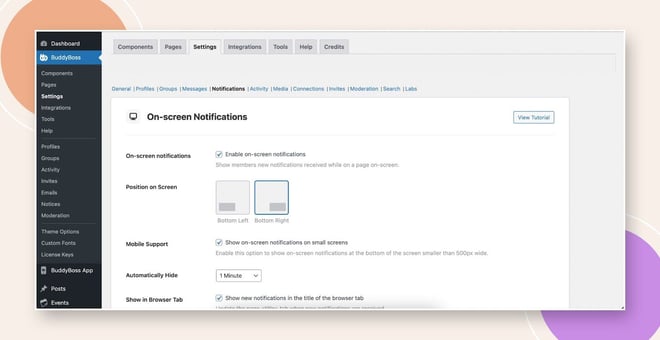
Push notifications are powerful but only if they’re used with care. The right message can bring members back. The wrong one will get you muted (or worse, uninstalled).
Send timely, valuable updates like “Your next lesson is live” or “Live Q&A starts in 30 minutes.” Keep messages short and personal and no spammy blasts or generic promos.
Segment your audience so new members get welcome nudges, while veterans get advanced updates or reminders.
Pro Tip: Use BuddyBoss’s push settings to automate messages based on behavior like notifying someone when a group they joined has a new post.
5. Incentivize Downloads and Usage
People love rewards and the right incentive can turn passive members into active fans. Make using your app feel like progress, not just participation.
Gamify the experience with badges, points, or streaks for completing in-app actions like joining a group or posting a comment.
Run referral challenges: “Invite 3 friends, unlock a free session.” It boosts downloads and brings in warm leads.
Host app-based contests: “Post a photo in the app group to win exclusive swag” or “Top contributor this week gets a shoutout.”
BuddyBoss supports gamification plugins and user points, making it easy to turn engagement into a reward system.
6. Make It Central to the Community
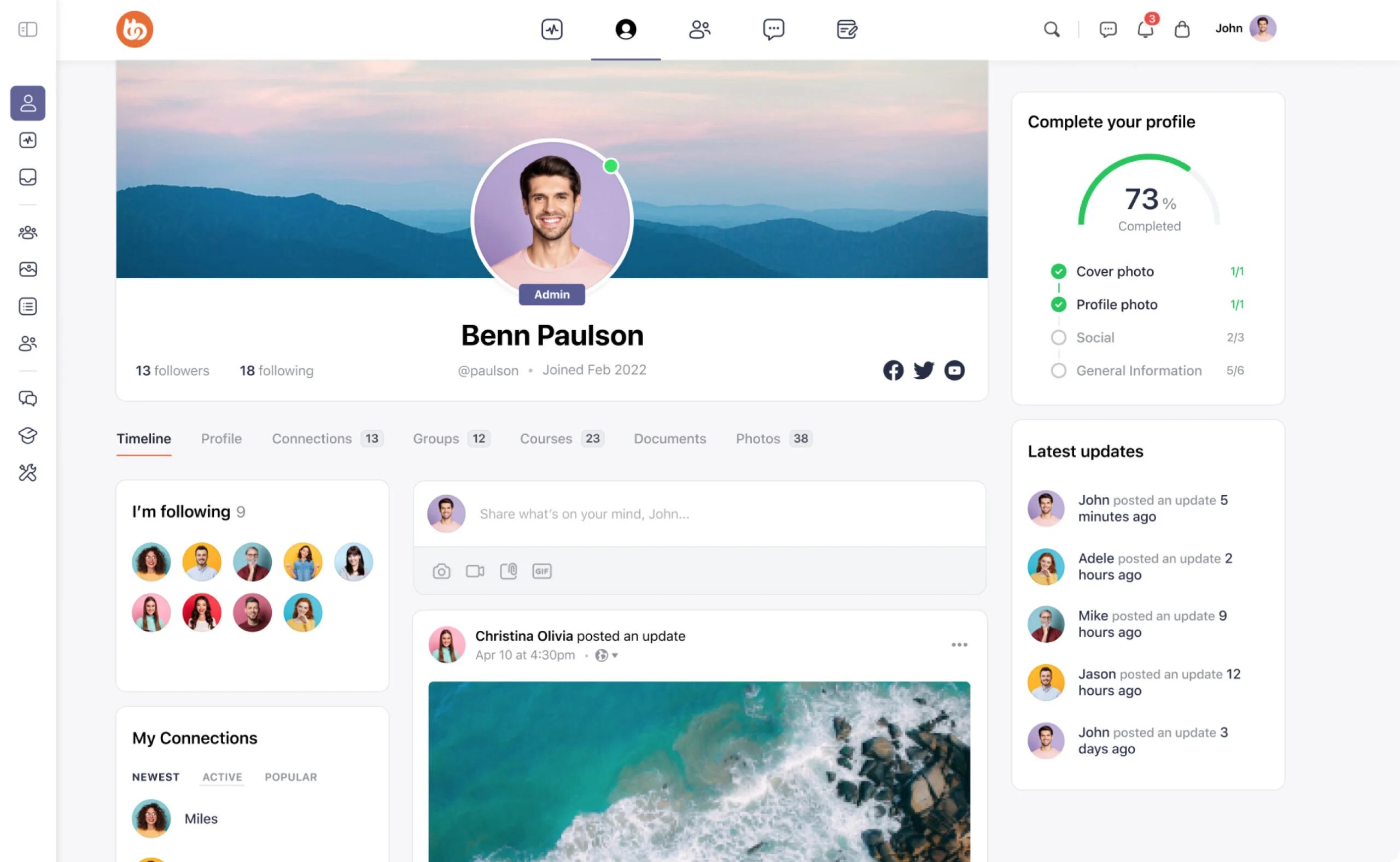
If your app feels optional, your members will treat it that way. You need to position it as the heart of your community, not just a companion to your website.
Host key activities inside the app:- livestreams, challenges, group discussions, or coaching calls should all happen there first.
Deliver major updates and announcements through app-exclusive channels to build the habit of checking in.
Set the tone: Say it clearly “If it’s not in the app, it’s not happening.”
7. Create Clear Calls-to-Action in All Content
If you want your members to use the app, you need to tell them exactly when and why clearly, consistently, and often.
Every piece of content you publish should guide users toward the app with a direct, purposeful call-to-action.
For example, in blog posts, say things like “Watch the full replay in the app.” On your course pages, encourage continued learning by saying “Join the app group to discuss this lesson.”
In emails, highlight exclusive value with lines like “Unlock your bonus—only in the app.” During webinars or Zoom calls, let people know the conversation continues inside the app chat.
Even on your website, use visual buttons or QR codes that say “Open in App” to create a seamless transition.
The key is to build the habit and make the app the obvious next step for deeper engagement, connection, or content access. The more members see that essential parts of the experience live inside the app, the more they’ll rely on it as their go-to hub.
8. Educate and Remind Regularly
Even your most loyal members need reminders and support when it comes to using your app.
Don’t assume they’ve explored every feature most won’t unless you show them how.
Start by sending simple, well-timed emails that explain how to download the app and log in.
Then go further by creating short, engaging demo videos that highlight key features like how to join a group, start a discussion, or access exclusive content.
These can be embedded in emails, pinned inside the app, or added to your onboarding flow.
Also, bring it to life with real user stories like “Here’s how Sarah used the app to stay accountable and finish her course.” These examples make the benefits feel personal and achievable.
FAQs on Increase BuddyBoss App Users
1. How do I know if my efforts are actually increasing BuddyBoss app users?
Track key metrics like app downloads, daily active users, session time, and feature usage. Tools built into BuddyBoss and third-party analytics platforms can help you measure what’s working and what needs tweaking.
2. Should I create exclusive content just for the app?
Yes—and it doesn’t have to be overwhelming. Small perks like early access, bonus videos, or in-app events can strongly motivate members to download and keep using the app, helping you steadily increase BuddyBoss app users.
3. What if my audience prefers using the website?
That’s normal. The goal isn’t to replace the web, it’s to extend the experience. Frame the app as a more convenient, always-available way to stay connected, especially for community features. With the right positioning, you can gradually increase BuddyBoss app users without forcing a switch.
4. How often should I send push notifications?
Start with 2–3 per week and monitor your engagement and opt-out rates. Focus on key updates like new content drops, event reminders, or community milestones. The goal is to re-engage, not overwhelm—which helps increase BuddyBoss app users over time.
5. What if my members stop using the app after downloading it?
This is common. Re-engage them through email reminders, push notifications, and in-app content updates. Highlight what’s new or what they’re missing. You can even offer app-exclusive bonuses to pull them back in and increase BuddyBoss app users again.
6. How can I make my app feel like the core of the community?
Host all your discussions, updates, and events inside the app. Use language like “Only in the app” and make it the go-to space for connection. When the app becomes essential, usage rises naturally helping you increase BuddyBoss app users organically.
7. Is BuddyBoss App Lite enough to increase user engagement?
Yes, especially if you’re just getting started. BuddyBoss App Lite gives you a branded, mobile-ready app with core features that support content delivery and community interaction enough to begin building habits and increasing BuddyBoss app users.
BuddyBoss App: Build It and Drive It
Building your BuddyBoss app is just step one. Driving adoption turns it from a tool into a true growth engine. Whether through onboarding improvements, push notification strategies, or app-exclusive perks, every small step builds momentum.
With BuddyBoss App’s built-in engagement tools, push notifications, and community features, you already have everything you need to turn downloads into daily active users.
👉 Ready to grow your app community? Explore BuddyBoss App Features and start driving adoption today.
👉Want a faster way to get your course on mobile?
BuddyBoss App Lite lets course creators launch a simple, branded app without the complexity.

-
 Article
 Article
- Planning Your Online Community