
Introduction
If you want to ensure every customer registers or logs in before buying subscriptions or products on your WooCommerce store, you can enforce account creation at checkout. This prevents guest checkouts and ties orders to user accounts for better order management and customer experience.
Require Account Creation During Checkout
- In your WordPress admin, go to WooCommerce > Settings > Accounts & Privacy.
- Under Account creation, check Allow customers to create an account during checkout.
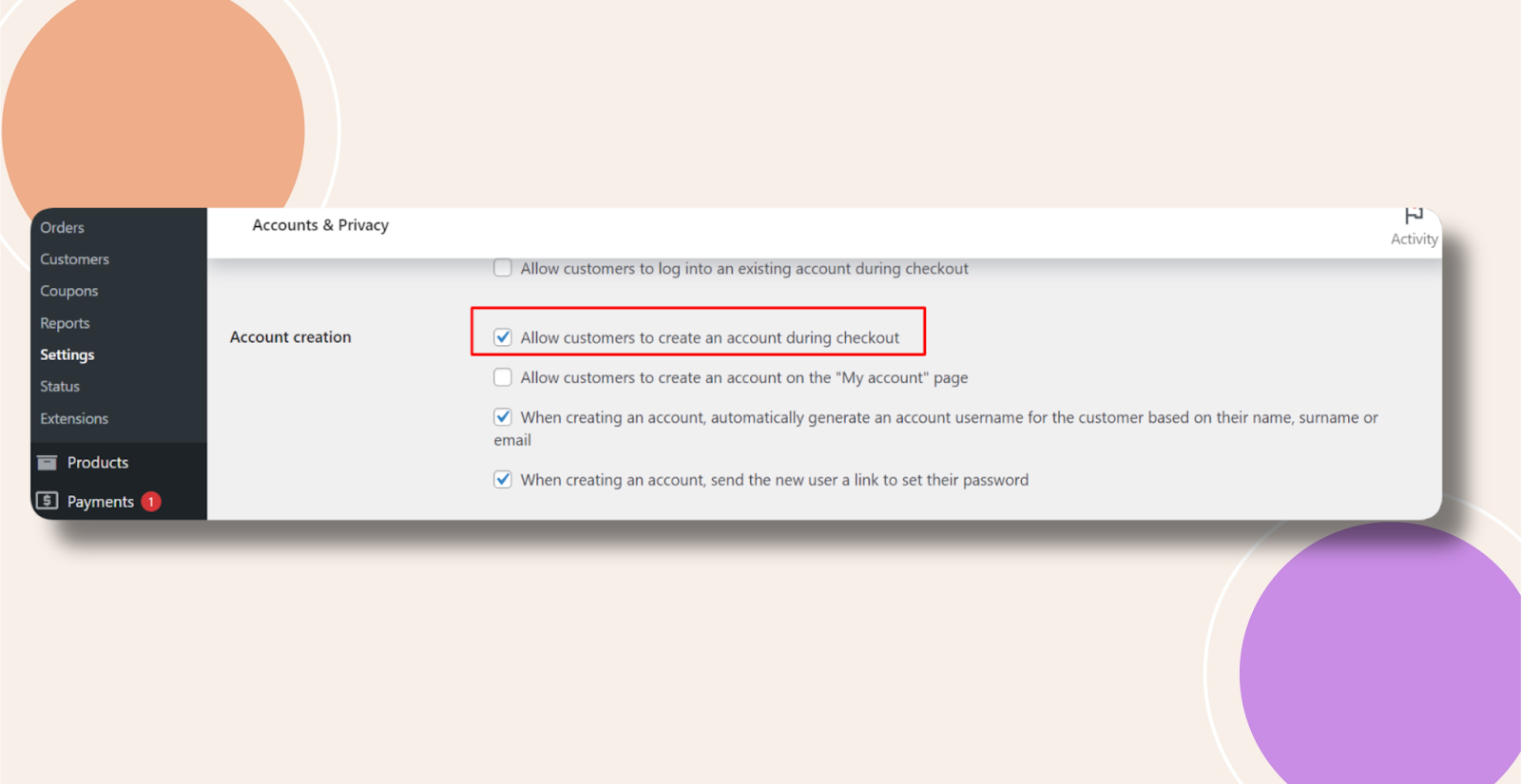
- Click Save changes at the bottom of the page to apply the setting.
Troubleshooting and FAQs
Q: Do I need any additional plugins to enforce this?
A: No. WooCommerce’s built-in settings handle account creation and checkout requirements without extra plugins.
Q: Will existing guest orders be affected?
A: No. This setting only applies to future checkouts. Previous guest orders remain intact in the database.


