
Introduction
Setting up BuddyBoss Registration Pages is essential for allowing new members to join your community. With the BuddyBoss Platform, you can enable user sign-ups, create and assign registration pages, and ensure a smooth onboarding experience by including legal agreements like Terms of Service and Privacy Policy.
This guide walks you through the process step by step so your community can start growing right away.
Tutorial Video
Configuring Registration Pages
Enable Registration
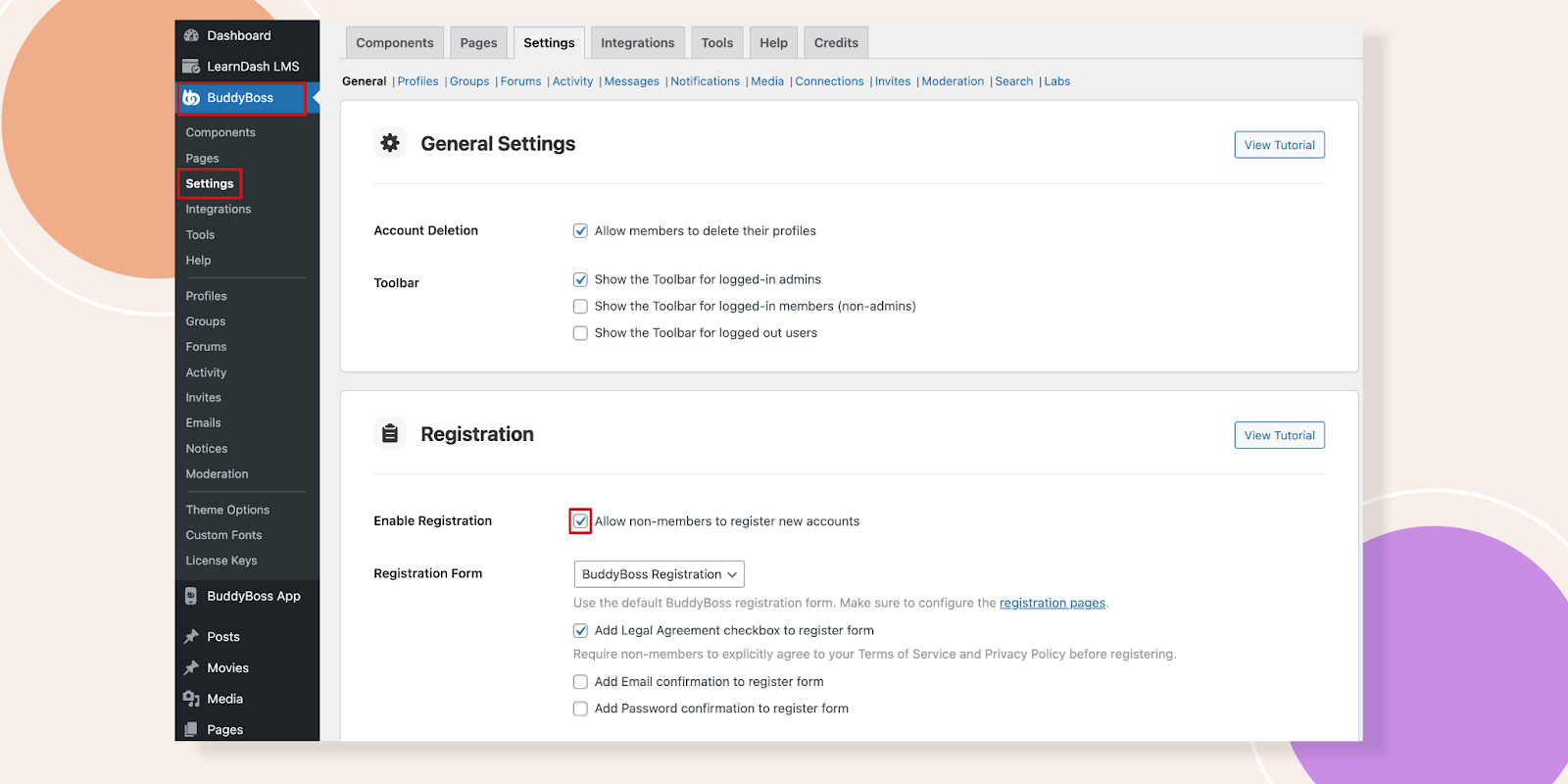
- Navigate to BuddyBoss > Settings in your Dashboard.
- Locate the Registration section.
- Check the Enable Registration box to allow new users to sign up.
- Click Save Settings.
Create and Assign Registration Pages
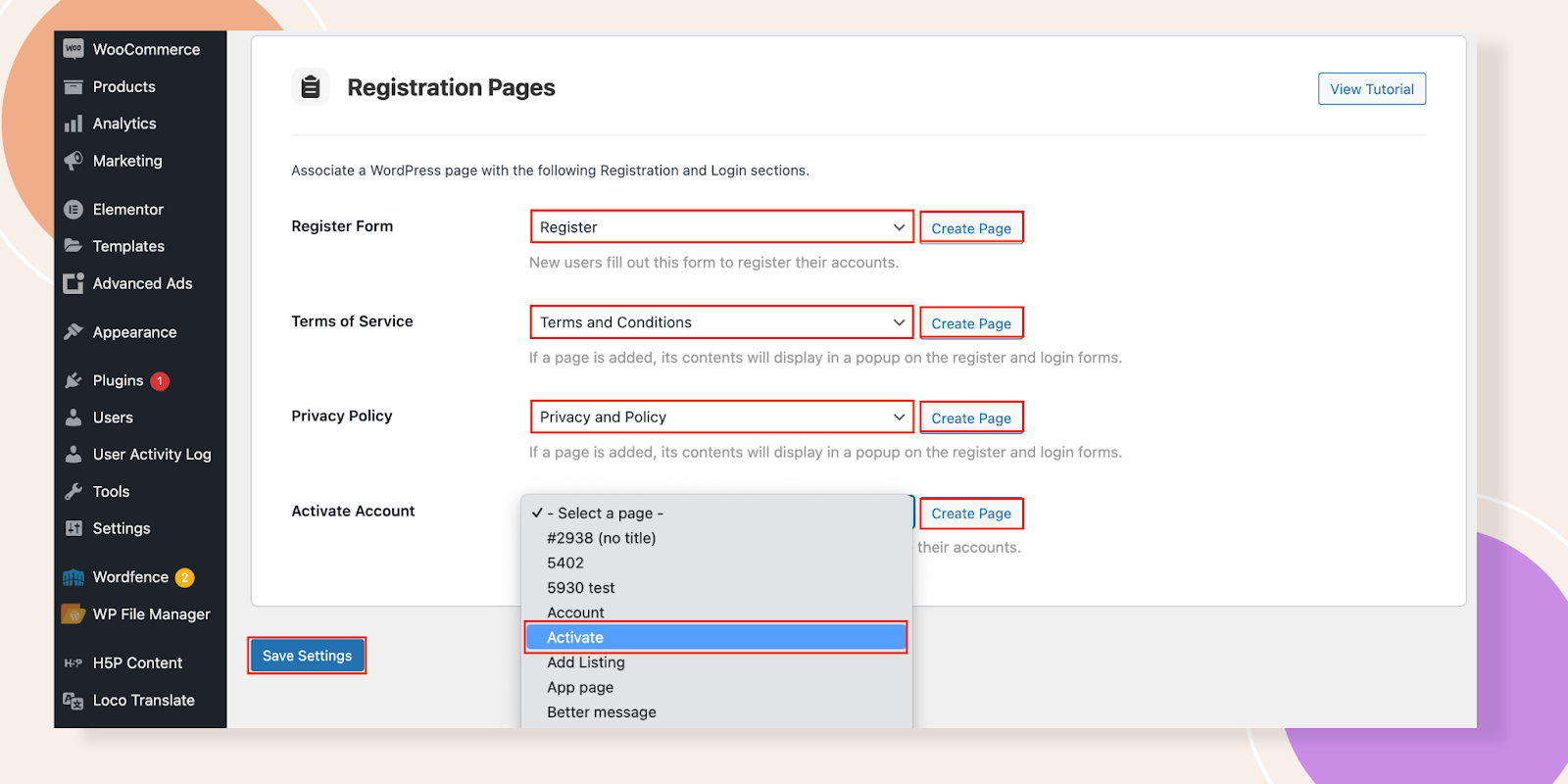
- Go to BuddyBoss > Pages.
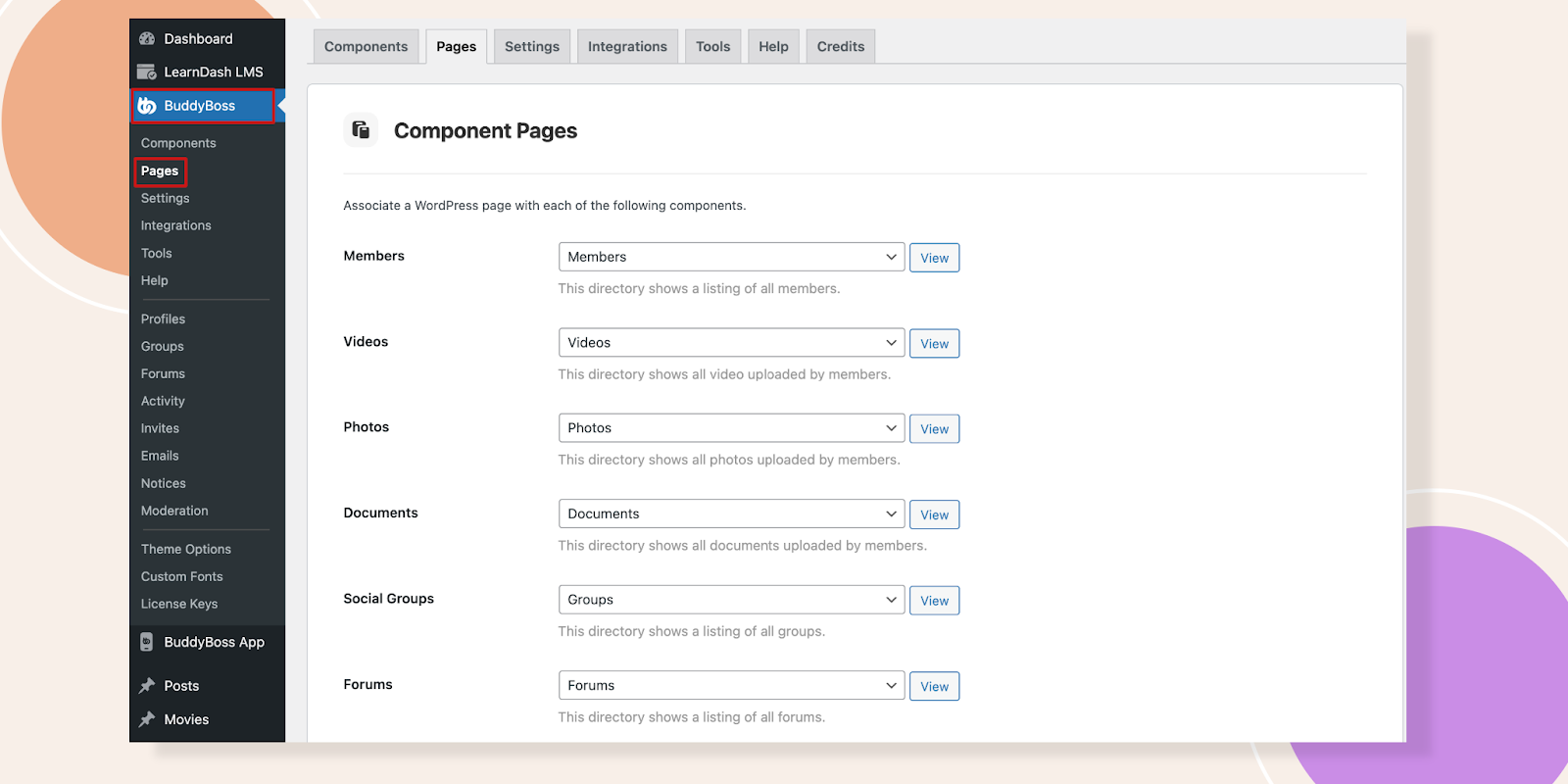
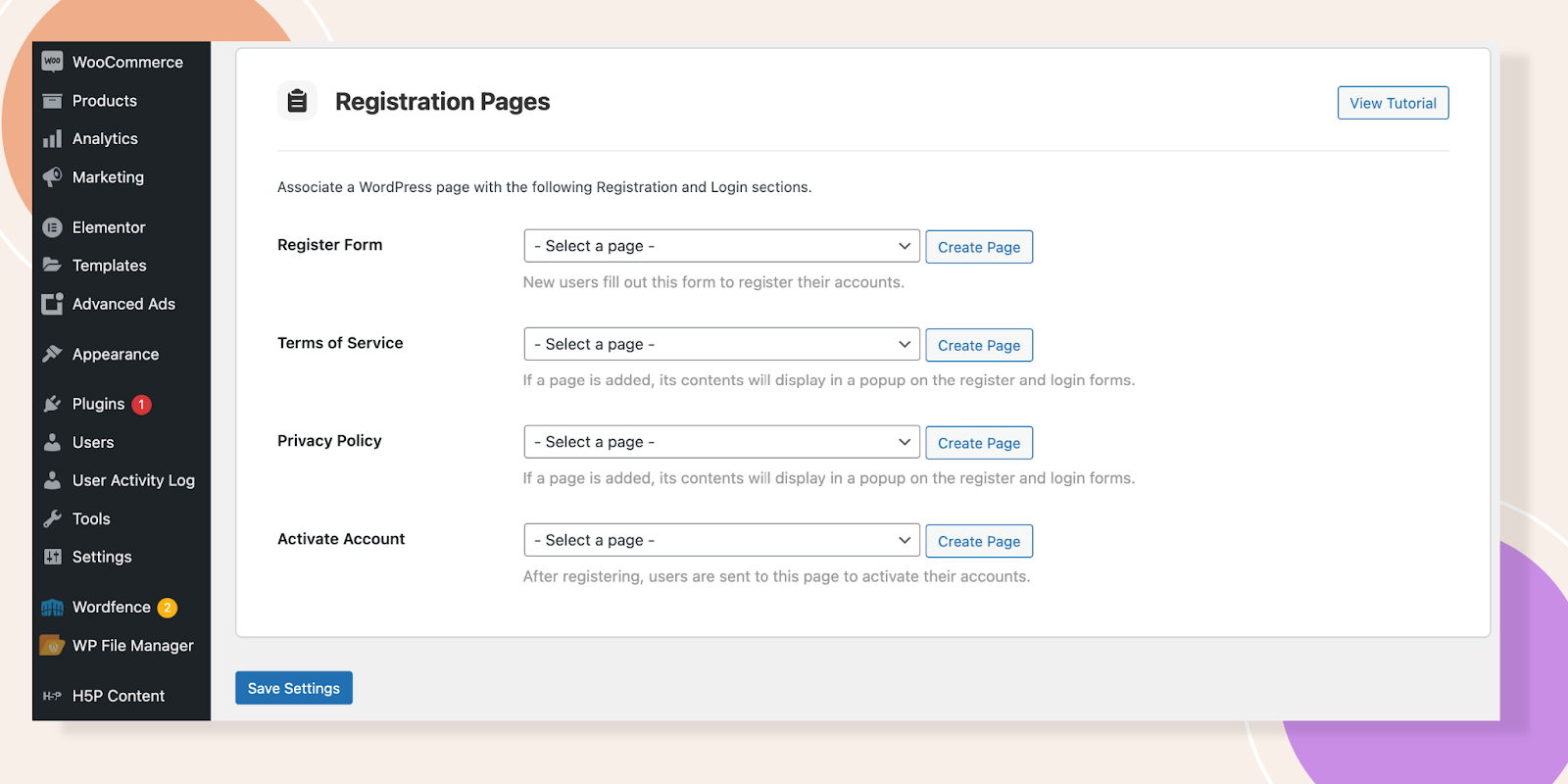
- Scroll down to the Registration Pages section.
Create Required Pages
- In your Dashboard, navigate to Pages.
- Click Add New.
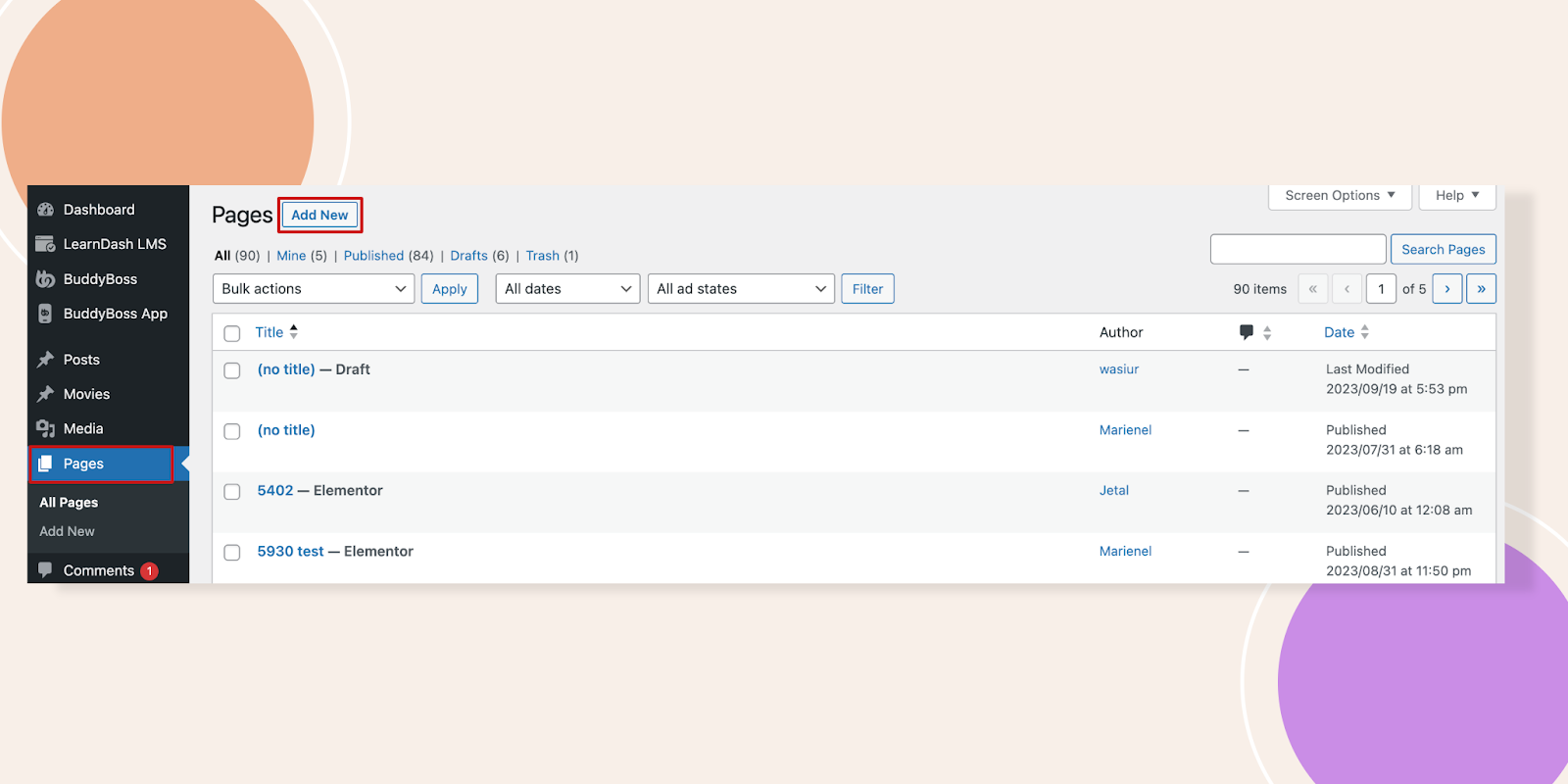
- Create pages for Register, Privacy Policy, and Terms of Service with appropriate descriptions.
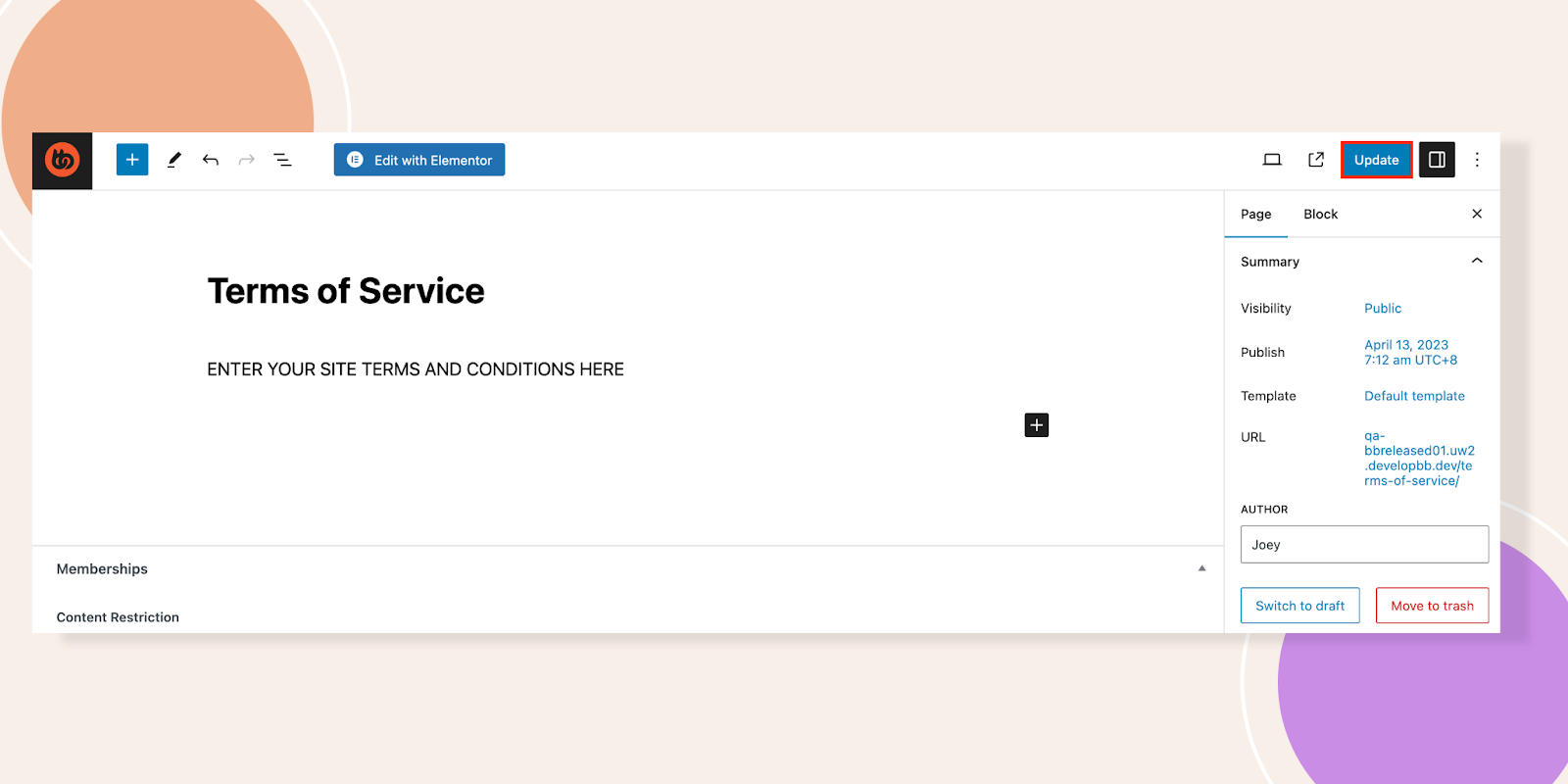
- Repeat this process for all required pages.
Assign Pages in BuddyBoss
- Return to BuddyBoss > Pages.
- Select the correct page for each option (e.g., Register Page, Terms of Service, Privacy Policy).
- Click Create Page.
- Click Save Settings to confirm your selections.
User Experience on the Registration Page
When users click Register or Sign Up, they will be directed to the designated registration page.
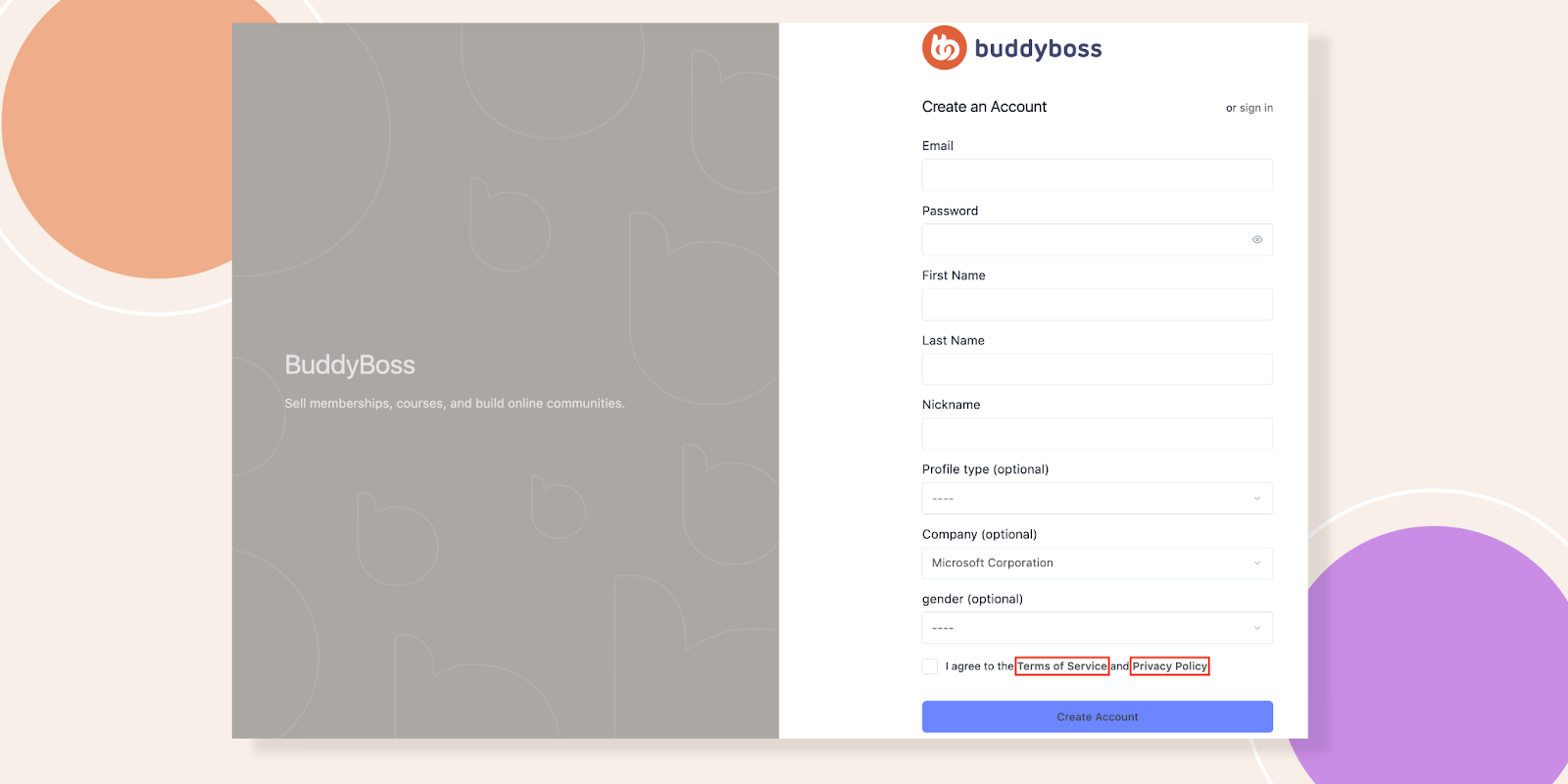
At the bottom of the registration form, users will find links to Terms of Service and Privacy Policy.
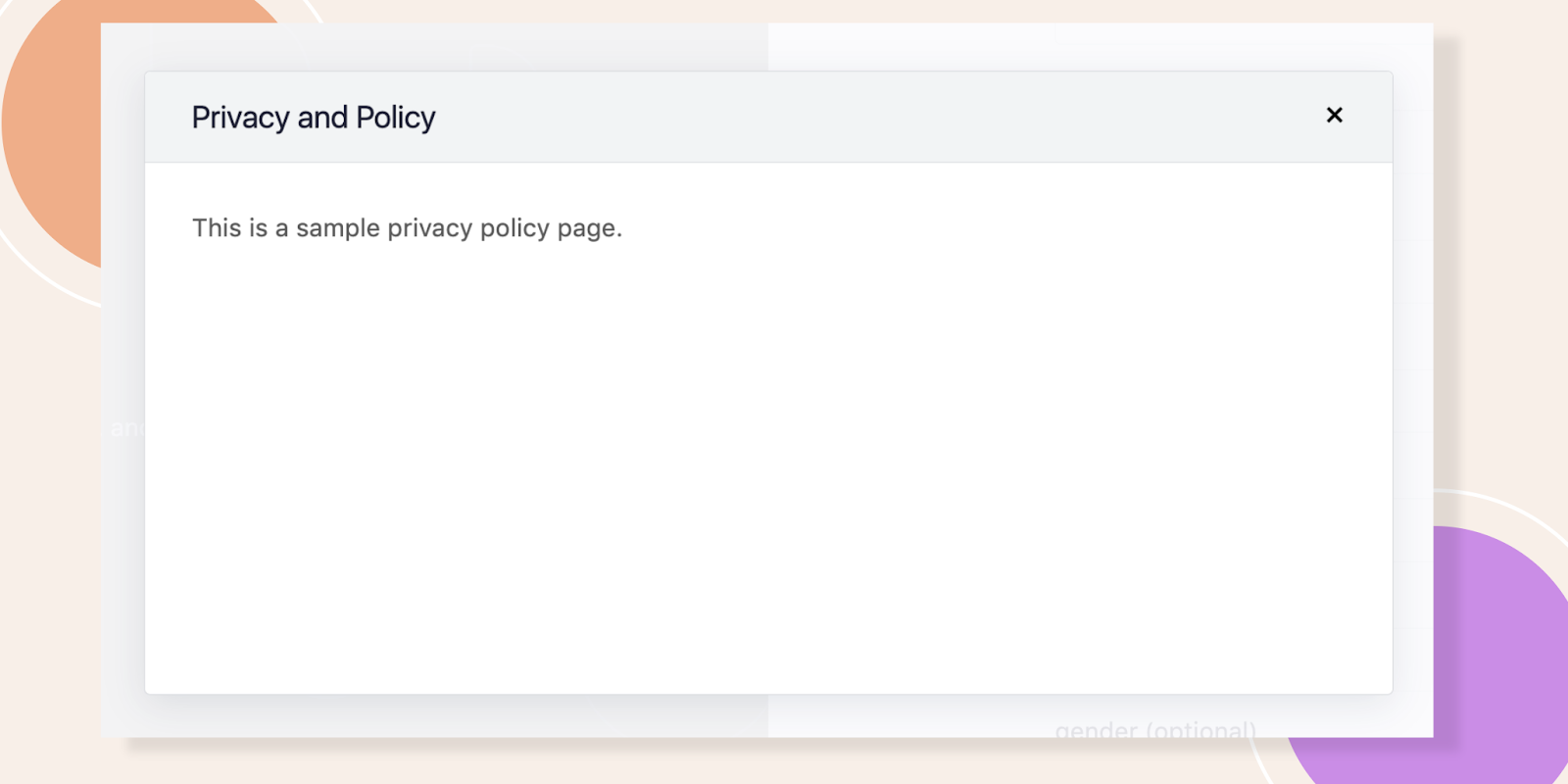
- Clicking Terms of Service opens a pop-up displaying the terms.
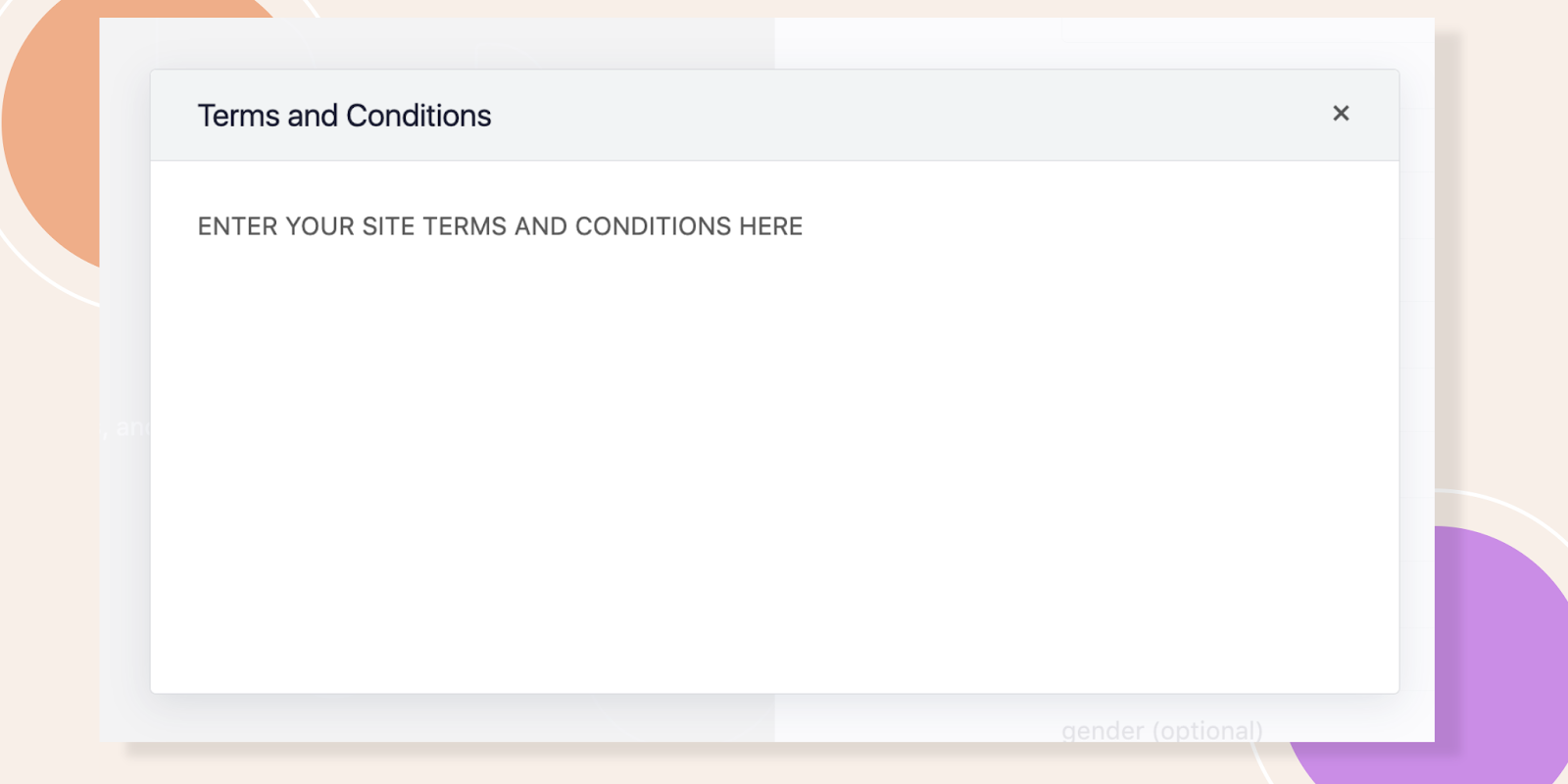
- Clicking Privacy Policy displays the privacy agreement.
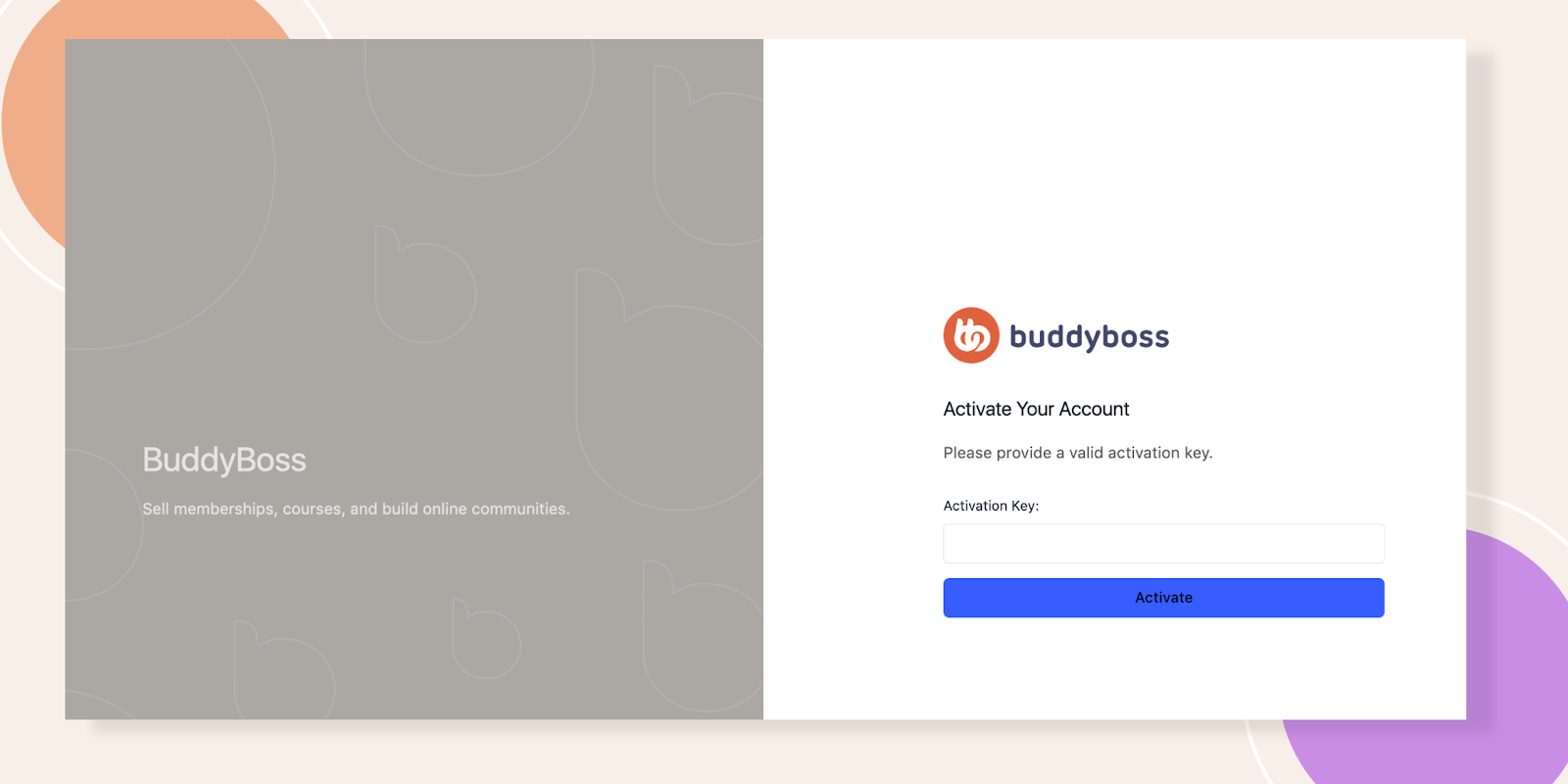
Once users complete registration and activate their accounts, they will see a confirmation page.
Troubleshooting and FAQs
Q: Users can’t register even after enabling registration.
A: Ensure Enable Registration is checked in BuddyBoss > Settings and that no caching issues are preventing updates.
Q: The Terms of Service or Privacy Policy pop-up is not appearing.
A: Verify that the correct pages are assigned under BuddyBoss > Pages and that pop-ups are not blocked by the browser.


