
Introduction
After your Done For You (DFY) project is delivered, you may want to update the Buddy Panel or the Widget Sidebar Menu. Both options serve as navigation tools, but they differ significantly in setup, flexibility, styling, and mobile support.
This guide compares the two, so you can decide which option works best for your site.
Feature Comparison
| FEATURE | BUDDY PANEL | WIDGET SIDEBAR MENU |
| Built-In Feature | Yes | No, requires manual widget setup |
| Consistency of Alignment | Always aligned where it is set up | May shift depending on page structure |
| Collapsible / Expandable | Yes | No |
| Dependency on Screen Resolution | No | Yes. Widget may move position when the screen shrinks |
| Styling | Follows theme styling options | Cannot be customized from the theme options. |
| Setup Time | Very quick, toggle on/off | Manual setup, up to 30 minutes |
| Adding Menus/Submenus | Easy to set up in Appearance > Menus | Manual setup, up to 30 minutes |
| Mobile Support | Fully supported | Depends on page structure and content |
Visual Examples
Buddy Panel
Left Buddy Panel:
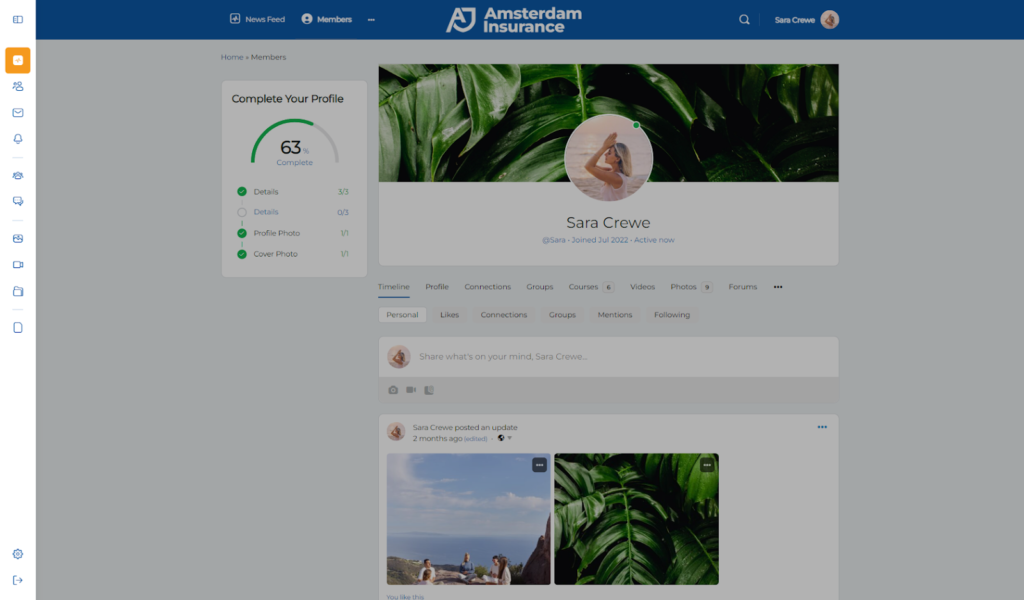
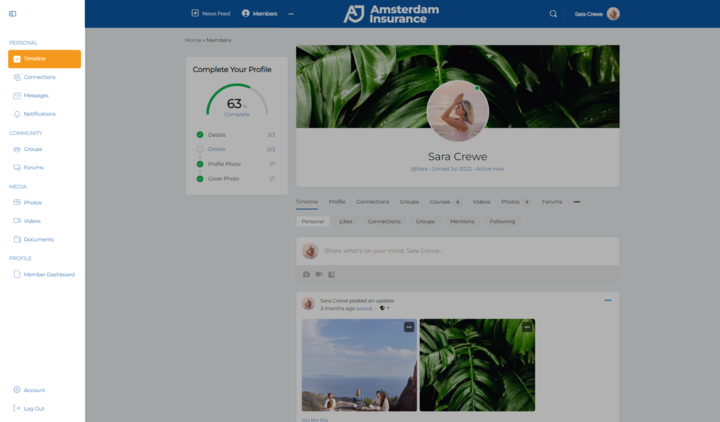
Right Buddy Panel:
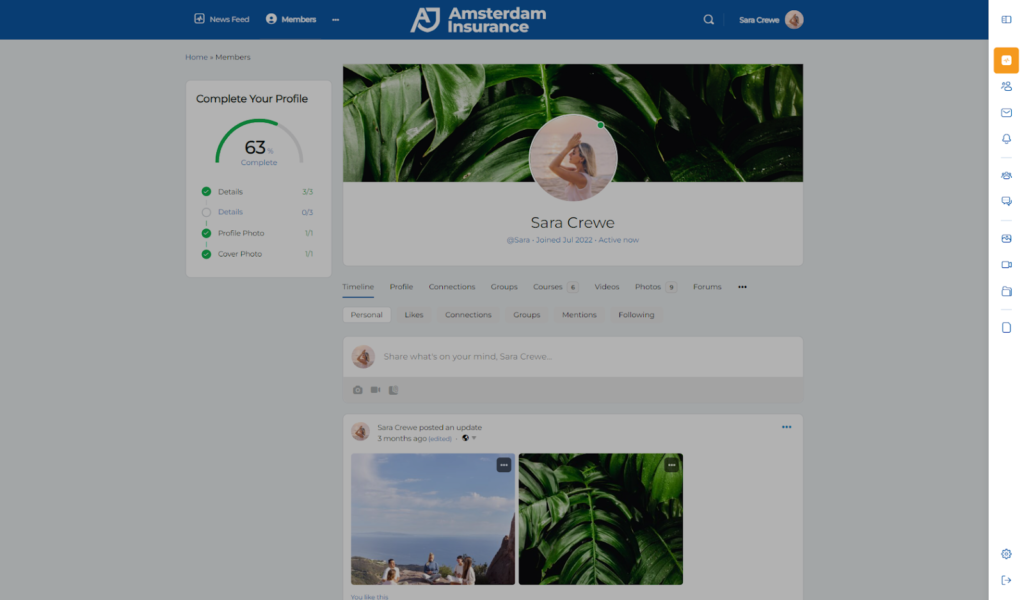
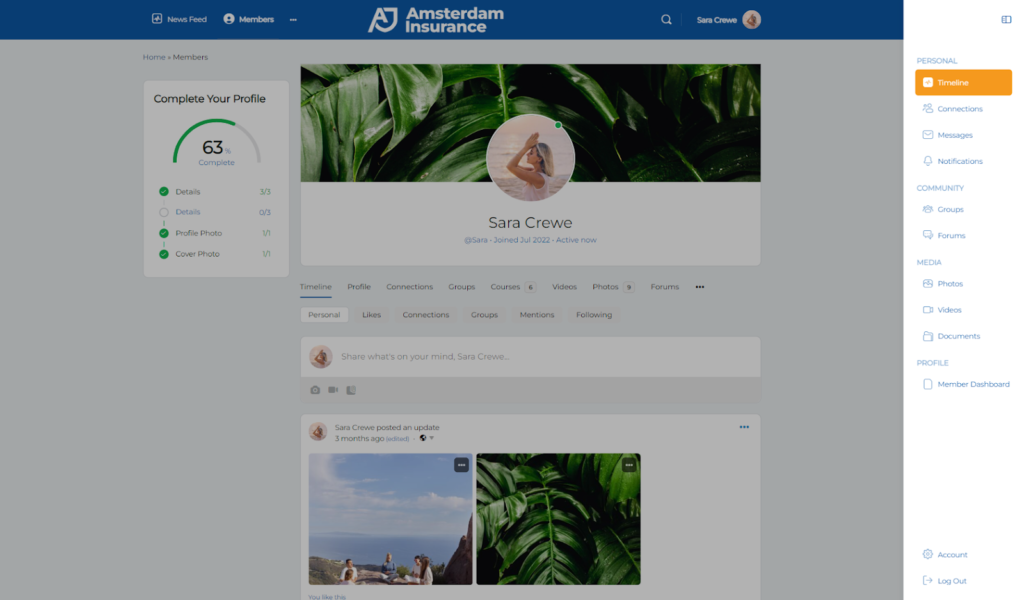
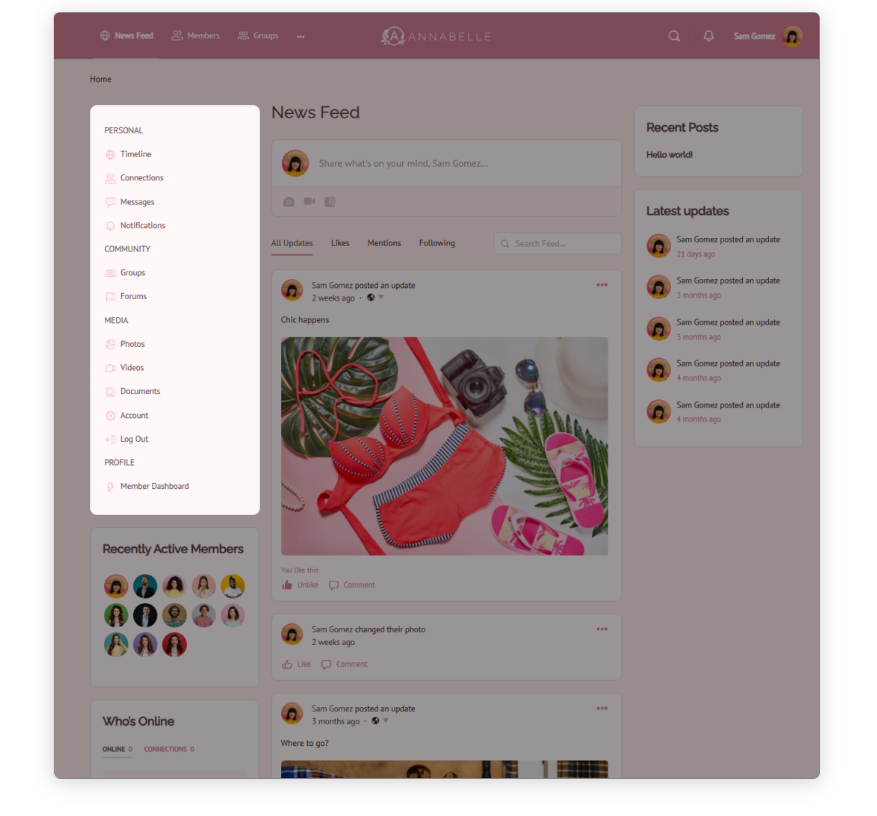
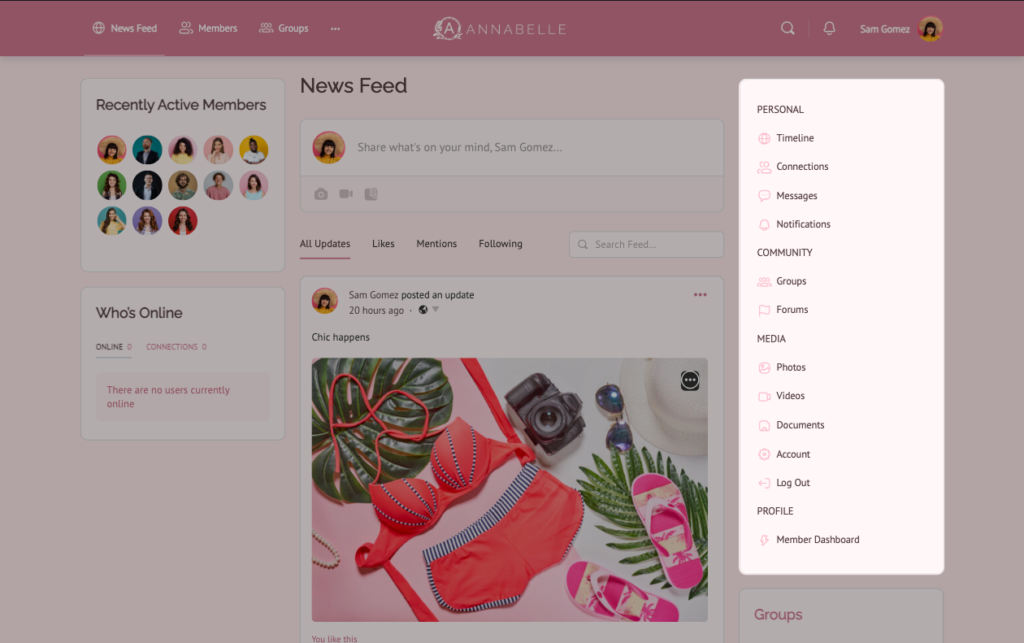
Widget Sidebar Menu
Left Widget Sidebar Menu:
Right Widget Sidebar Menu:
Key Takeaway
- Use the Buddy Panel if you want a fast, consistent, collapsible, and mobile-friendly navigation option.
- Use the Widget Sidebar Menu only if you need a widget-based layout, but keep in mind it requires manual setup and has more limitations.


