
Introduction
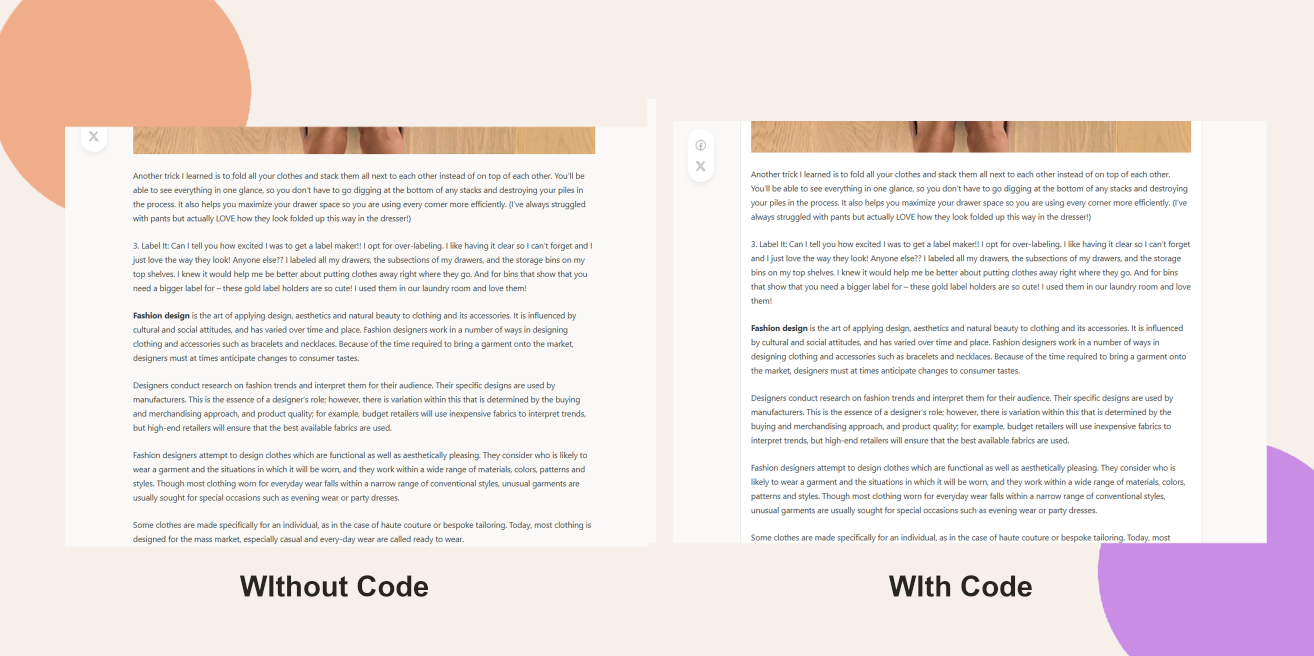
The BuddyBoss Theme doesn’t include a built-in option to wrap your blog content in a styled box with rounded corners. With a simple CSS snippet applied via Theme Options, you can achieve a polished, bordered layout for all your posts.
Custom Workaround
- Go to BuddyBoss > Theme Options.
- Under Custom Codes, toggle on Enable CSS.
Append the following CSS:
.entry-content-wrap {

  background: var(--bb-content-background-color);

  border: 1px solid var(--bb-content-border-color);

  border-radius: var(--bb-block-radius);

  transition: all linear .2s;

  padding: 20px !important;

}- Save Changes.
Troubleshooting and FAQs
Q: I don’t see the box—what should I check?
A: Clear any caching layers (page cache, CDN, browser cache) and reload the blog page.
Q: How do I remove this styling?
A: Delete or comment out the CSS code under Custom Codes and save.


