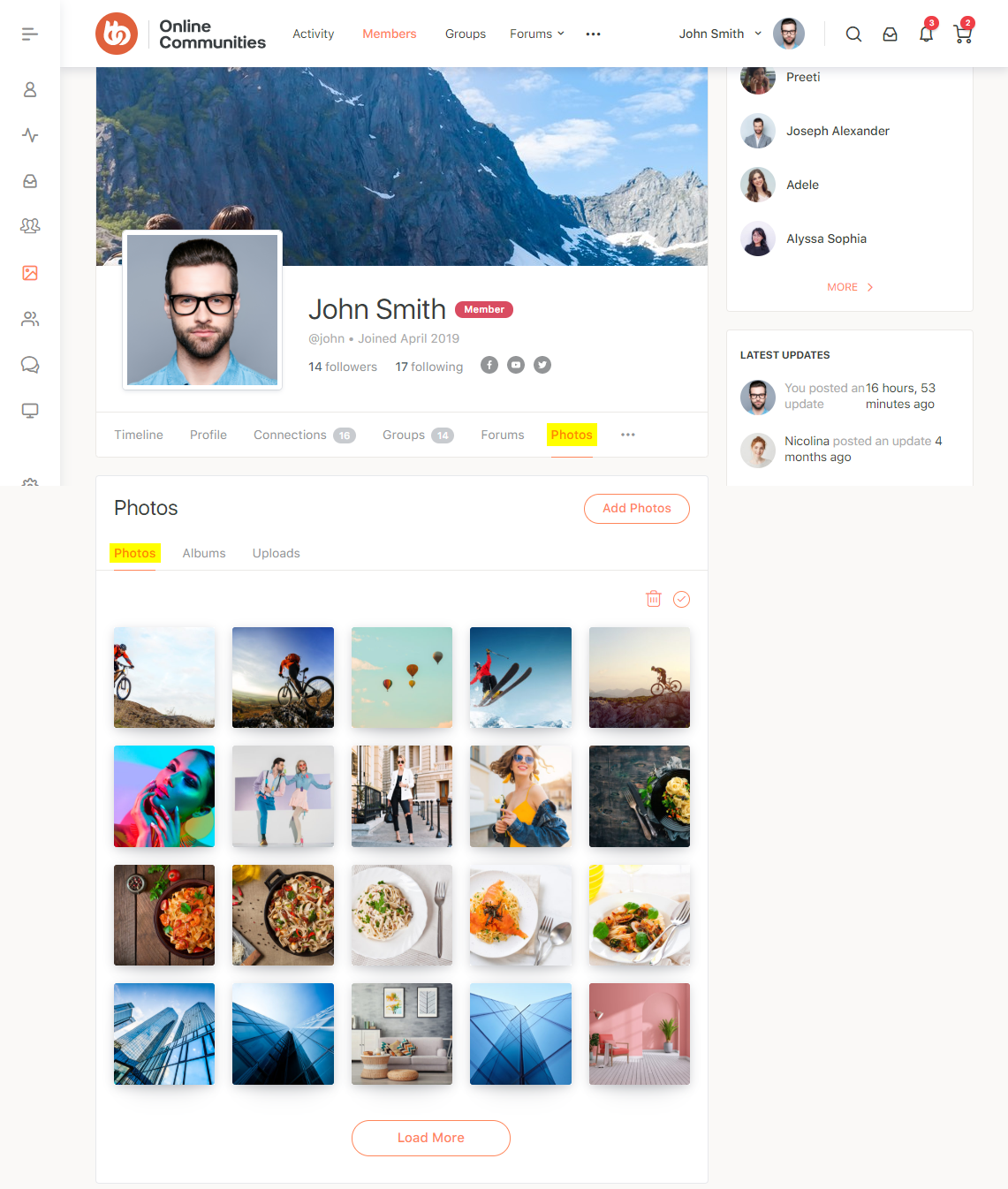
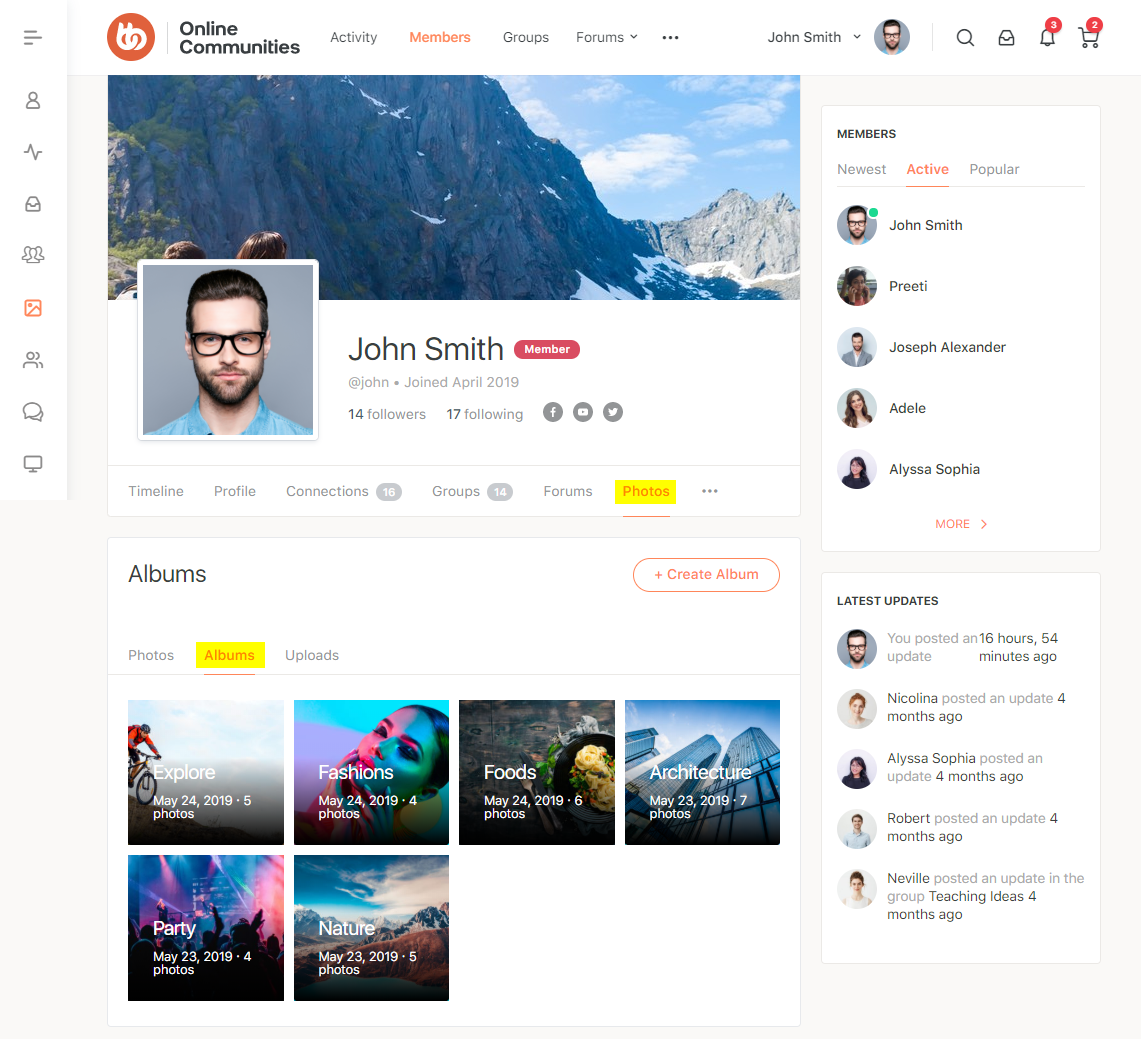
The BuddyBoss Media plugin is an add-on for BuddyPress and it is an in-built component in the BuddyBoss Platform. The BuddyBoss Media plugin and requires BuddyPress installed and activated on your website.
You do not need to install this plugin if you are running the BuddyBoss Platform on your website.
To configure the BuddyBoss Media plugin:
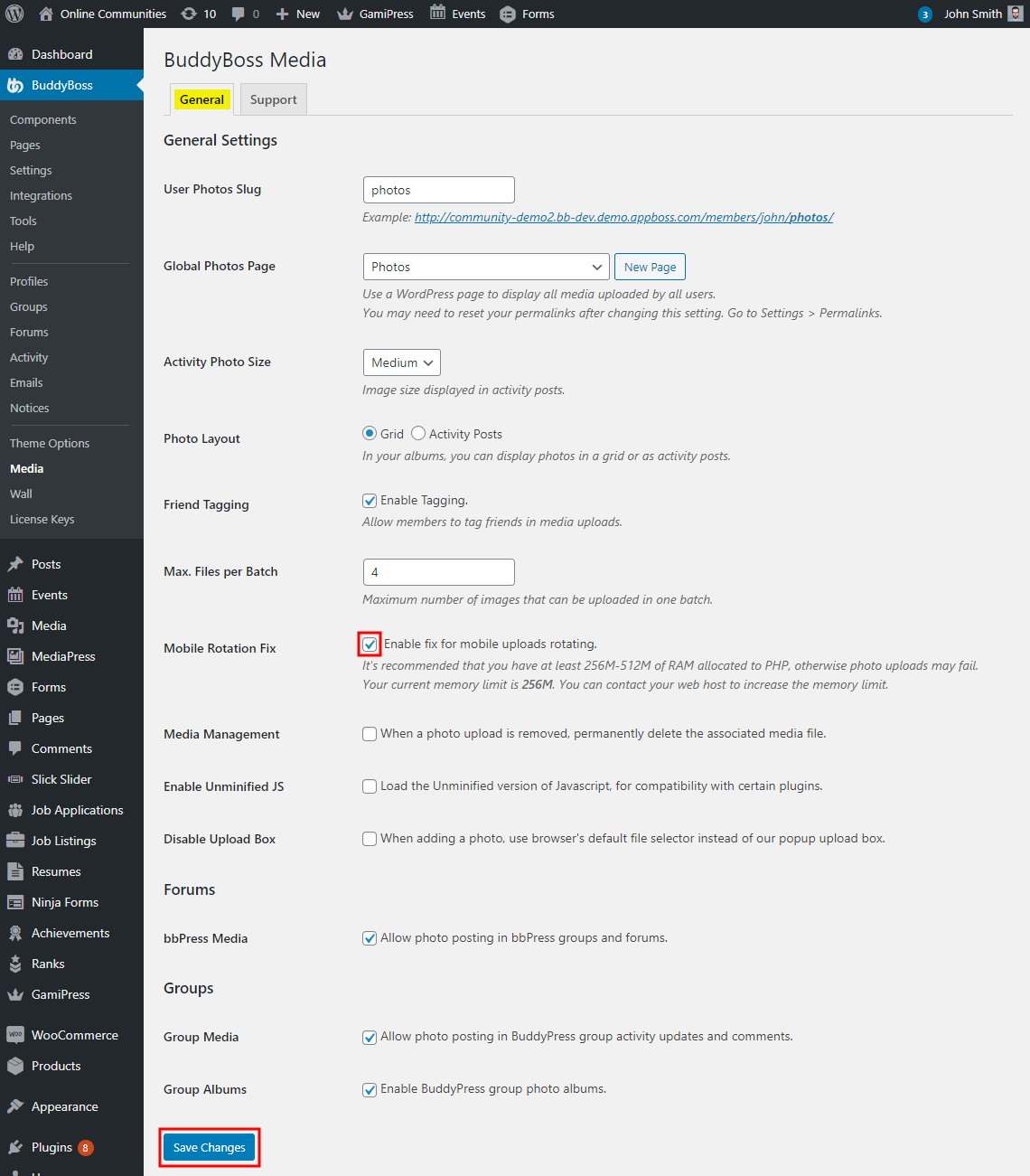
- Go to WordPress Dashboard > BuddyBoss > Media.
- In the General tab, mark the Enable fix for mobile uploads rotating checkbox to set the auto-rotation for mobile devices.
- Make the other changes to the settings as preferred and then click the Save Changes button.