With the BuddyBoss Media plugin, your BuddyPress members can upload photos, create and manage albums on their profiles and groups. The plugin also supports uploading from mobile devices.
Here’s a tutorial video on how to use the plugin:
Installing the plugin
- Buy and download the BuddyBoss Media plugin from the link below
https://www.buddyboss.com/product/buddyboss-media/ - Extract the downloaded buddyboss-media.zip file to the WordPress plugins folder yourhostname/wordpress/wp-content/plugins OR
Go to your WordPress Dashboard > Plugins > Add New. Click the Upload Plugin button. Browse to the download file location, select the buddyboss-media.zip & install the plugin. - Click the Activate Plugin button to activate the BuddyBoss Media plugin on your website. OR
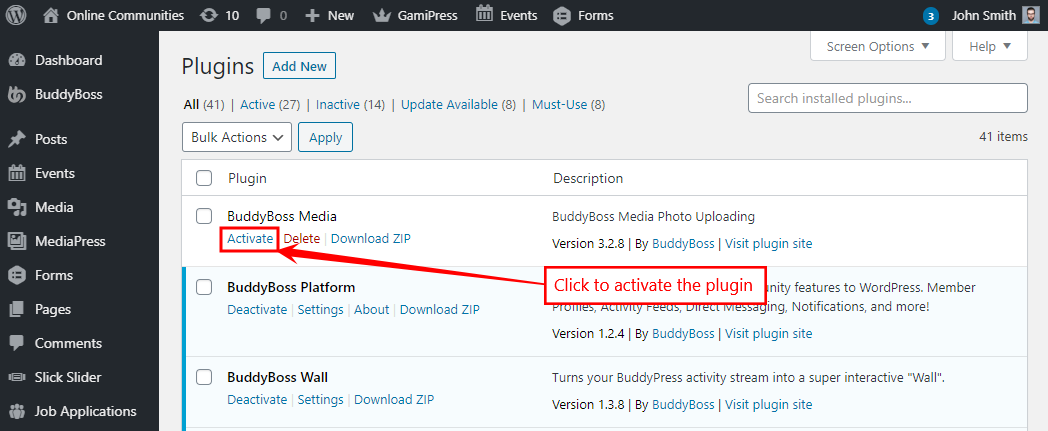
To activate the plugin on your website site go to WordPress Dashboard > Plugins and then click the Activate button for BuddyBoss Media.